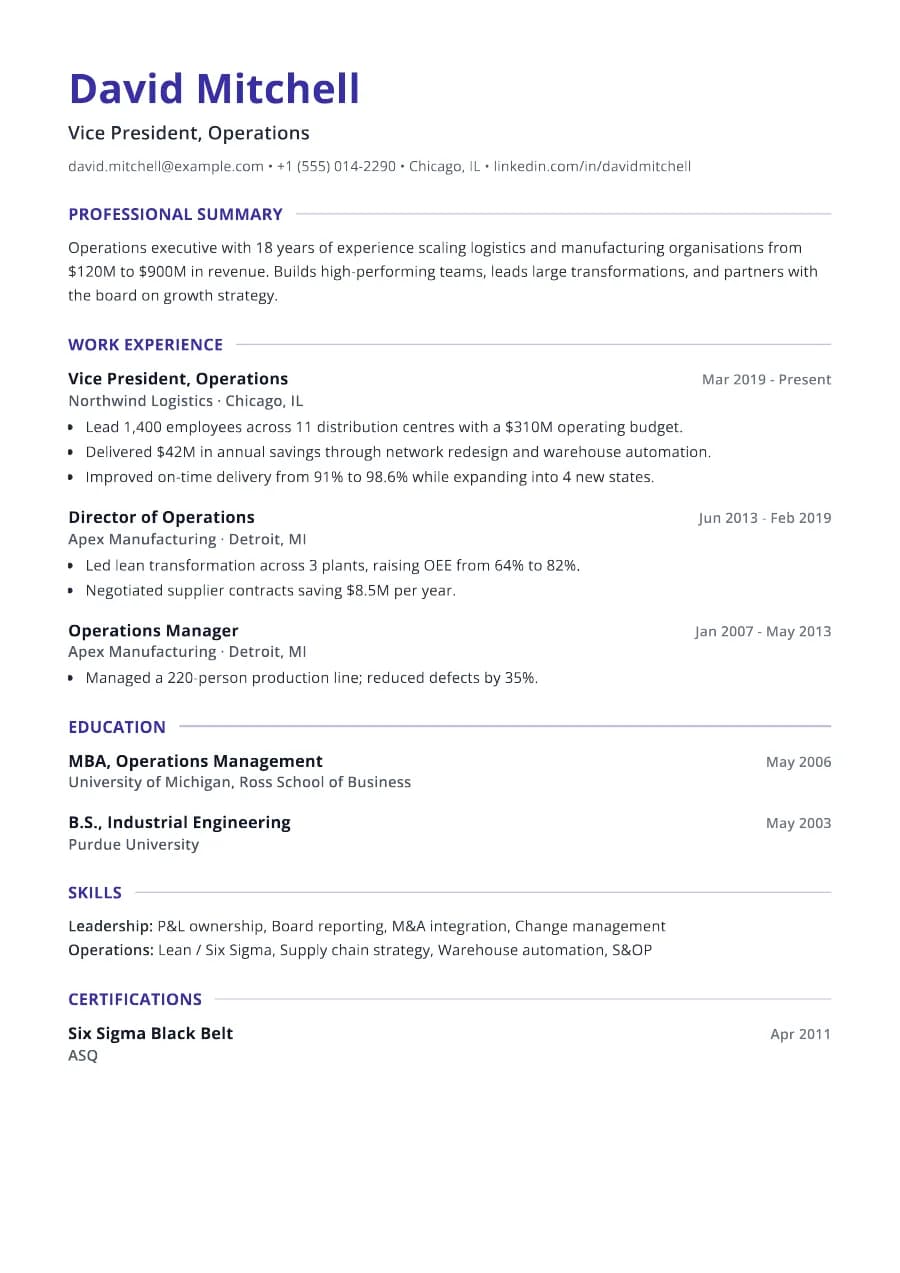
Why Leader passes ATS
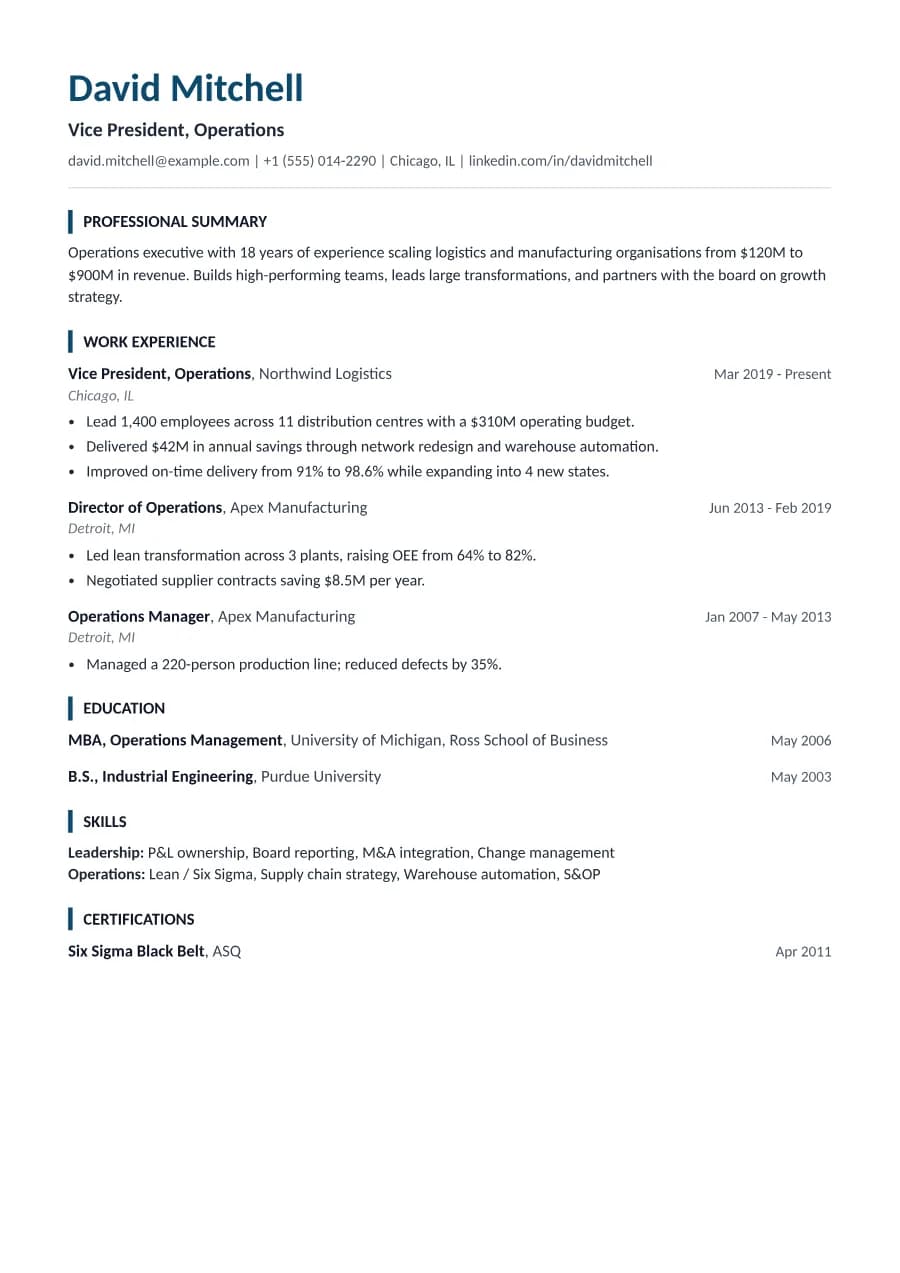
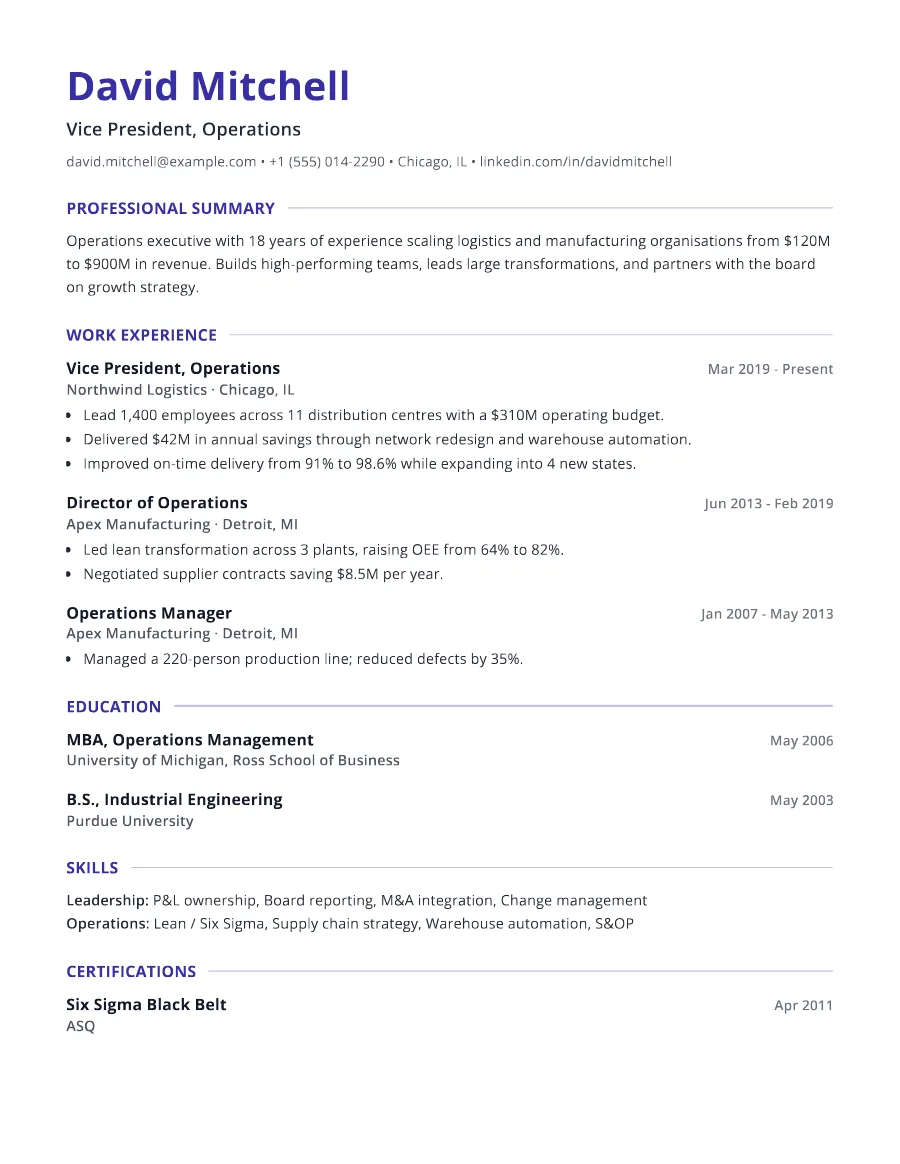
Entries never split across a page break, and headings stay attached to their first entry, so the two-page PDF reads cleanly for people and ATS alike. All headings are standard and the layout is a single column.
- Single reading order: what you see is what the ATS reads
- No tables, text boxes or text inside images
- Standard section headings recognised by applicant tracking systems
- Fonts embedded in the PDF, so text is selectable everywhere
- Verified by exporting a real PDF and checking the extracted text
Who the Leader template is for
- Professionals with 15+ years of experience
- Senior specialists
- Senior engineers and architects
- Experienced healthcare and education professionals
- Senior public sector staff
Tips for filling in Leader
- 1Select achievements, don't list everything. Two or three per older role is plenty.
- 2Use the summary to connect your experience to the specific role you want now.
- 3Drop roles older than about 20 years unless they are directly relevant.
Is Leader the right template for you?
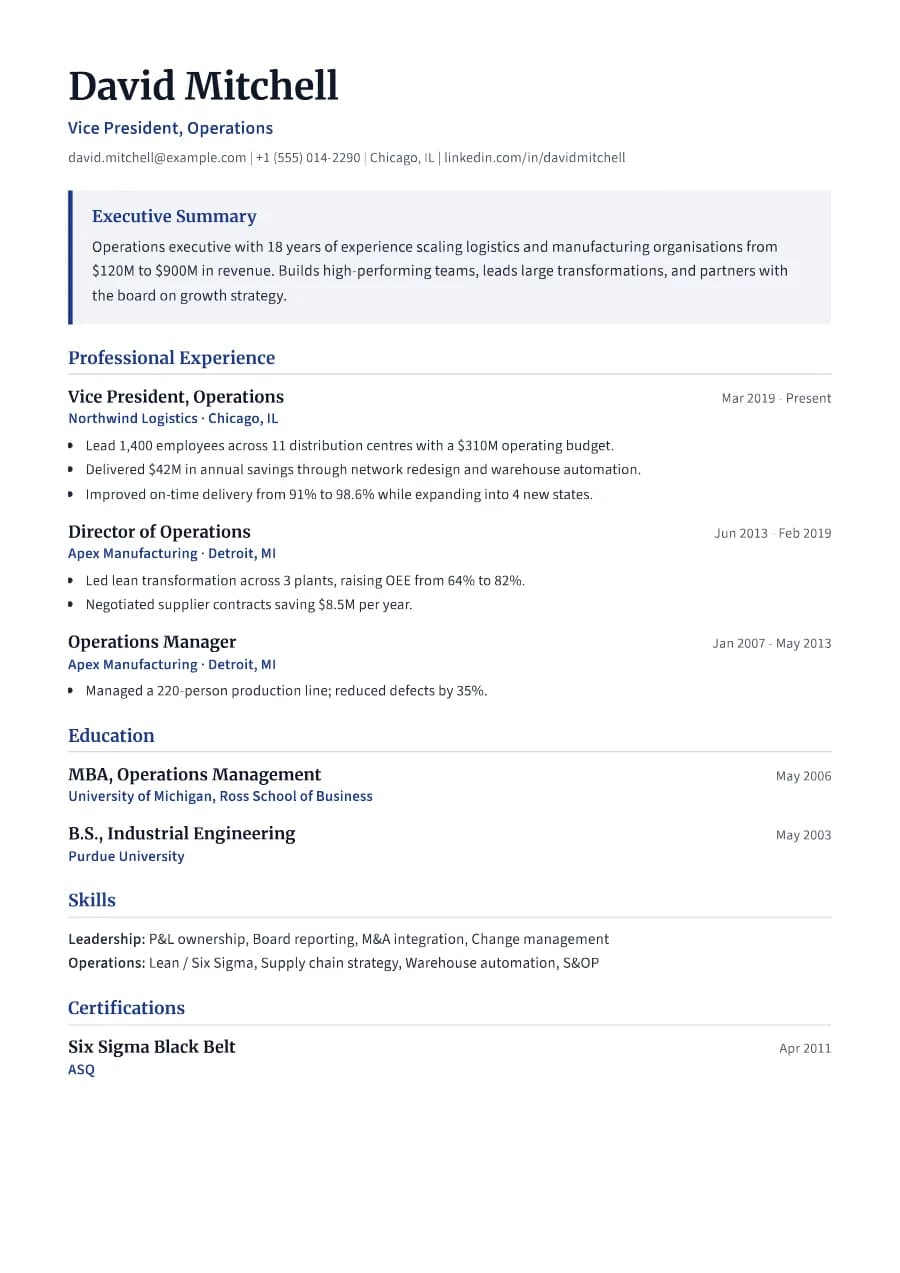
Leader is designed for two pages. If you are a director or executive, Executive's summary panel may be more effective at the top; if you are a senior specialist without line management, Leader's neutral structure fits better. People with long careers who still want one page should try Standard or Slate, which are more compact, and trim older roles to a single line each.
Leader template FAQ
Can a resume be two pages?
Yes, for experienced candidates. Make sure page one carries your strongest, most recent work.
How do I show selected achievements?
Use 3-5 bullets per recent role, each with a measurable result, and fewer for earlier roles.