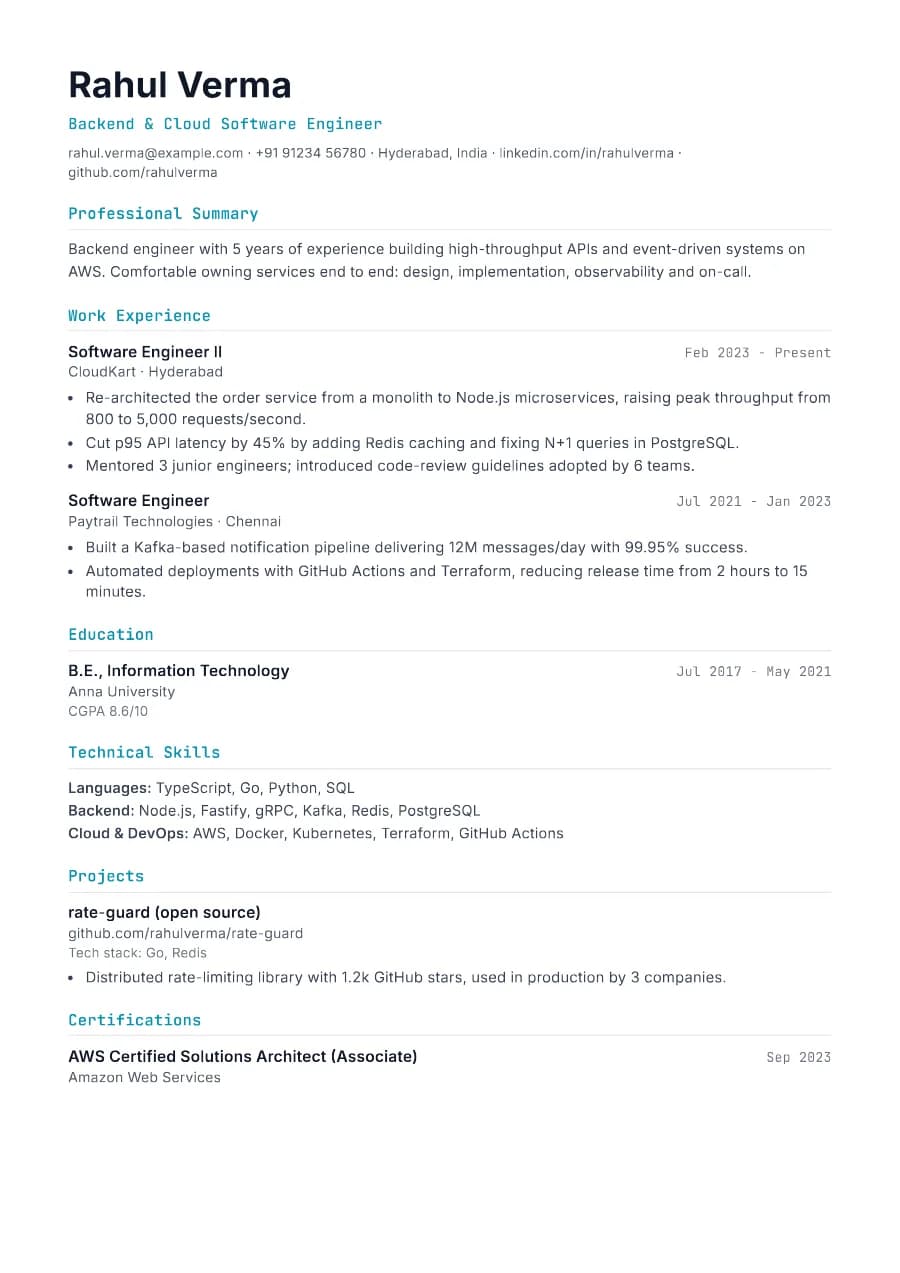
Why Developer passes ATS
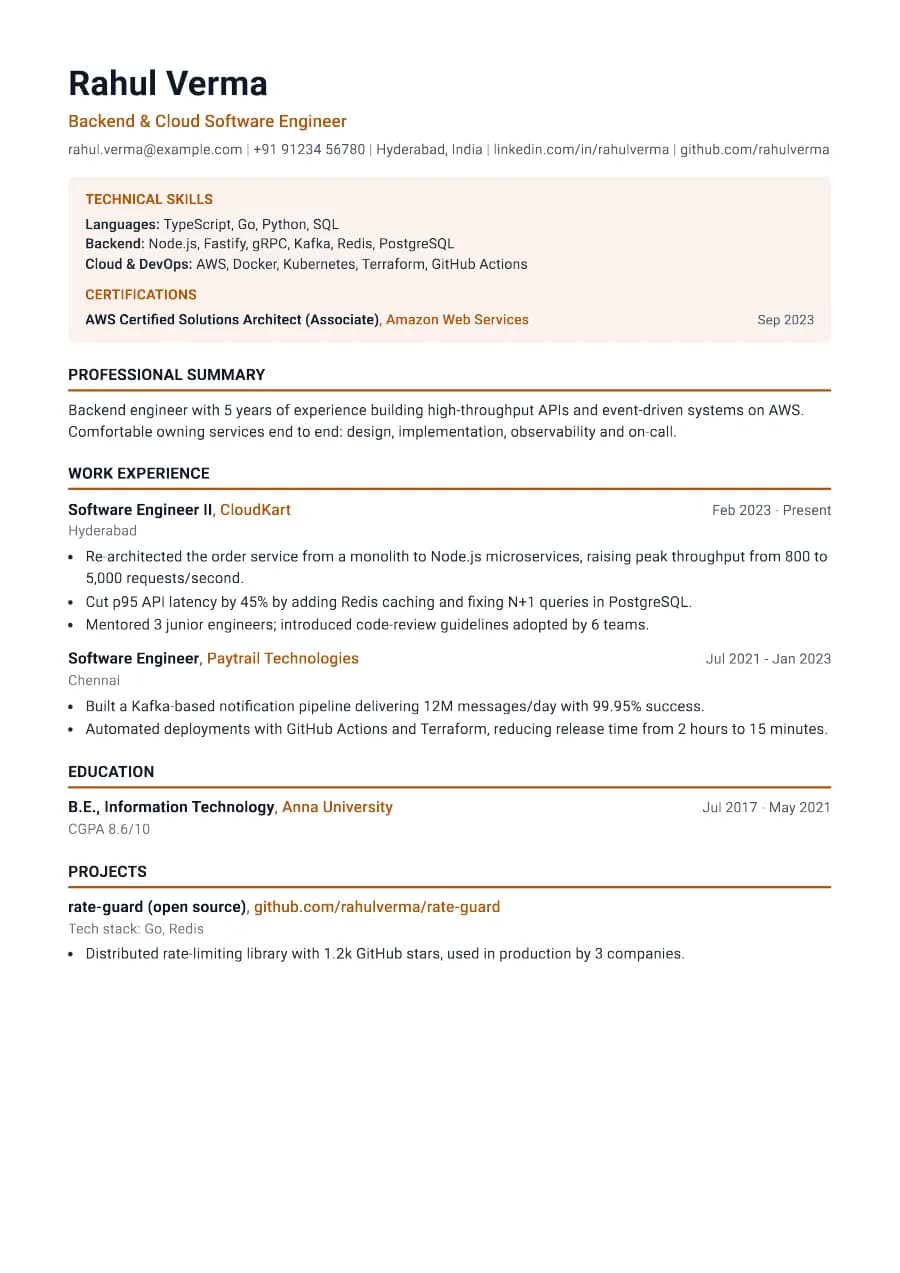
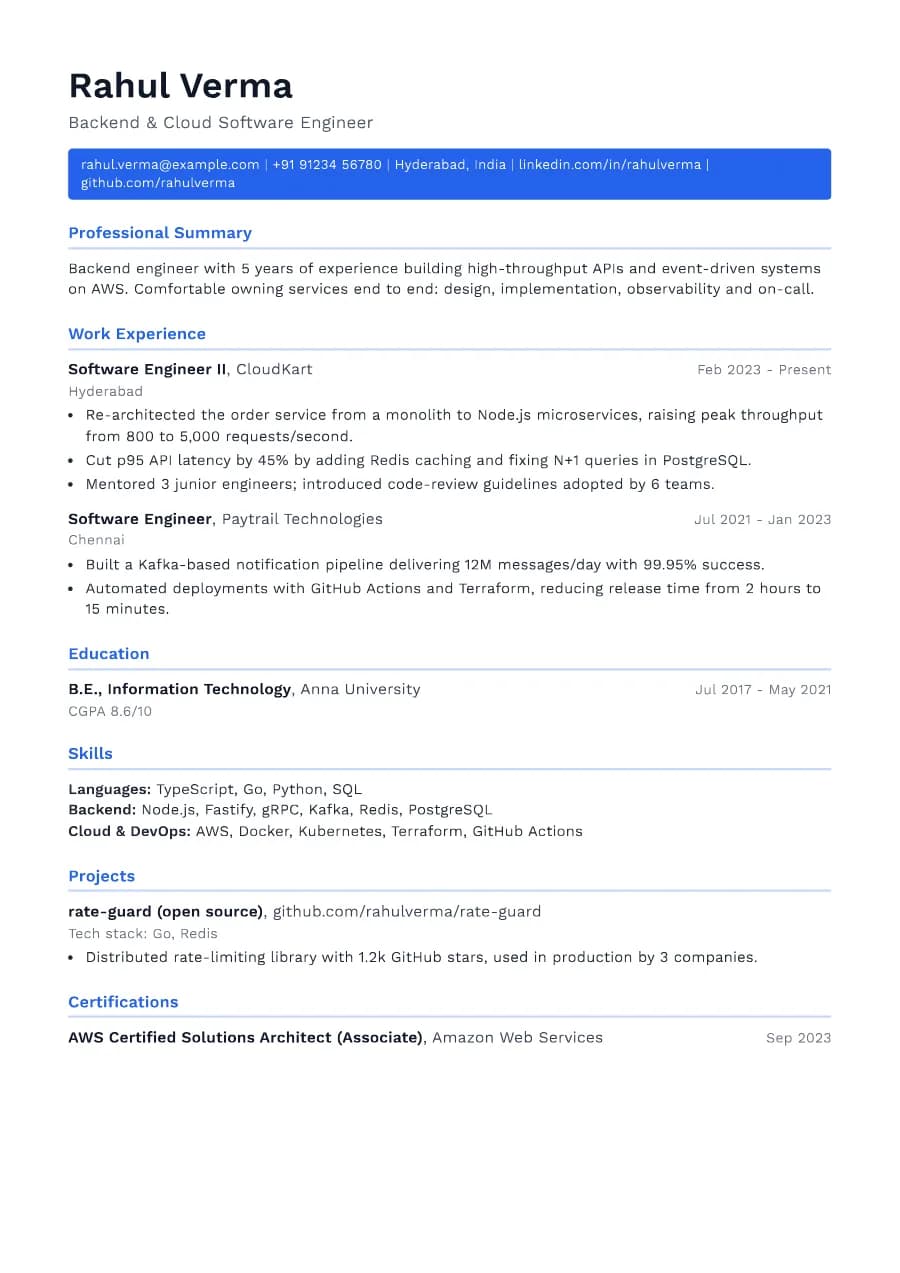
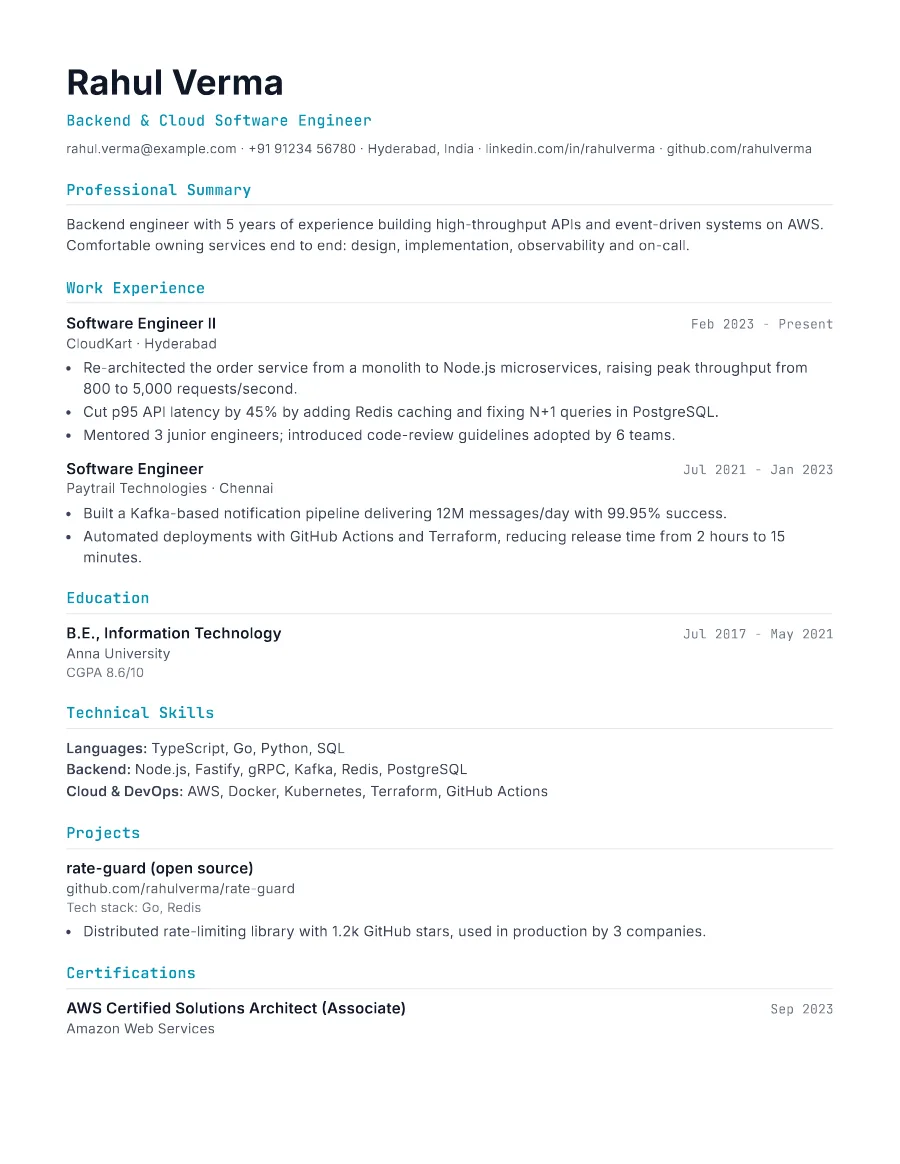
Skills are grouped as plain text ('Languages: TypeScript, Go...'), which matches how ATS keyword search works. GitHub and LinkedIn appear as text links in the contact line, and projects list their stack on a separate line so both people and parsers find it.
- Single reading order: what you see is what the ATS reads
- No tables, text boxes or text inside images
- Standard section headings recognised by applicant tracking systems
- Fonts embedded in the PDF, so text is selectable everywhere
- Verified by exporting a real PDF and checking the extracted text
Who the Developer template is for
- Backend, frontend and full-stack engineers
- Mobile developers
- DevOps and SRE
- Data and ML engineers
- Engineering graduates with strong projects
Tips for filling in Developer
- 1Quantify engineering impact: latency, throughput, cost, reliability, adoption.
- 2List technologies you would be happy to be interviewed on and nothing else.
- 3Link GitHub only if it has work you are proud of; pin your best repositories.
Is Developer the right template for you?
Developer is tuned for software roles: monospace accents, grouped technical skills and projects with their stack. Engineer suits hardware, infrastructure and traditional engineering disciplines where certifications and tools should lead. If you are a graduate developer, compare Developer with Fresher. Fresher puts education and projects first, which may be better until you have a year or two of professional experience.
Developer template FAQ
Should I include a skills rating (stars or bars)?
No. Ratings are meaningless to recruiters and often break ATS parsing. Grouped plain-text skills work better.
How many projects should I add?
Two or three strong ones, with what you built and the result.