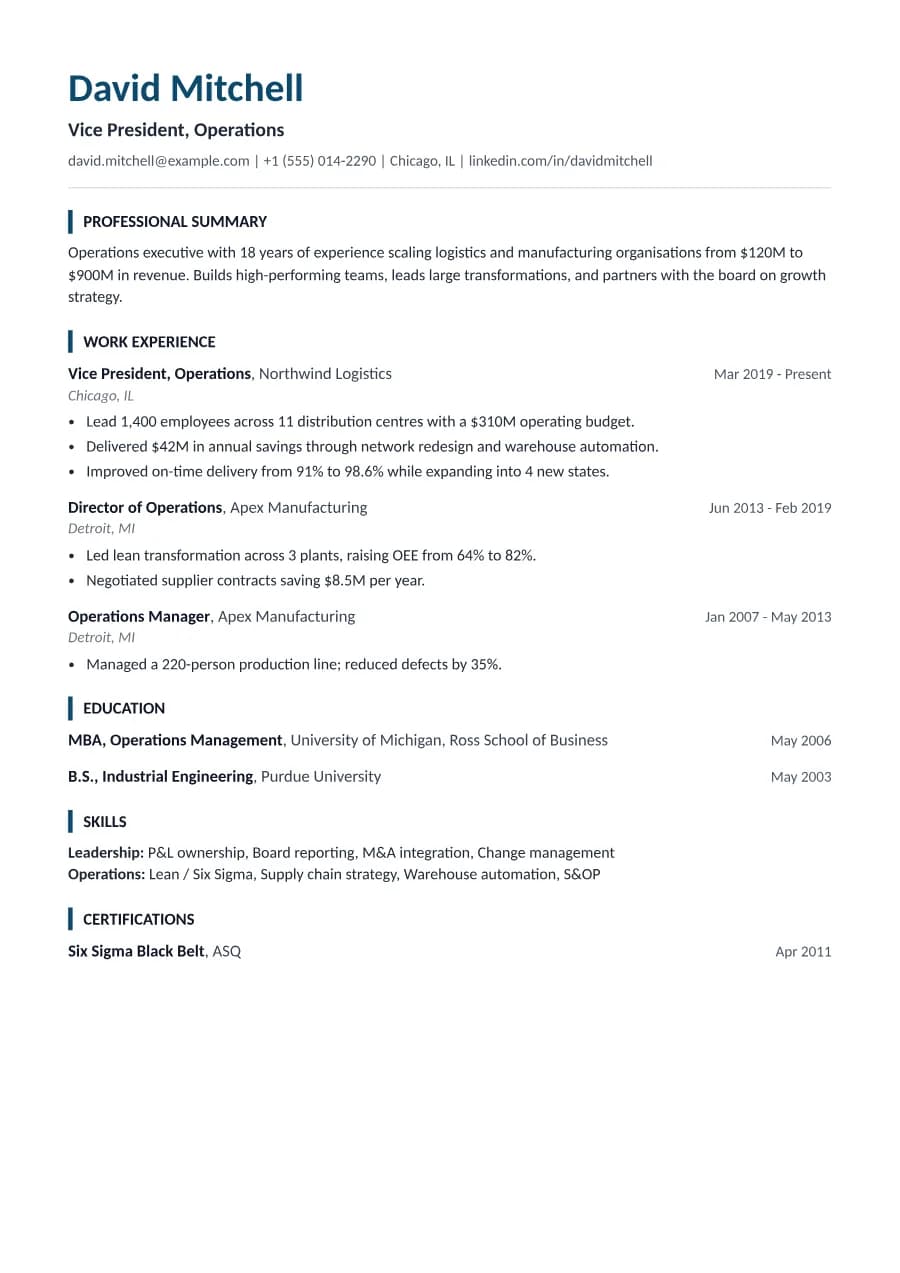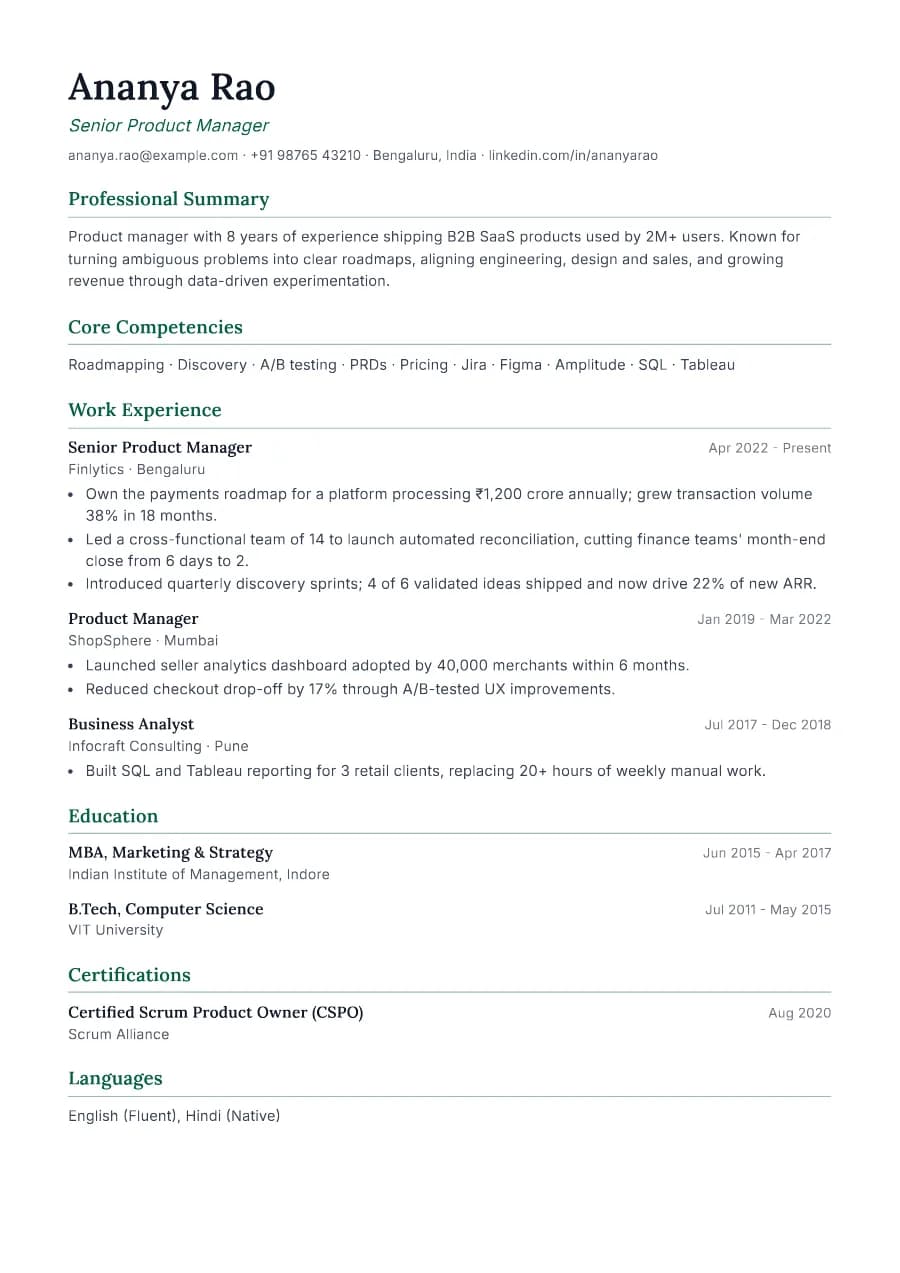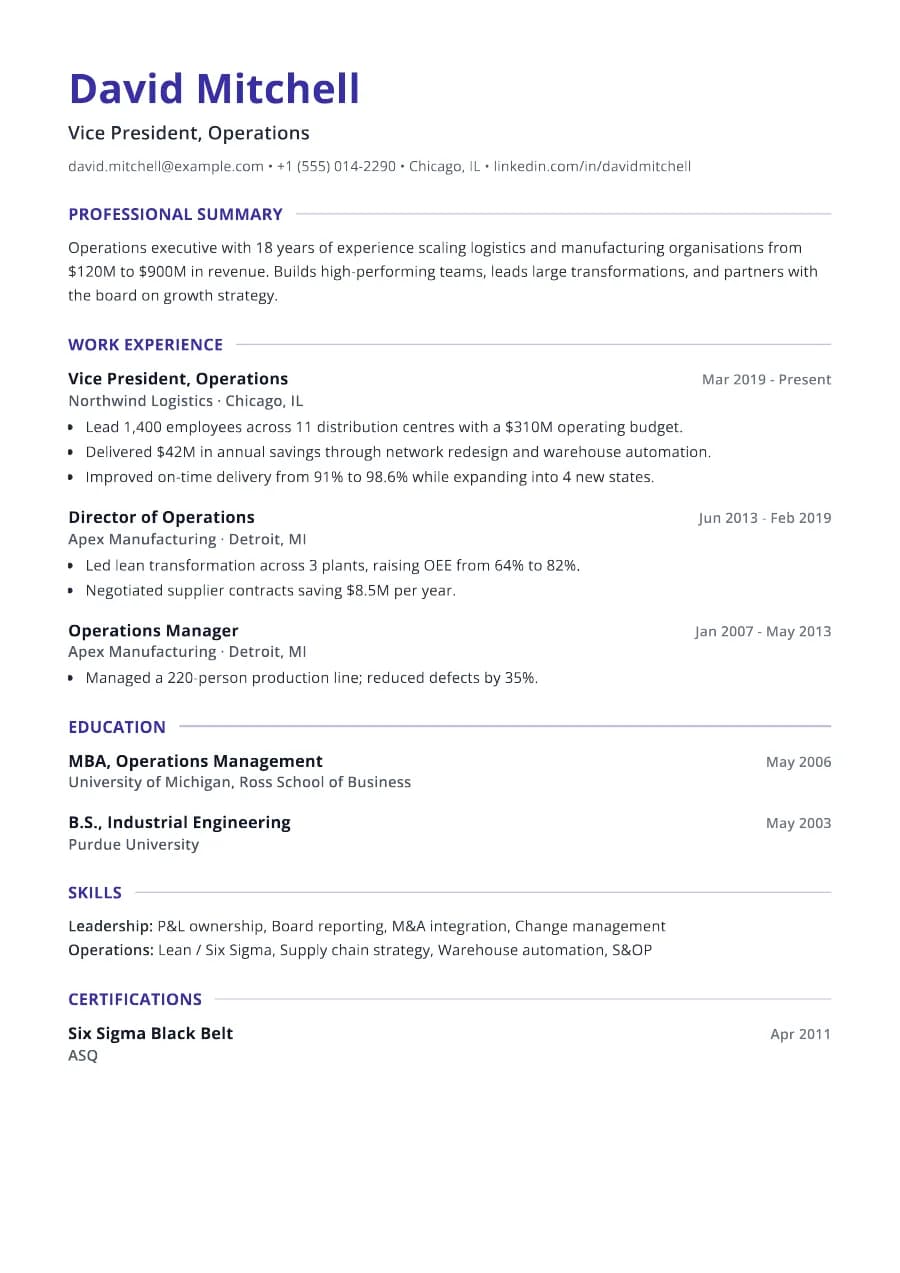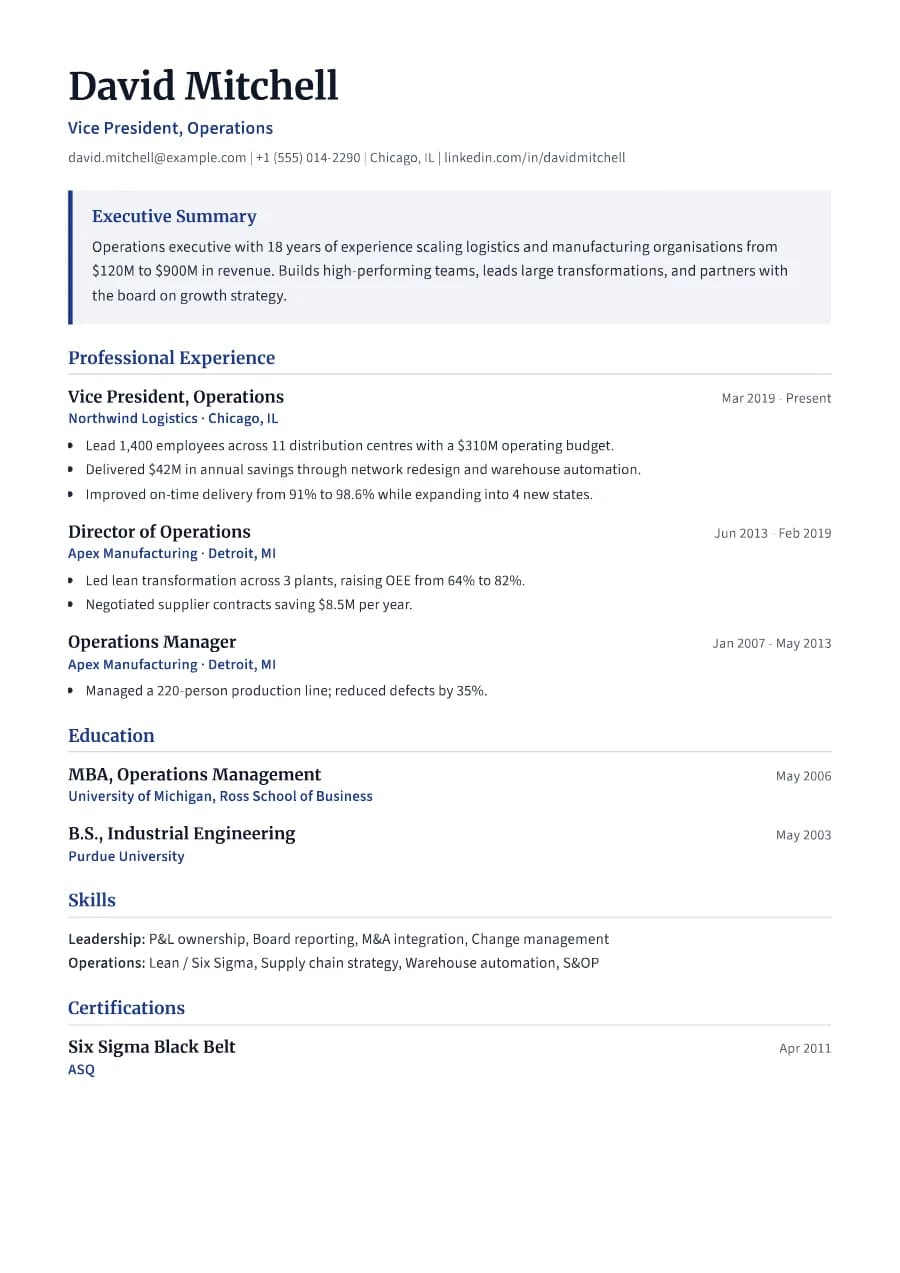
Why Executive passes ATS
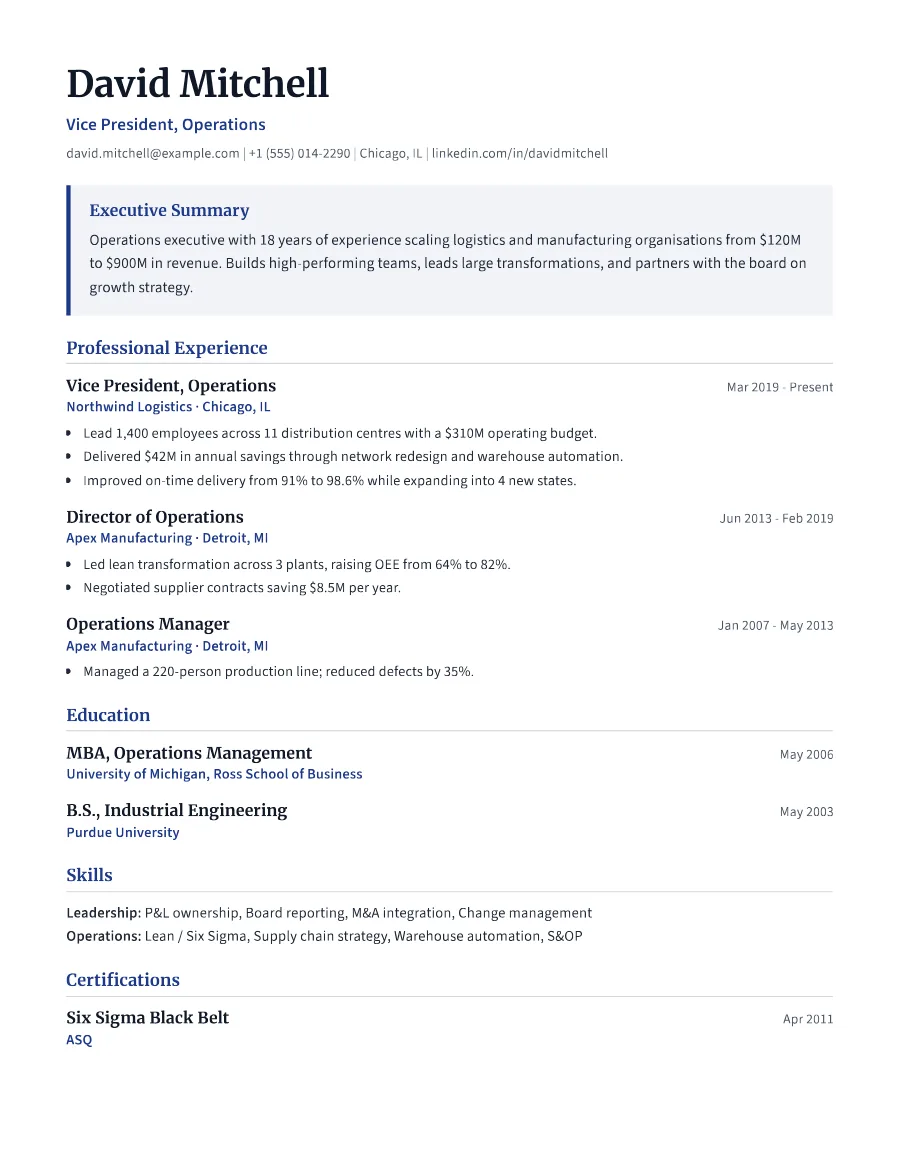
The summary panel is part of the normal text flow at the top of the document, and the rest is a single column with standard headings ('Executive Summary', 'Professional Experience'). Both the PDF and DOCX keep that same order.
- Single reading order: what you see is what the ATS reads
- No tables, text boxes or text inside images
- Standard section headings recognised by applicant tracking systems
- Fonts embedded in the PDF, so text is selectable everywhere
- Verified by exporting a real PDF and checking the extracted text
Who the Executive template is for
- Directors and heads of department
- Vice presidents
- C-suite executives
- General managers
- Board and advisory candidates
Tips for filling in Executive
- 1Make the summary about scope and outcomes: team size, budget, revenue, transformations.
- 2Limit each role to your three to five most significant achievements.
- 3Two pages is normal at this level, but the second page should still be strong.
Is Executive the right template for you?
Executive is built around the summary panel, so it works best when you can state your scope and impact in three or four strong sentences. Leader is the alternative for senior professionals who are not in executive management. It has roomier spacing for two pages but no highlighted summary. Boardroom suits managers one level below executive. If you are applying for a non-executive or board role, keep Executive and add a custom section for board positions.
Executive template FAQ
How long should an executive resume be?
Usually two pages. Focus on the last 10-15 years and summarise earlier roles briefly.
Should executives include a photo?
Not for US or UK roles. In some regions it is customary; you can enable it under Photo & personal details.