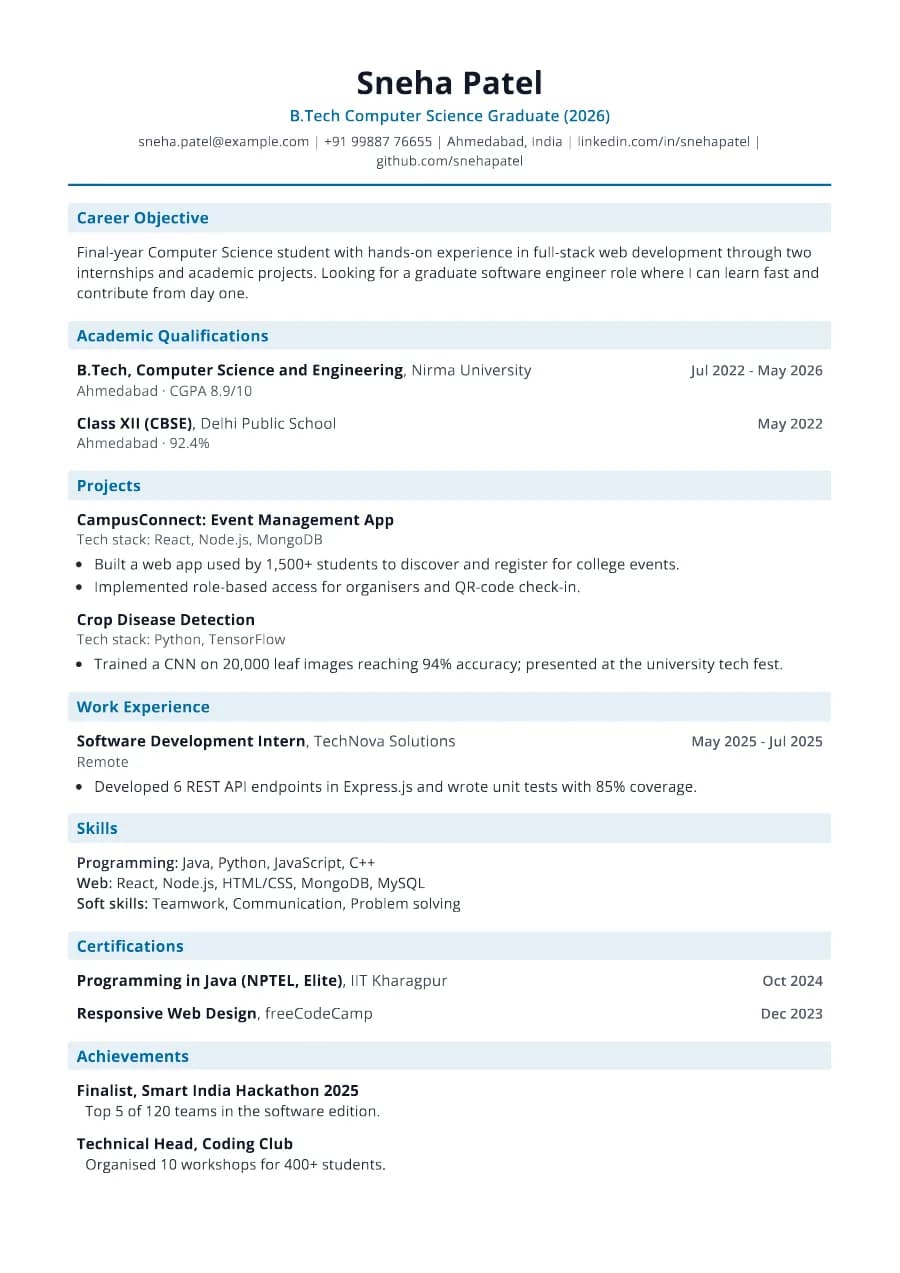
Why Campus passes ATS
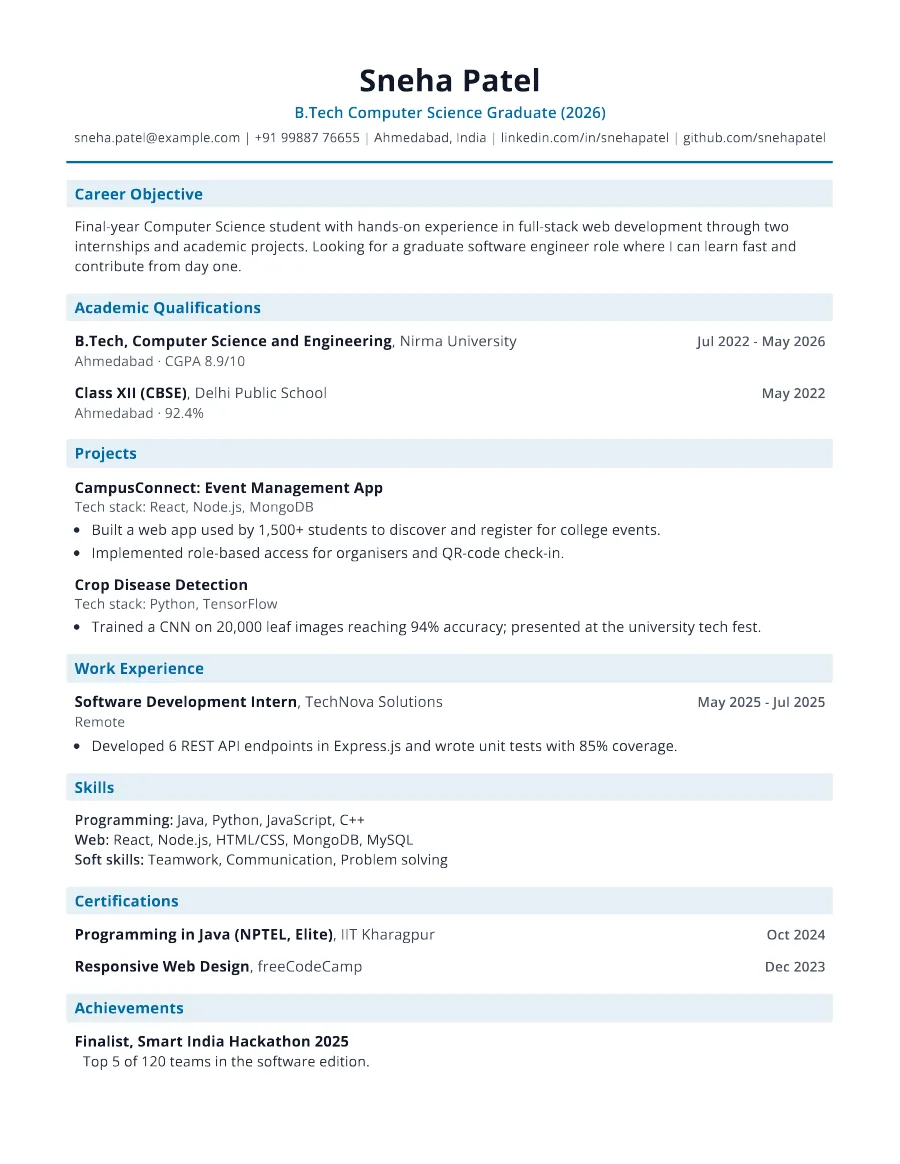
Large recruiters run campus applications through ATS filters on degree, scores and skills. Campus keeps those as plain text under standard headings ('Academic Qualifications', 'Skills'), with no tables that could scramble your marks.
- Single reading order: what you see is what the ATS reads
- No tables, text boxes or text inside images
- Standard section headings recognised by applicant tracking systems
- Fonts embedded in the PDF, so text is selectable everywhere
- Verified by exporting a real PDF and checking the extracted text
Who the Campus template is for
- On-campus and off-campus placement drives
- Engineering and management graduates
- IT services recruitment
- Graduate trainee programmes
- Pool campus drives
Tips for filling in Campus
- 1List qualifications newest first with board/university and score for each.
- 2Add certifications from NPTEL, Coursera or industry programmes with dates.
- 3Keep it to one page unless you have substantial internship experience.
Is Campus the right template for you?
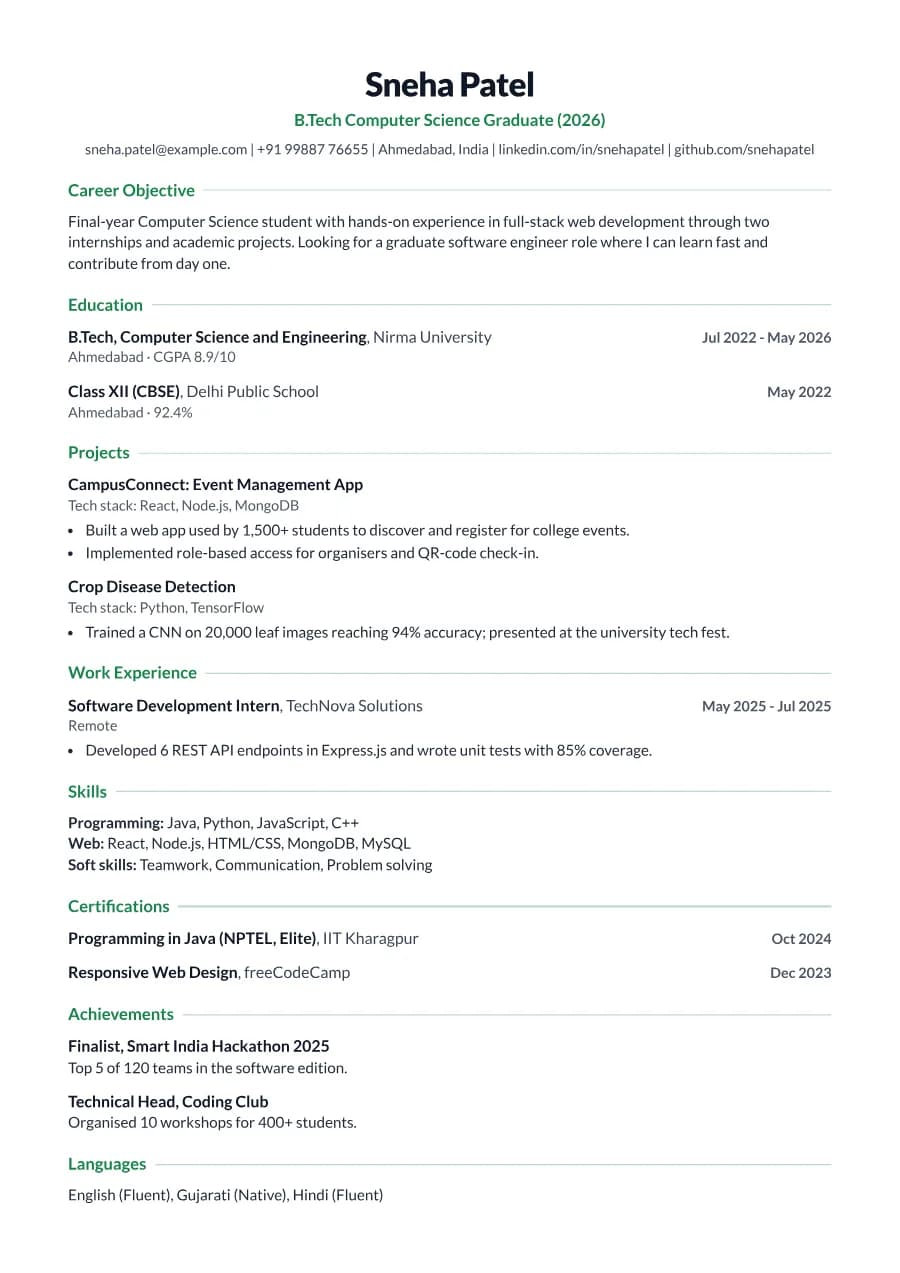
Choose Campus for placement season and mass-recruiter drives, where screeners look at degree, scores and skills first. Choose Fresher for general job-portal applications, internships and international roles, where projects and a career objective carry more weight. Both share the same data, so you can keep one resume and switch templates depending on where you are applying.
Campus template FAQ
Why not use a table for marks?
Tables often break ATS parsing and scramble scores. Campus lists each qualification as text, which extracts reliably.
Should I add a photo for campus placements?
Only if your college or the recruiter asks. You can enable it under Photo & personal details with the India region.