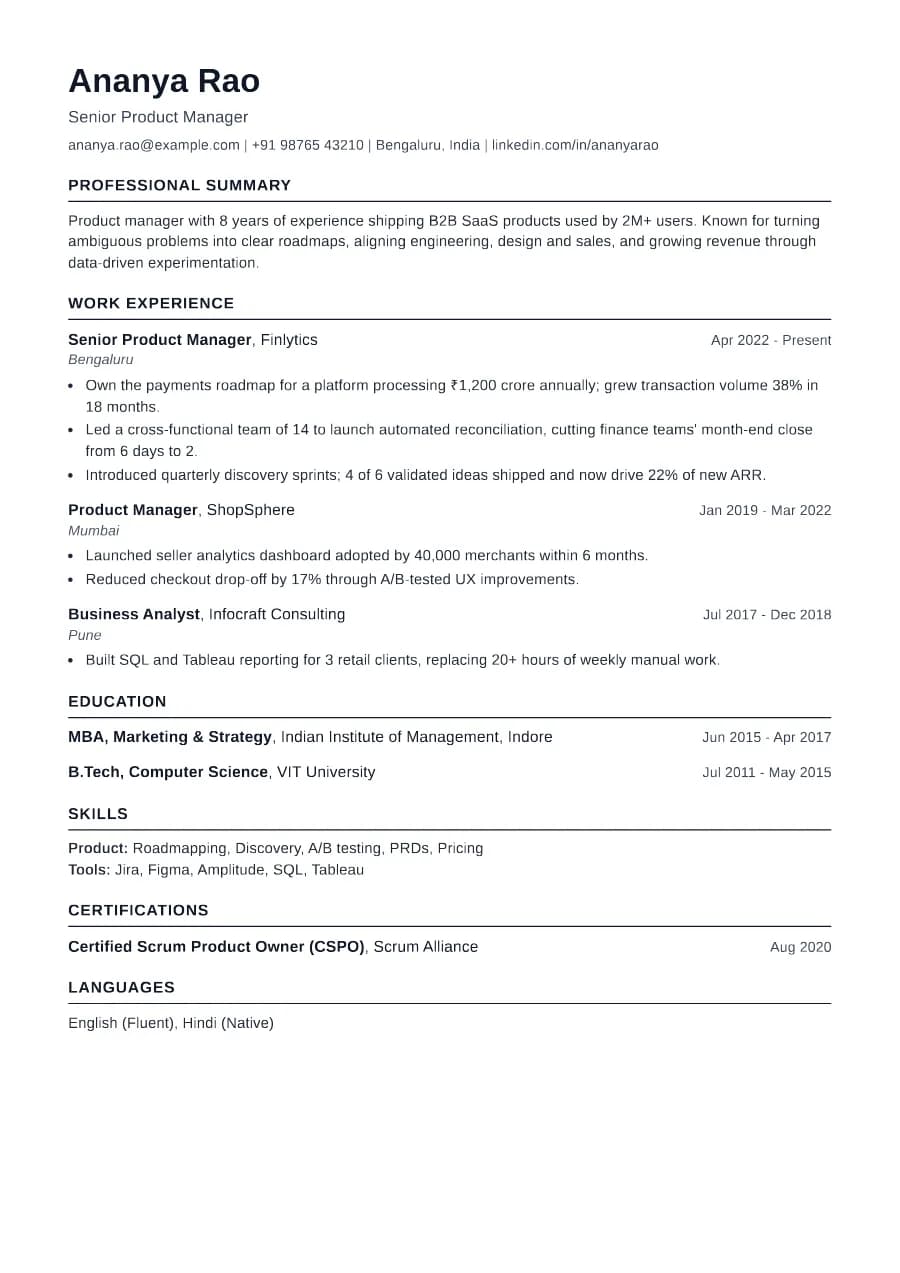
Why Standard passes ATS
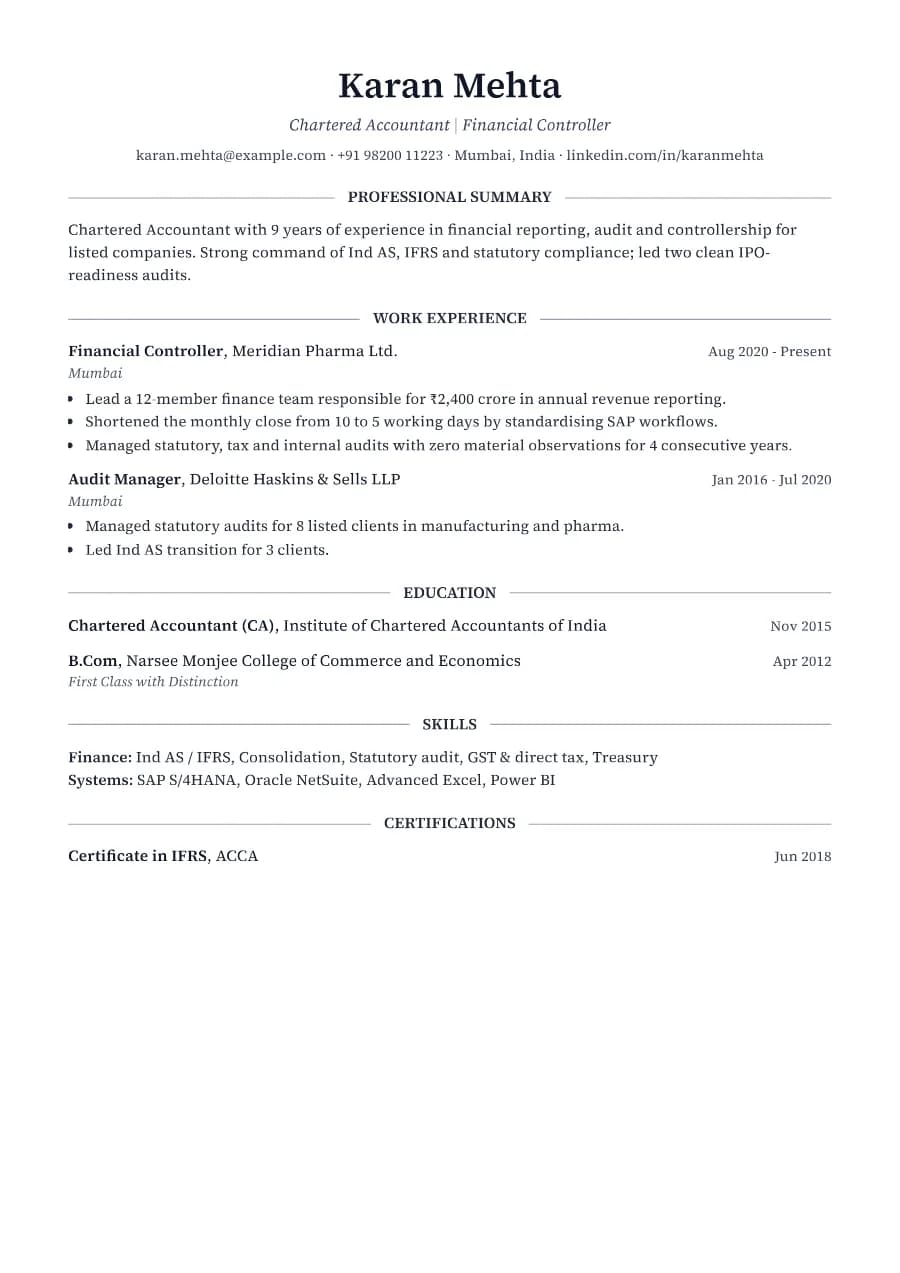
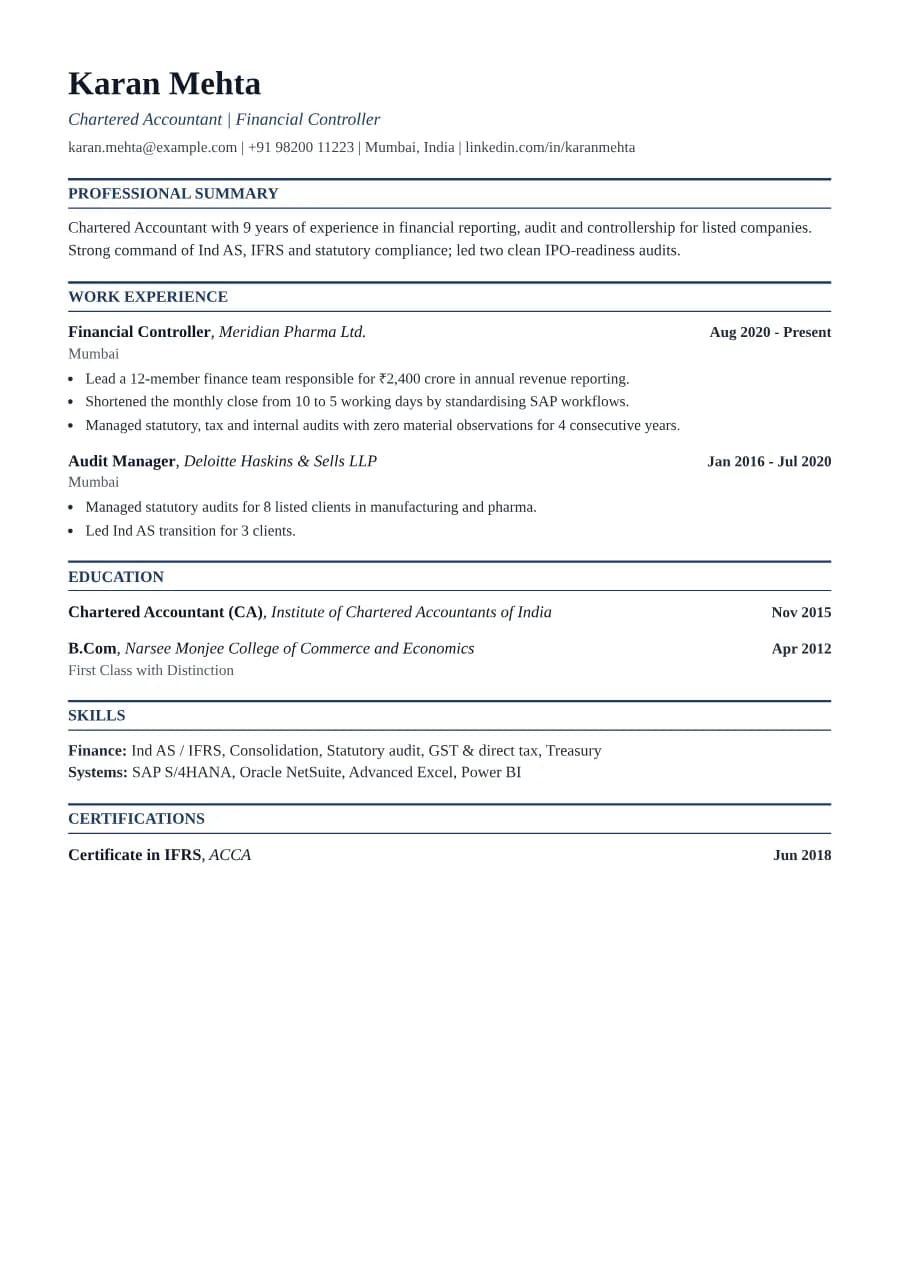
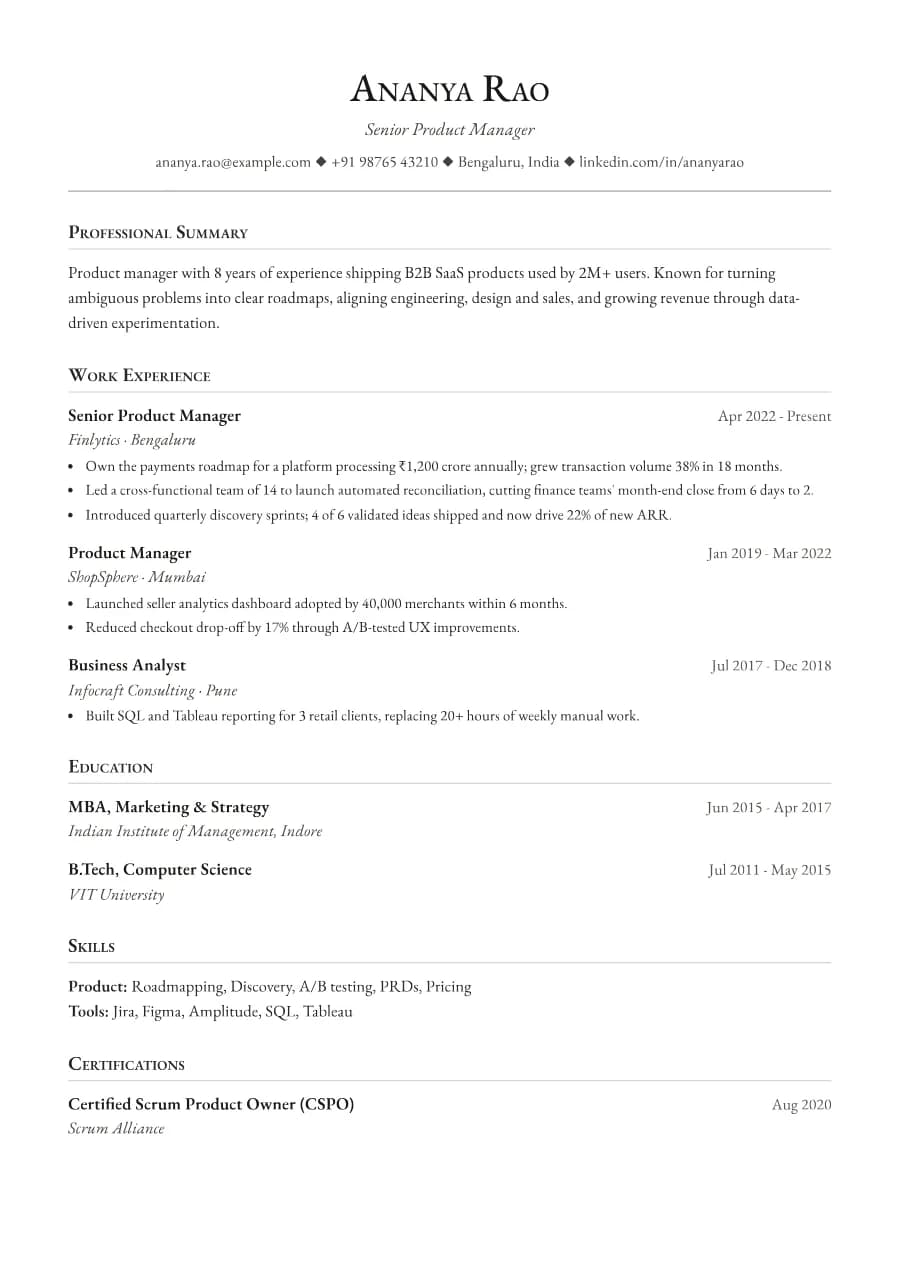
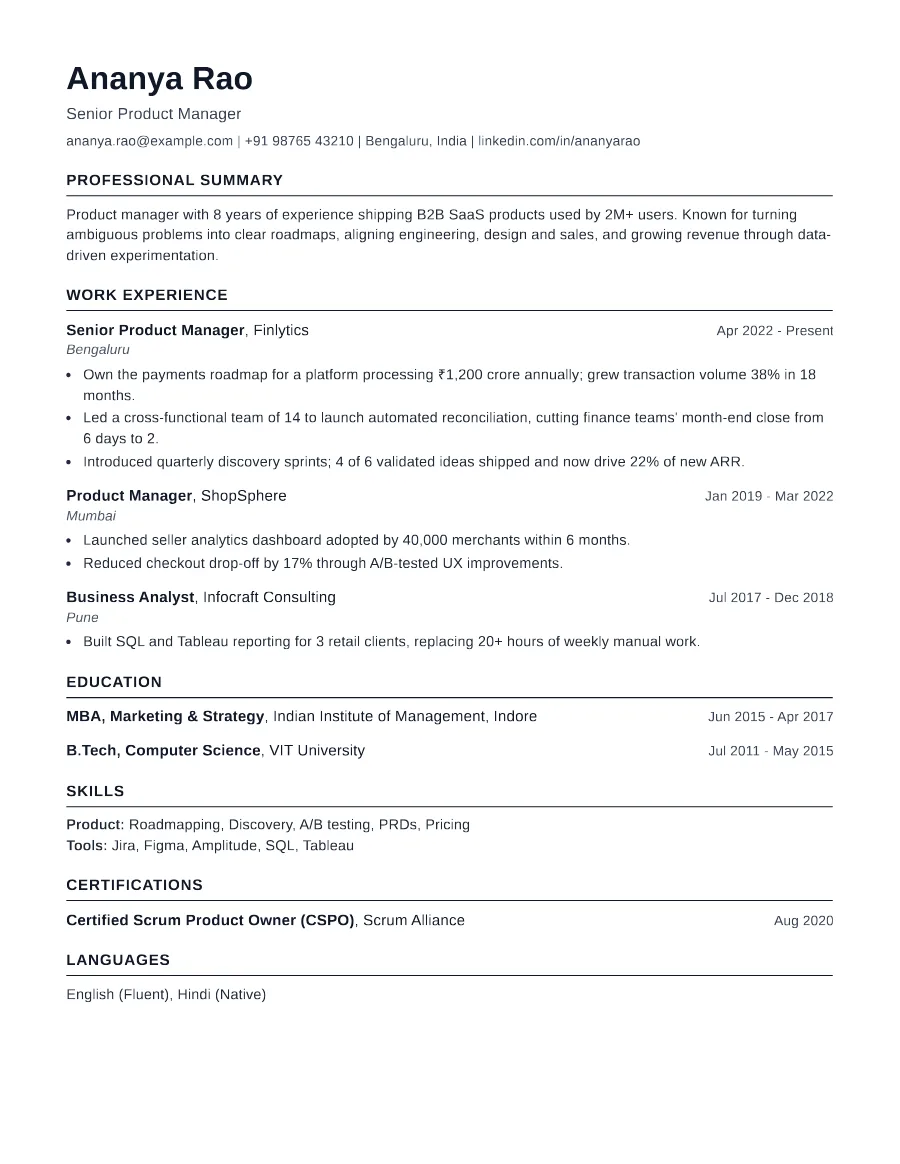
There is nothing for a parser to misread: no columns, no icons, no text in images. Section headings are the standard names ATS systems look for, and every date, title and employer is plain selectable text. It is also the easiest layout to keep to one page.
- Single reading order: what you see is what the ATS reads
- No tables, text boxes or text inside images
- Standard section headings recognised by applicant tracking systems
- Fonts embedded in the PDF, so text is selectable everywhere
- Verified by exporting a real PDF and checking the extracted text
Who the Standard template is for
- Any industry or seniority
- Online job portals with strict uploads
- Government and PSU applications
- Career changers
- People applying to many roles quickly
Tips for filling in Standard
- 1Use the summary for two or three sentences tailored to the job, not a generic objective.
- 2Mirror key phrases from the job description in your skills section, using their exact wording.
- 3Stick to one page unless you have 8+ years of directly relevant experience.
Is Standard the right template for you?
Standard is the neutral baseline: if you are torn between two templates, start here and only move away if you have a reason. Pick Clarity instead if you want a little colour and a more contemporary feel, Ledger if you work in finance and like right-aligned dates in a serif face, or Fresher if you are a graduate and want education to come first. Because every template uses the same data, switching later takes one click in the Design tab.
Standard template FAQ
Is a simple resume better than a designed one?
For ATS, simplicity is safer. For humans, a clean layout with clear hierarchy reads faster. Standard gives you both.
Which font does Standard use?
Arimo, an open font with the same metrics as Arial, so the layout matches what recruiters expect from a classic resume.