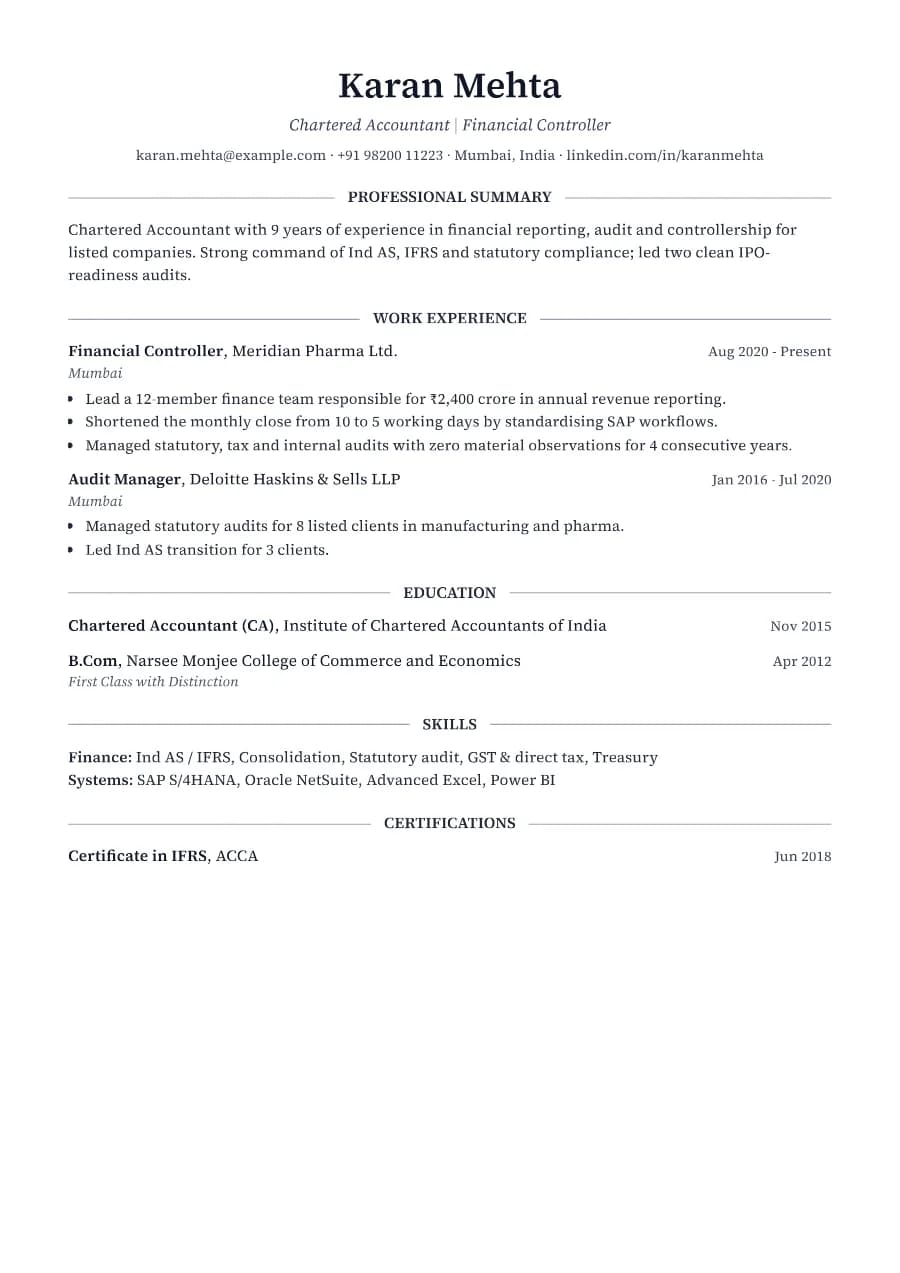
Why Heritage passes ATS
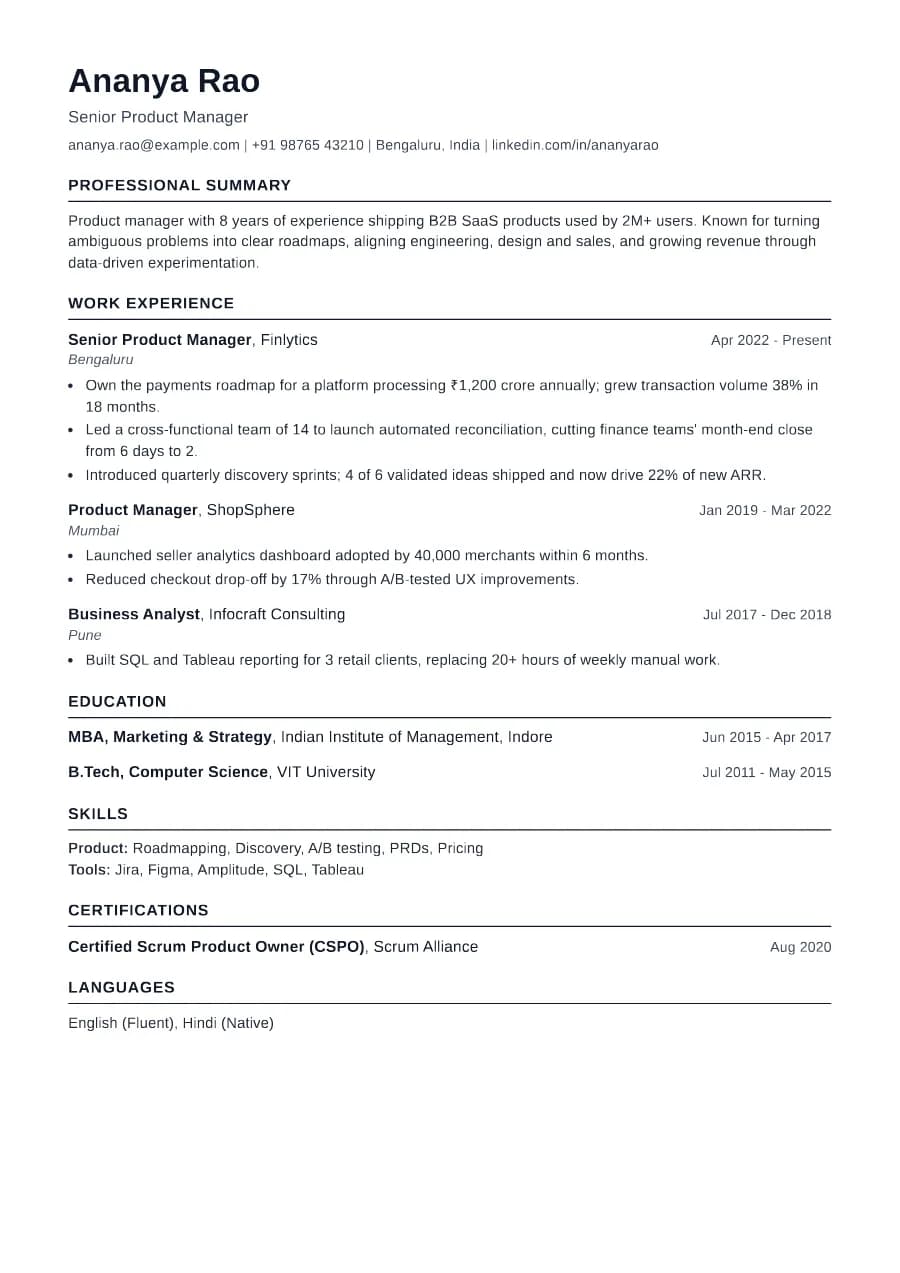
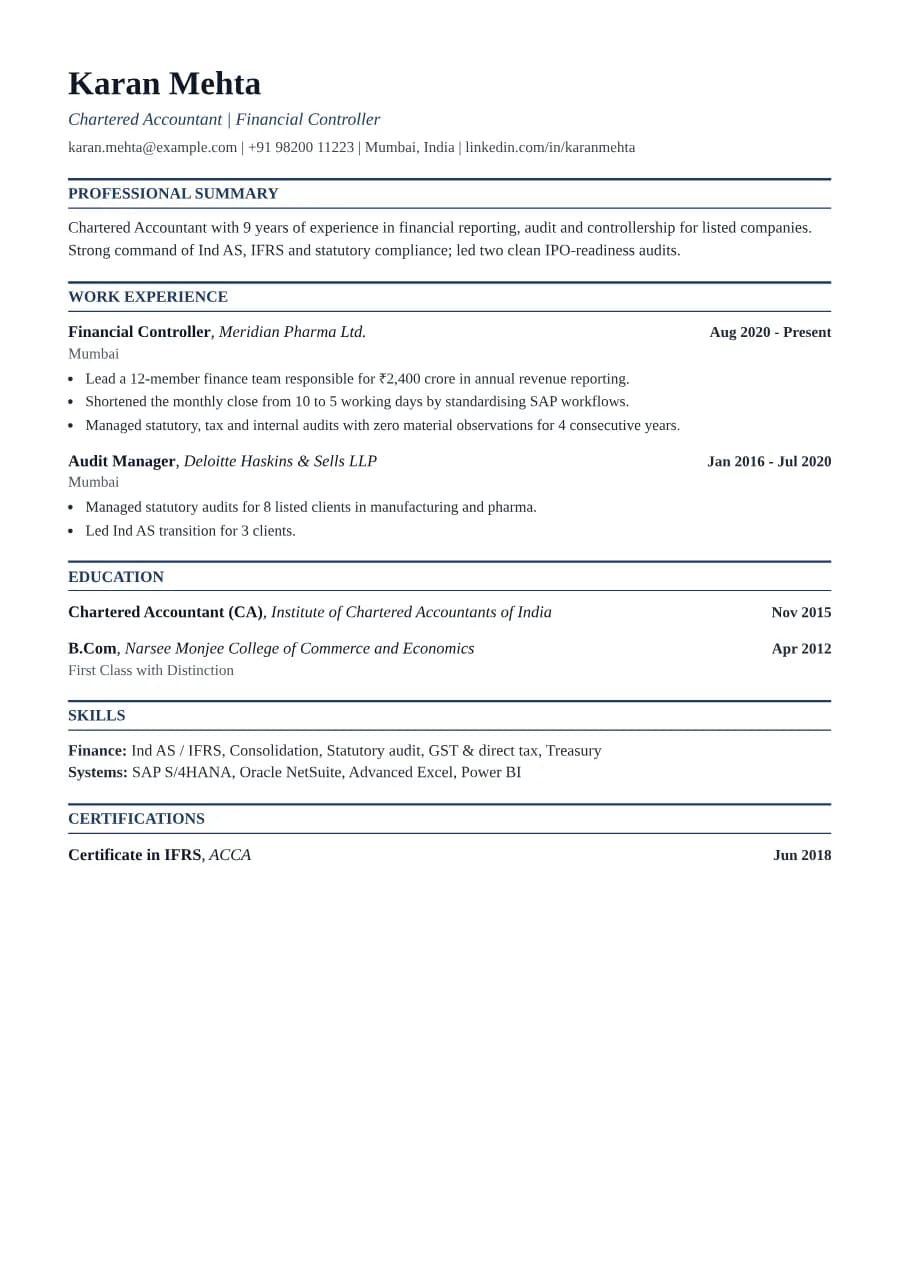
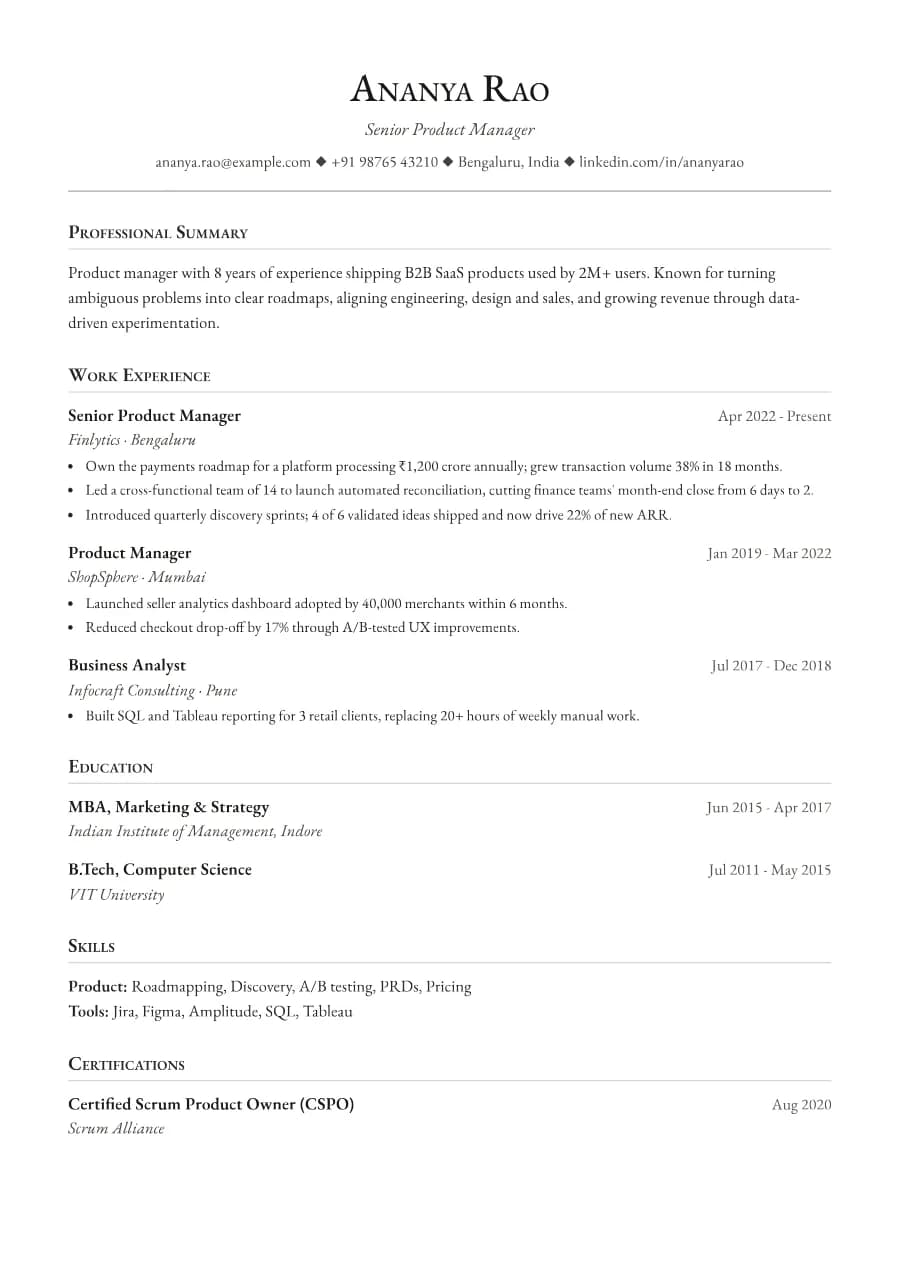
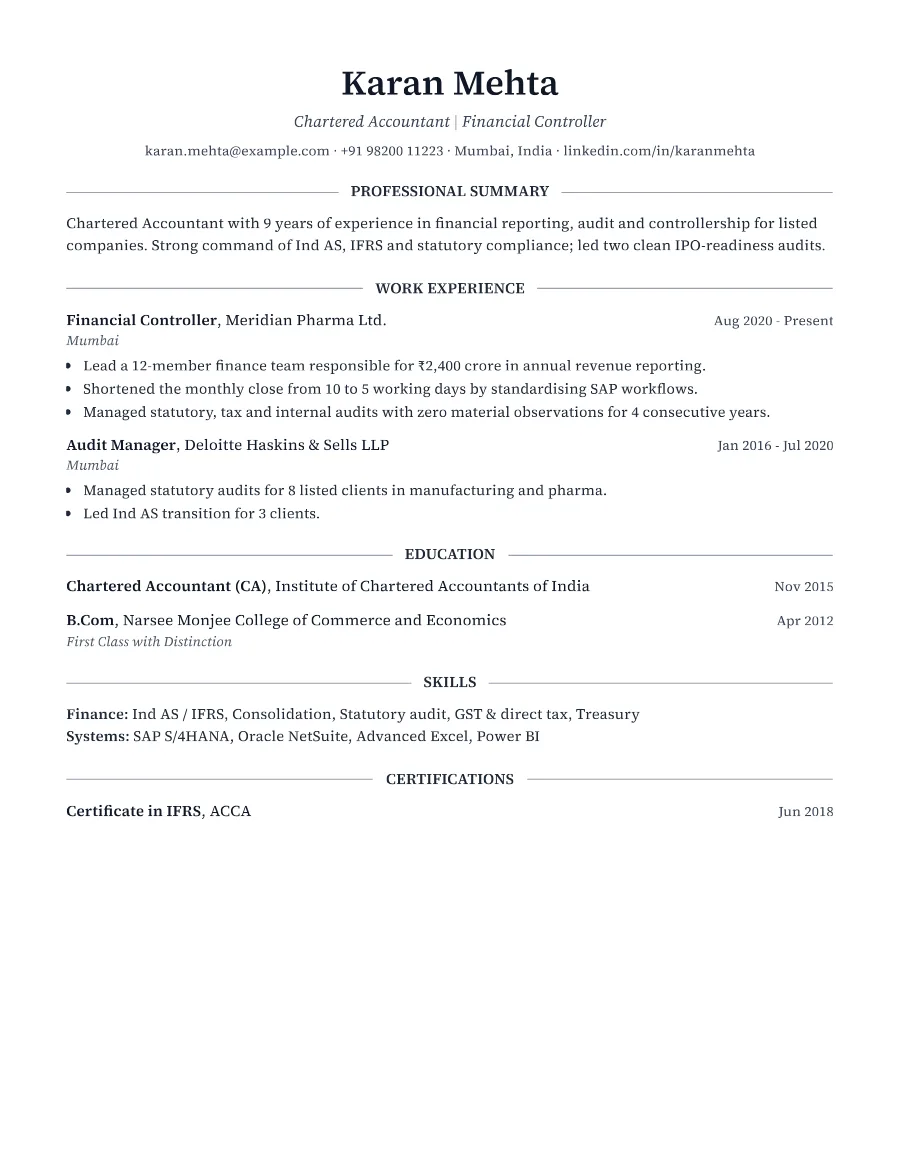
Everything sits in a single column, headings are plain words like 'Work Experience' and 'Education', and dates are real text on the same line as each role. That is exactly what applicant tracking systems expect, so the formality costs you nothing in parsing.
- Single reading order: what you see is what the ATS reads
- No tables, text boxes or text inside images
- Standard section headings recognised by applicant tracking systems
- Fonts embedded in the PDF, so text is selectable everywhere
- Verified by exporting a real PDF and checking the extracted text
Who the Heritage template is for
- Lawyers and legal associates
- Chartered accountants
- Bankers and credit analysts
- Civil servants and policy roles
- Senior finance professionals
Tips for filling in Heritage
- 1Keep bullets to one or two lines. Serif text looks dense when bullets run long.
- 2Lead each bullet with the outcome (for example 'Closed 14 audits') rather than the duty.
- 3If you have more than ten years of experience, summarise early roles in one line each.
Is Heritage the right template for you?
Choose Heritage over Formal when you want a traditional look that still fits on one page, since Formal's larger type and spacing usually push to two. Choose it over Ledger if your roles are less numbers-driven and you prefer a centred, letter-like header. If you are applying to a technology company or a startup, the same content in Clarity or Standard will feel more at home, and you can switch templates at any time without retyping anything.
Heritage template FAQ
Is a serif font OK for ATS?
Yes. ATS software reads the text inside the PDF, not the typeface. Heritage uses Source Serif 4, which is embedded in the file, so it looks the same everywhere and extracts cleanly.
Should I use Heritage for a startup?
It works, but a modern template such as Clarity or Horizon may match a startup's tone better. The content matters far more than the style.