Why Clarity passes ATS
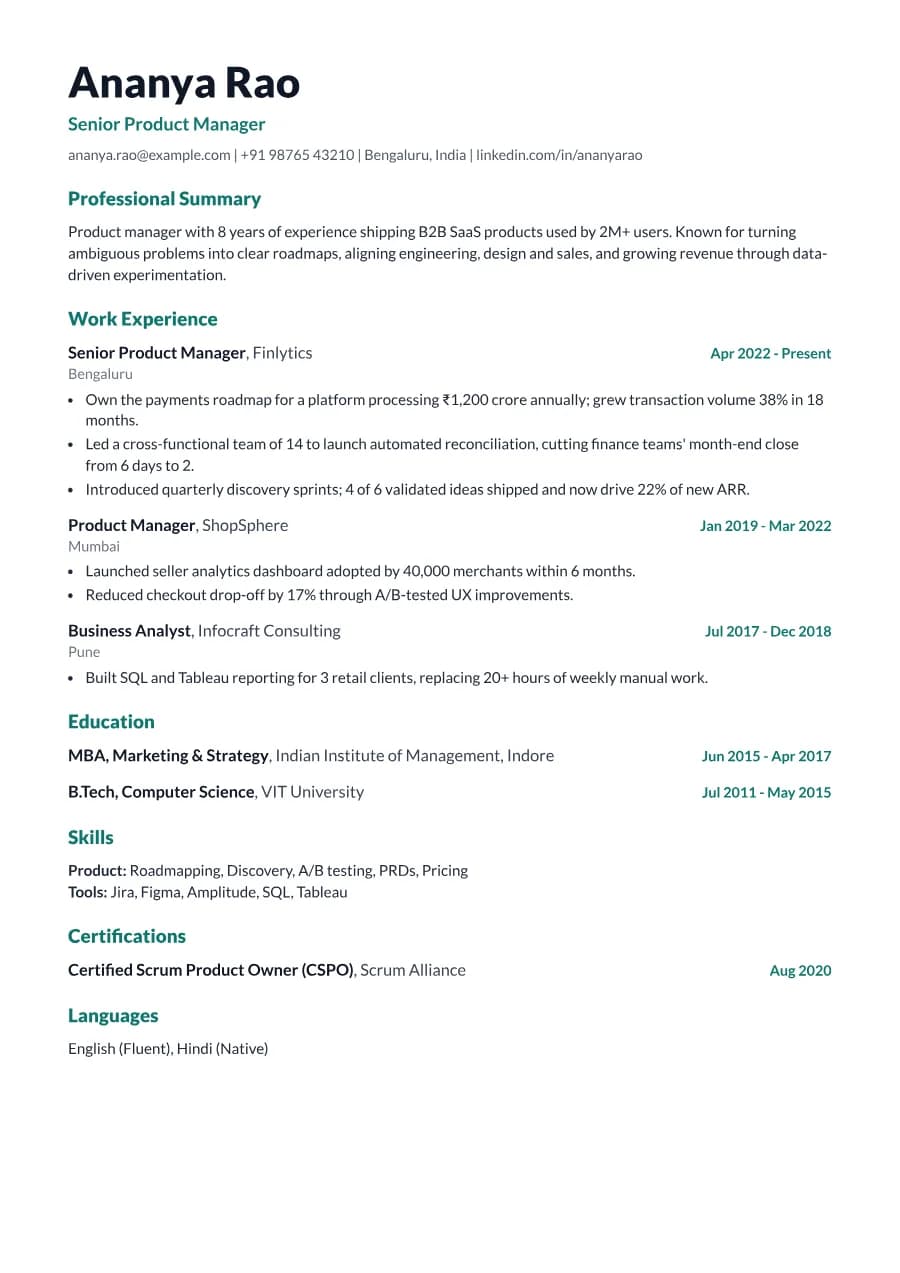
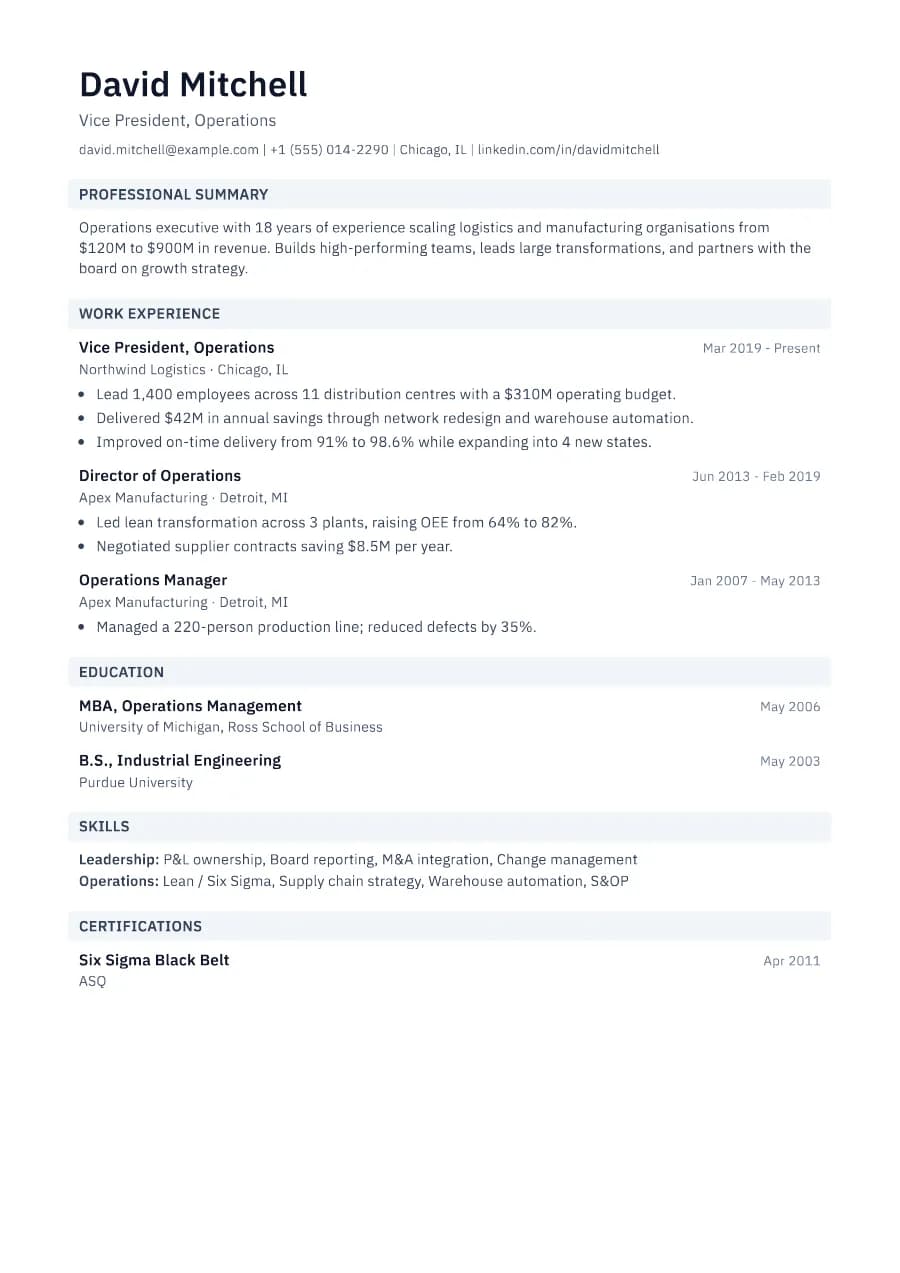
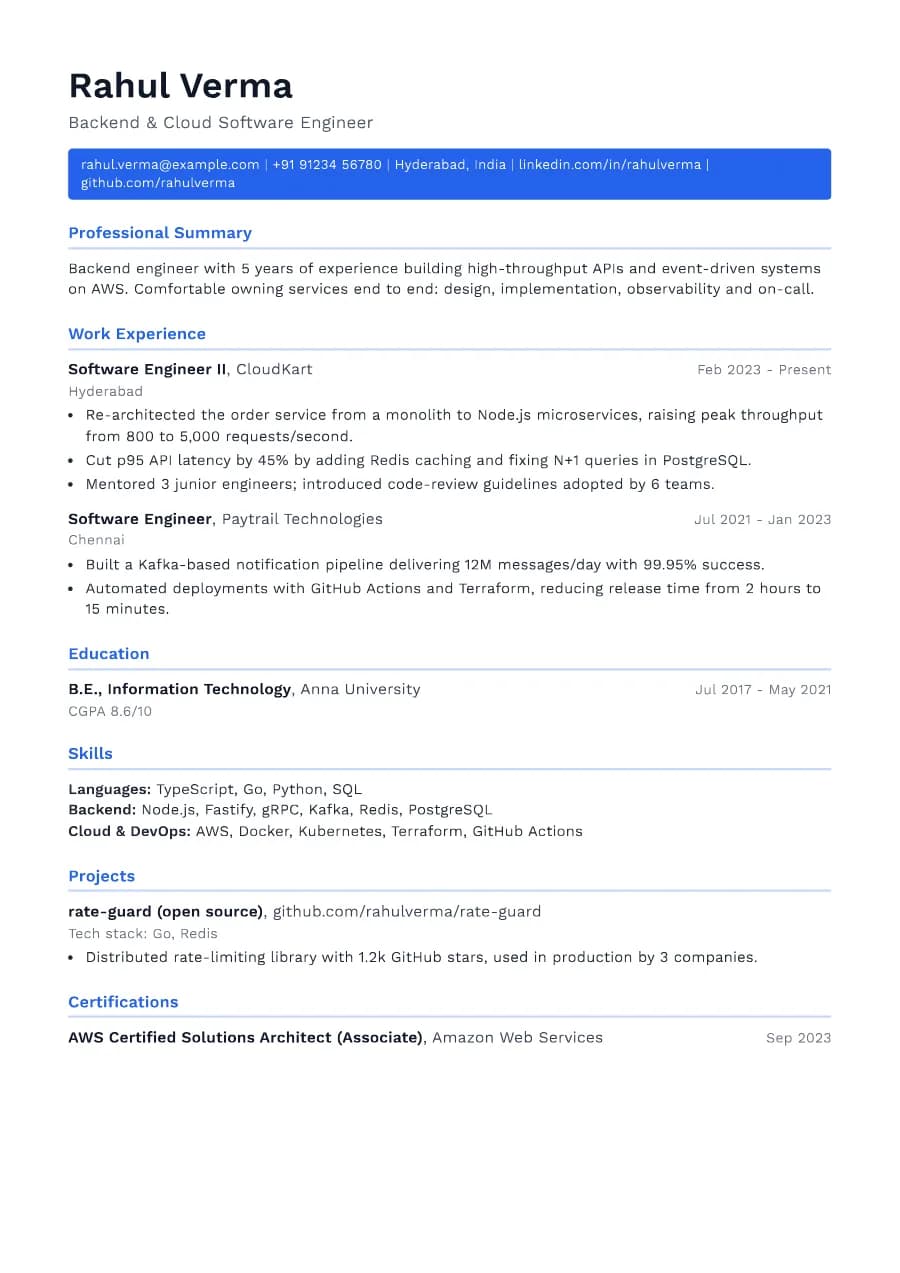
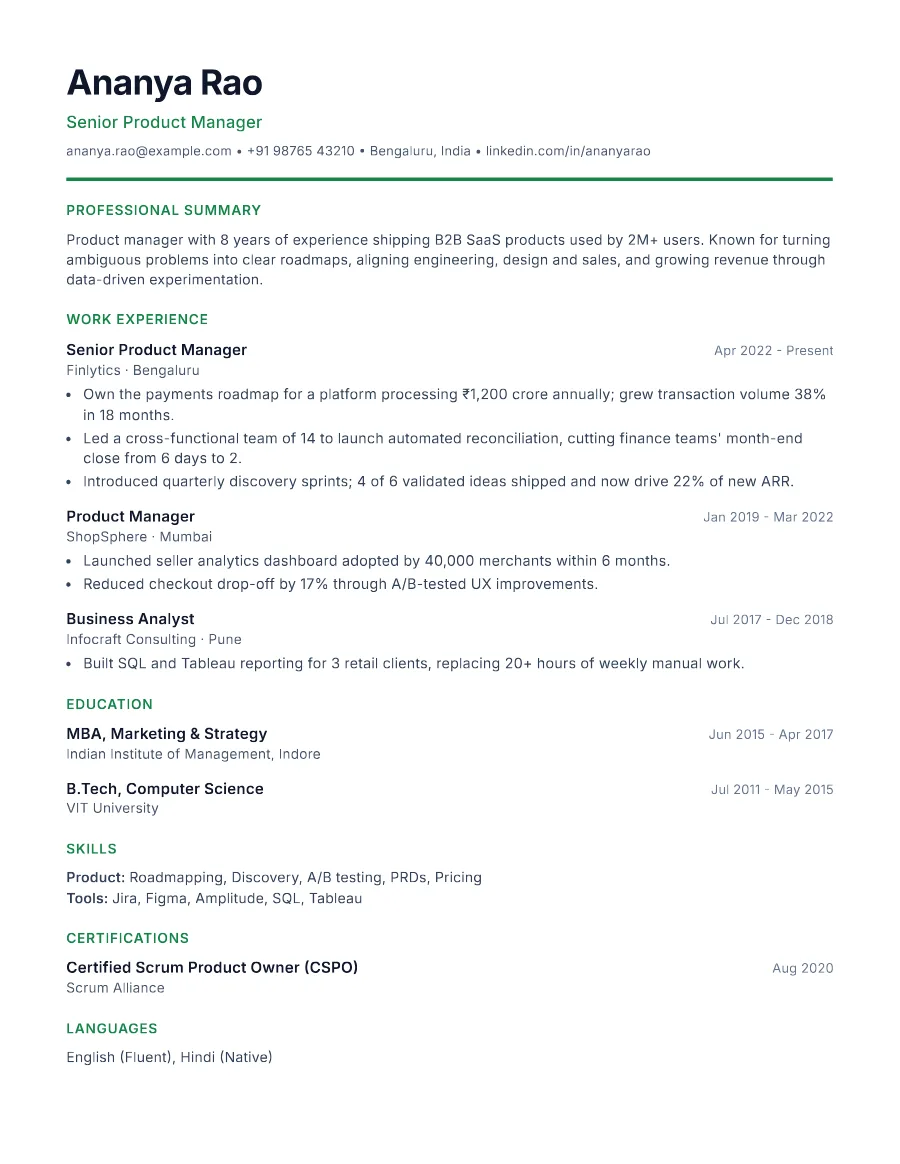
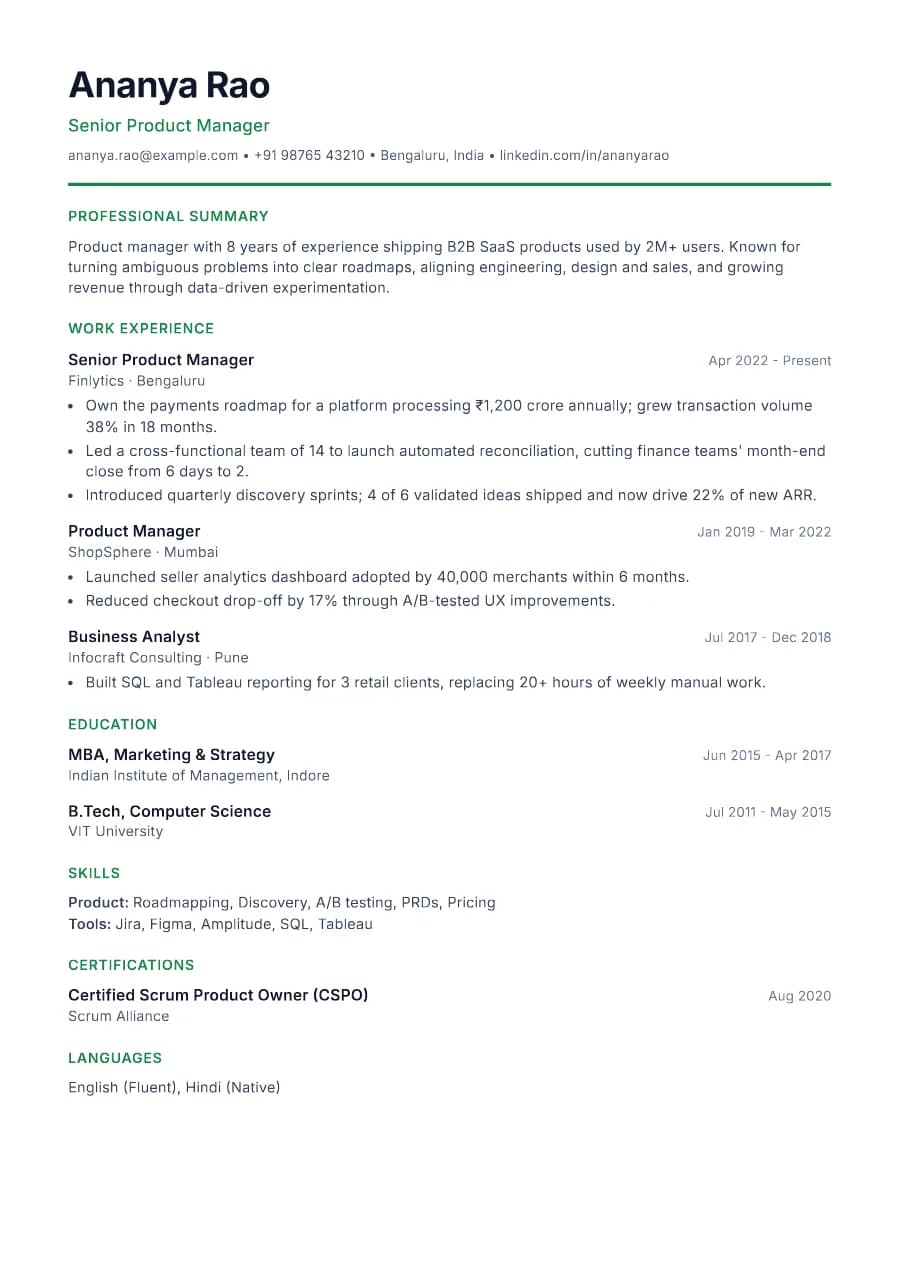
The accent colour is decoration only; every piece of information is plain text in one column. Headings use standard labels, and role titles sit on their own line above the company, which ATS software and skimming recruiters both handle well.
- Single reading order: what you see is what the ATS reads
- No tables, text boxes or text inside images
- Standard section headings recognised by applicant tracking systems
- Fonts embedded in the PDF, so text is selectable everywhere
- Verified by exporting a real PDF and checking the extracted text
Who the Clarity template is for
- Product managers
- Software and data professionals
- Startup and scale-up roles
- Analysts and consultants
- Anyone wanting a modern but safe look
Tips for filling in Clarity
- 1Pick an accent colour that matches the company's brand subtly, or keep the default green.
- 2Use the headline for your target title, not your current one, if you are changing direction.
- 3Group skills by type (Product, Tools, Languages) so they scan quickly.
Is Clarity the right template for you?
Clarity sits between Standard and Nova. It has more personality than Standard thanks to the accent rule and coloured headline, but it is calmer than Nova's heavy name and coloured headings. Developers who want their tech stack to stand out should compare it with Developer; product and analytics people usually find Clarity a perfect fit. If your application goes to a very conservative employer, Standard or Heritage carry the same content with less colour.
Clarity template FAQ
Can I change Clarity's colour?
Yes. Pick any accent in the Design tab; the PDF uses exactly the colour you choose.
Is Clarity good for freshers?
It works, but the Fresher and Campus templates put education and projects first, which usually suits graduates better.