Why Horizon passes ATS
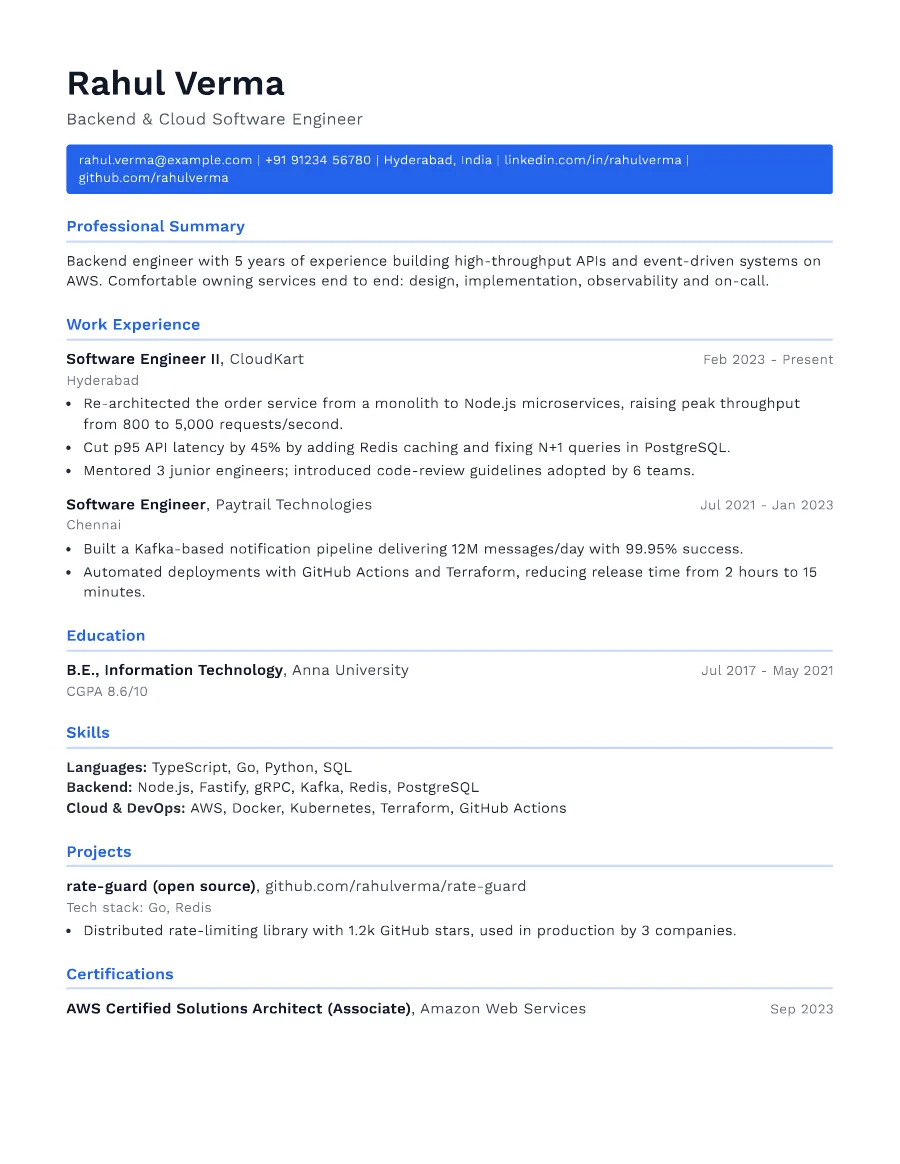
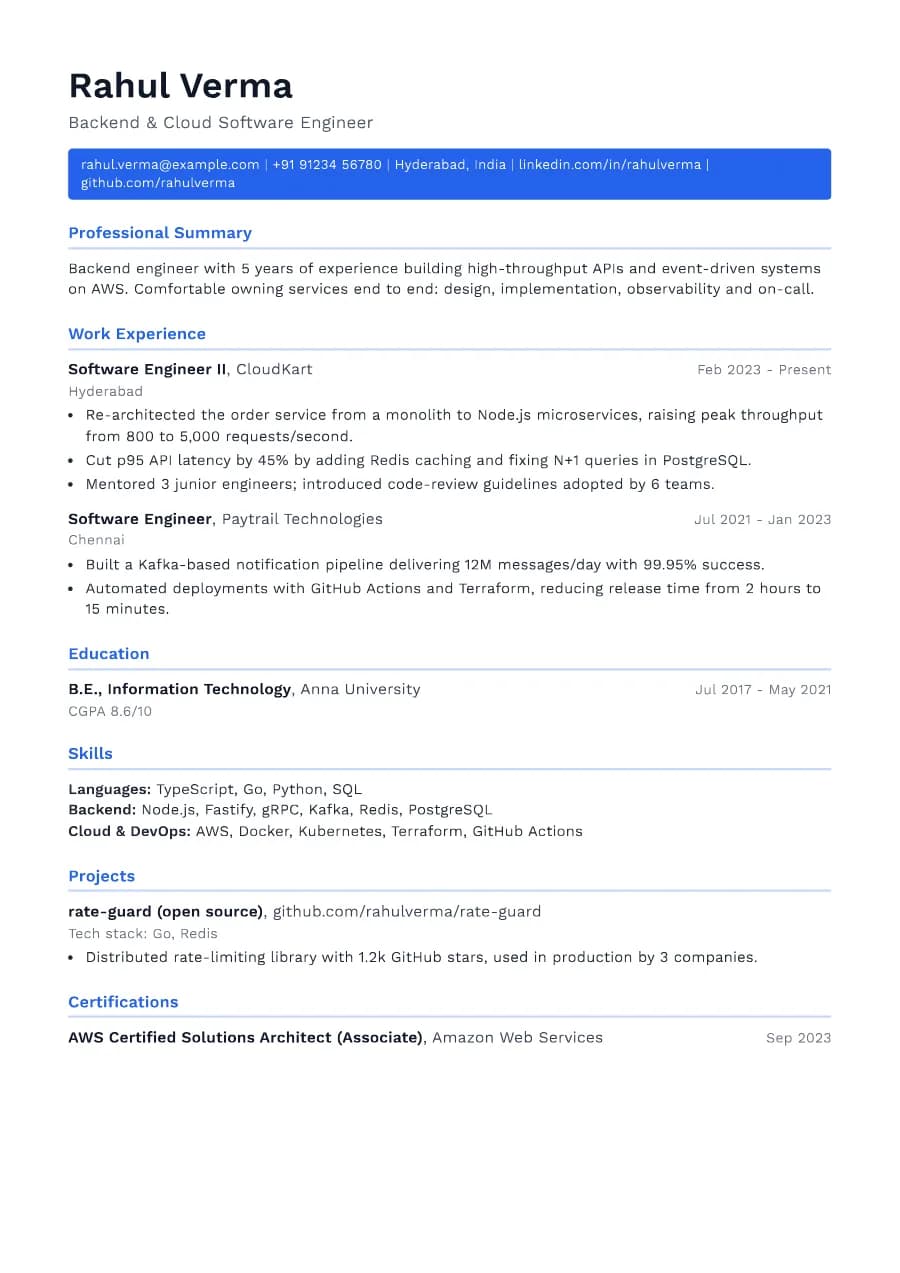
The contact bar is a styled paragraph of real text: email, phone, location and links are all selectable and parse normally. It sits in the main body, not in a page header region, which some ATS systems ignore.
- Single reading order: what you see is what the ATS reads
- No tables, text boxes or text inside images
- Standard section headings recognised by applicant tracking systems
- Fonts embedded in the PDF, so text is selectable everywhere
- Verified by exporting a real PDF and checking the extracted text
Who the Horizon template is for
- Early and mid-career professionals
- Software engineers
- Anyone aiming for a single page
- General corporate roles
- Applications through job portals
Tips for filling in Horizon
- 1Keep links short (linkedin.com/in/name) so the contact bar stays on one or two lines.
- 2Cut bullets that describe duties; keep the ones with results to stay on one page.
- 3Use the preview's page-break marker to see when you spill onto page two.
Is Horizon the right template for you?
Horizon is the most space-efficient modern template: putting contact details in a single bar saves several lines compared with stacked contact blocks. Choose it when one page is a priority. If you are an engineer and want projects and technical skills to be the focus, compare it with Developer. If you prefer no colour blocks at all, Clarity offers a similar modern feel with only a thin accent rule.
Horizon template FAQ
Should my resume be one page?
For under about eight years of experience, usually yes. Senior professionals can use two pages if every line earns its place.
Are contact details in a coloured bar ATS-safe?
In Horizon, yes. It is regular text in the document body, which our extraction test verifies.