Why Engineer passes ATS
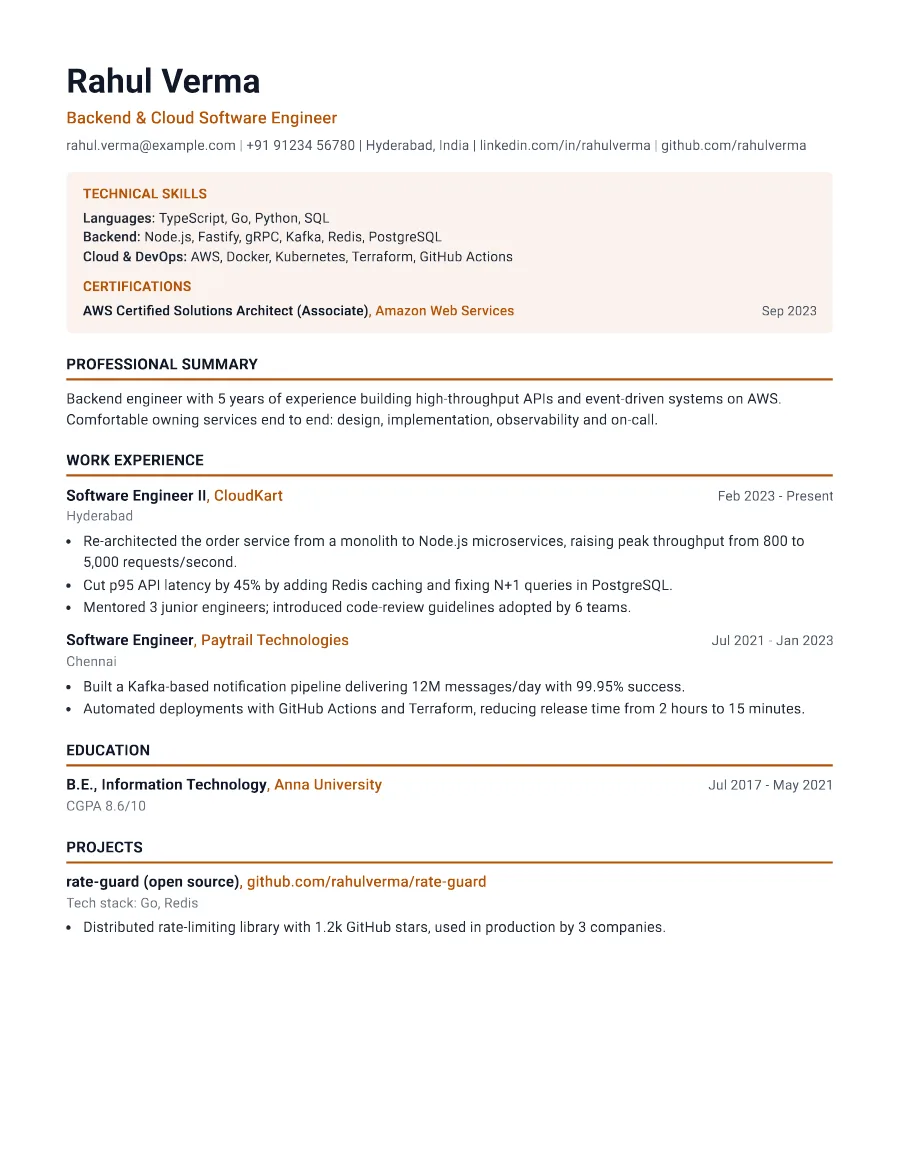
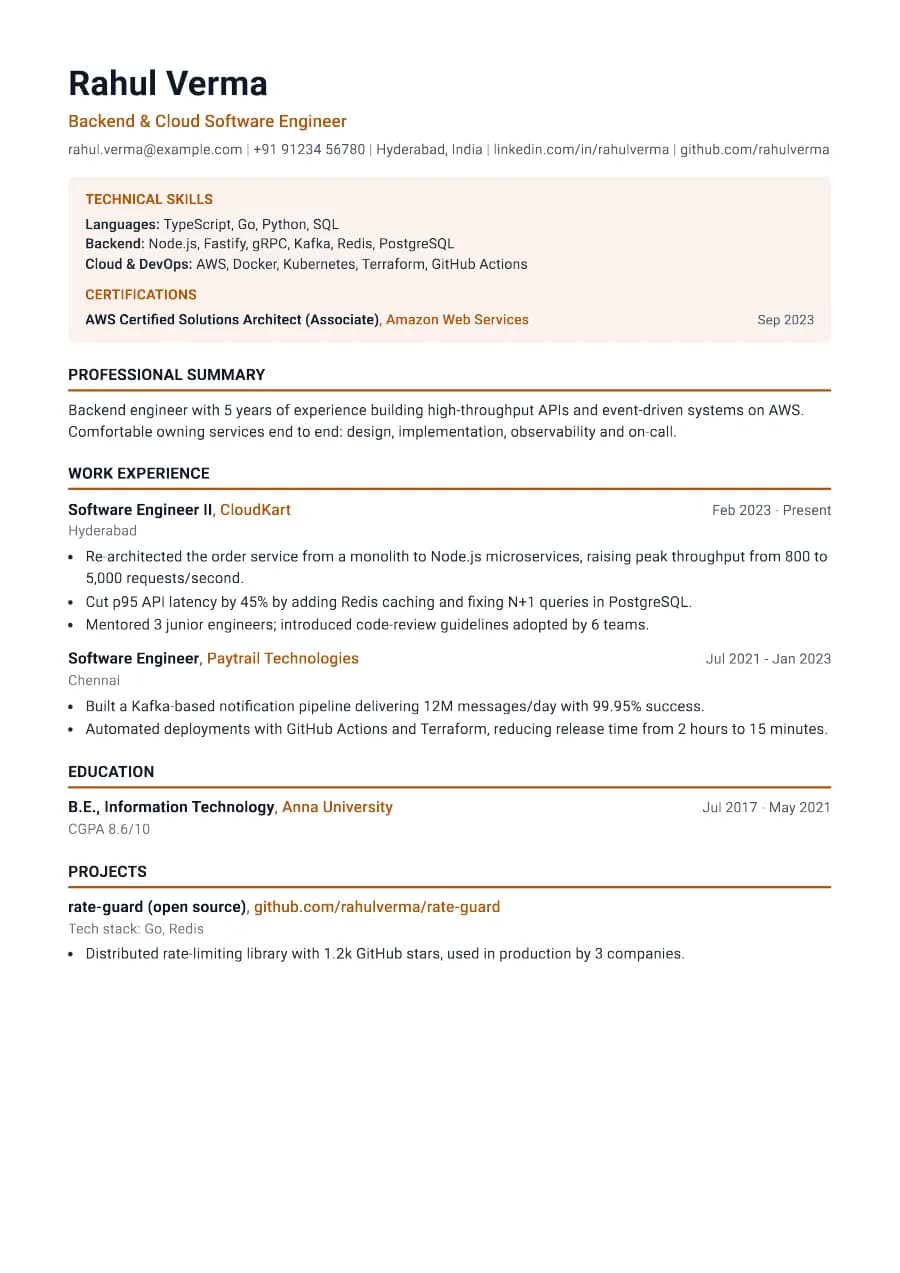
The skills panel is the first section in the document text, so ATS keyword matching sees your tools and certifications immediately. Headings are standard ('Technical Skills', 'Certifications'), and the DOCX keeps the same order.
- Single reading order: what you see is what the ATS reads
- No tables, text boxes or text inside images
- Standard section headings recognised by applicant tracking systems
- Fonts embedded in the PDF, so text is selectable everywhere
- Verified by exporting a real PDF and checking the extracted text
Who the Engineer template is for
- Mechanical and manufacturing engineers
- Civil and structural engineers
- Electrical and electronics engineers
- IT infrastructure and network engineers
- Quality and maintenance engineers
Tips for filling in Engineer
- 1Name software and standards precisely: AutoCAD, SolidWorks, ISO 9001, PLC programming.
- 2Put licences and safety certifications in Certifications with the year obtained.
- 3Describe projects by scale: capacity, budget, timeline, safety record.
Is Engineer the right template for you?
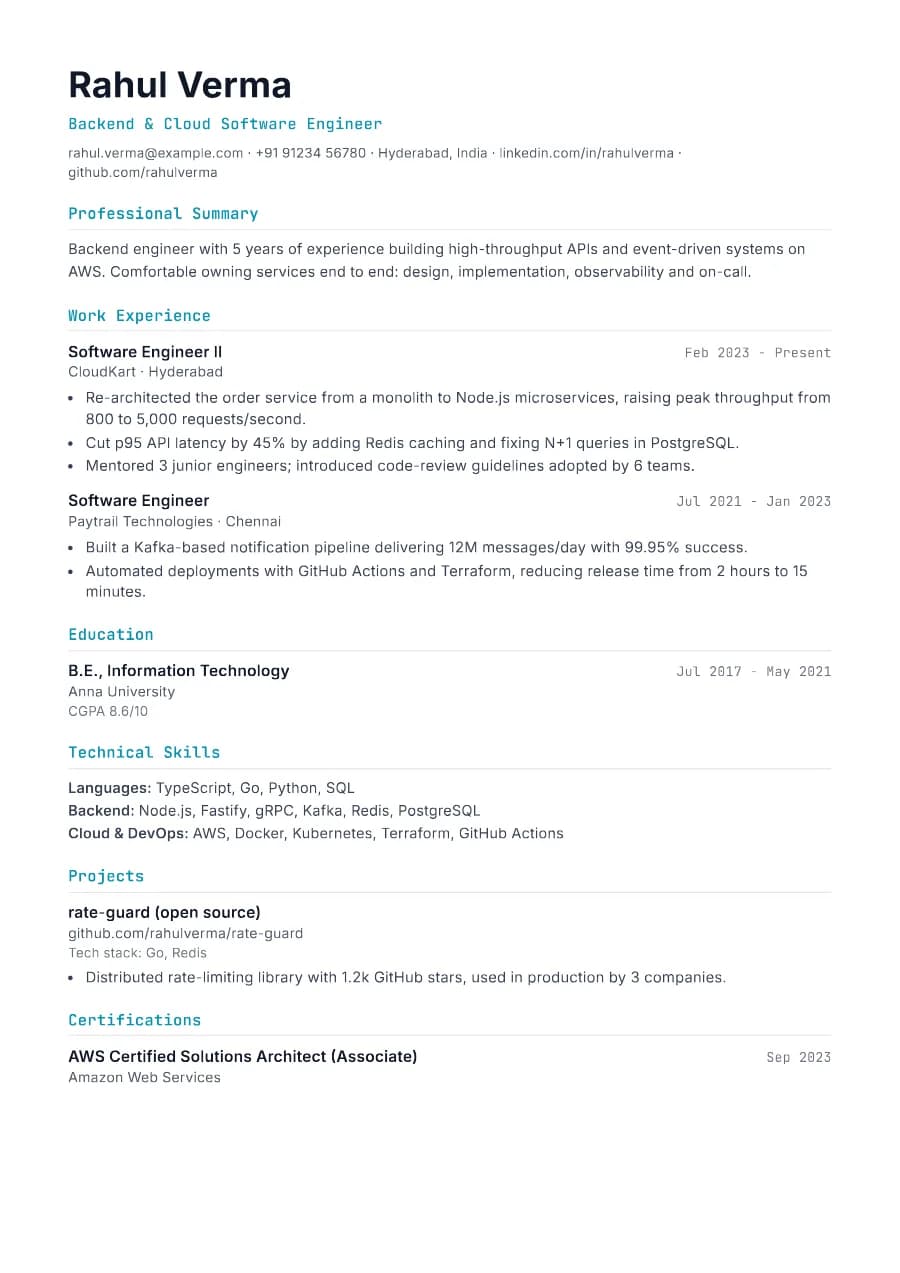
Engineer puts technical skills and certifications in a highlighted panel at the top, which is ideal when licences or tools are screening criteria. Software engineers usually prefer Developer, whose projects section and monospace accents speak more to engineering managers. If you are moving into engineering management, Boardroom or Executive will put more weight on leadership and outcomes than on tools.
Engineer template FAQ
Should certifications go at the top of an engineering resume?
When they are a requirement for the role, yes. Engineer does this automatically.
Is Engineer good for software roles?
It works, but the Developer template is tuned more for software engineering.