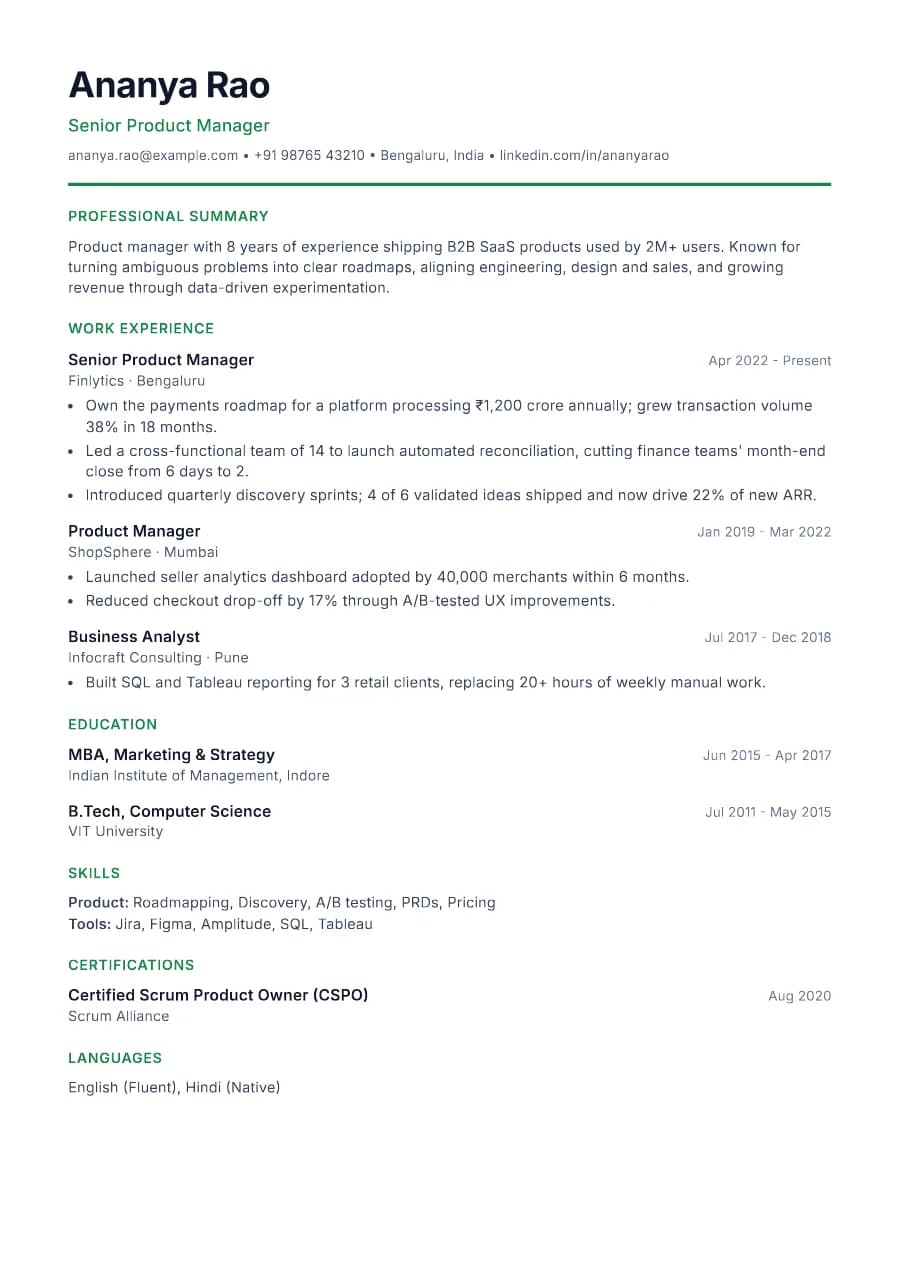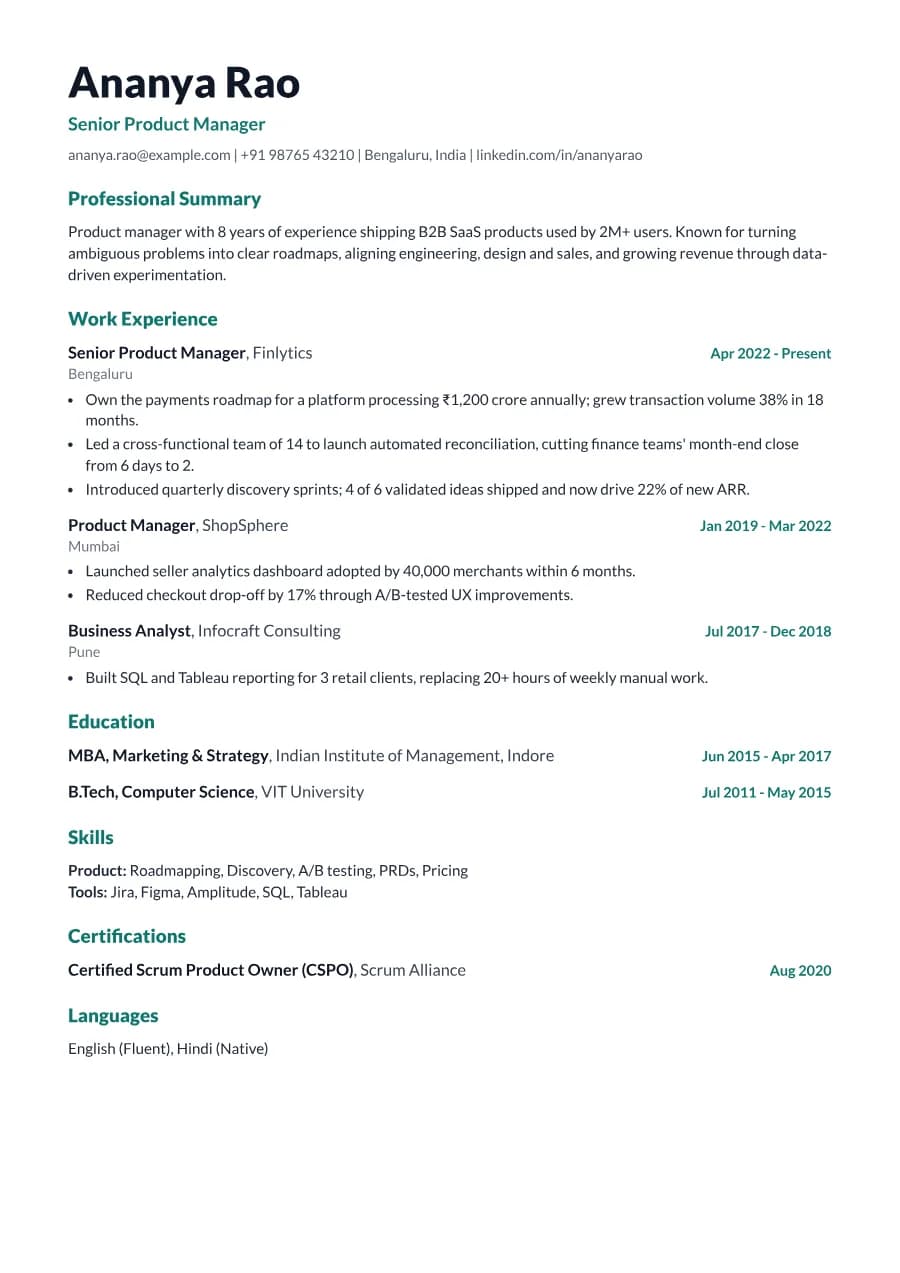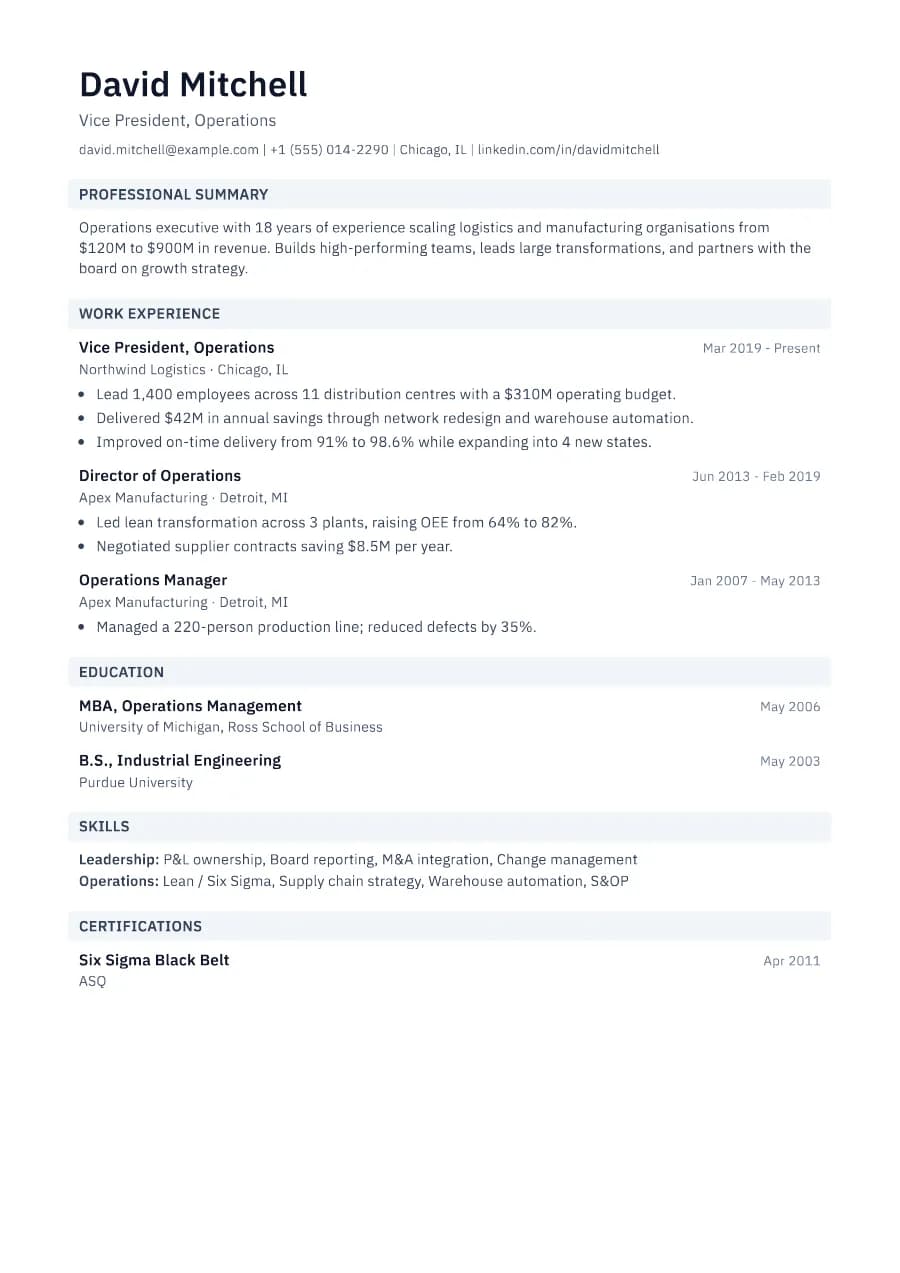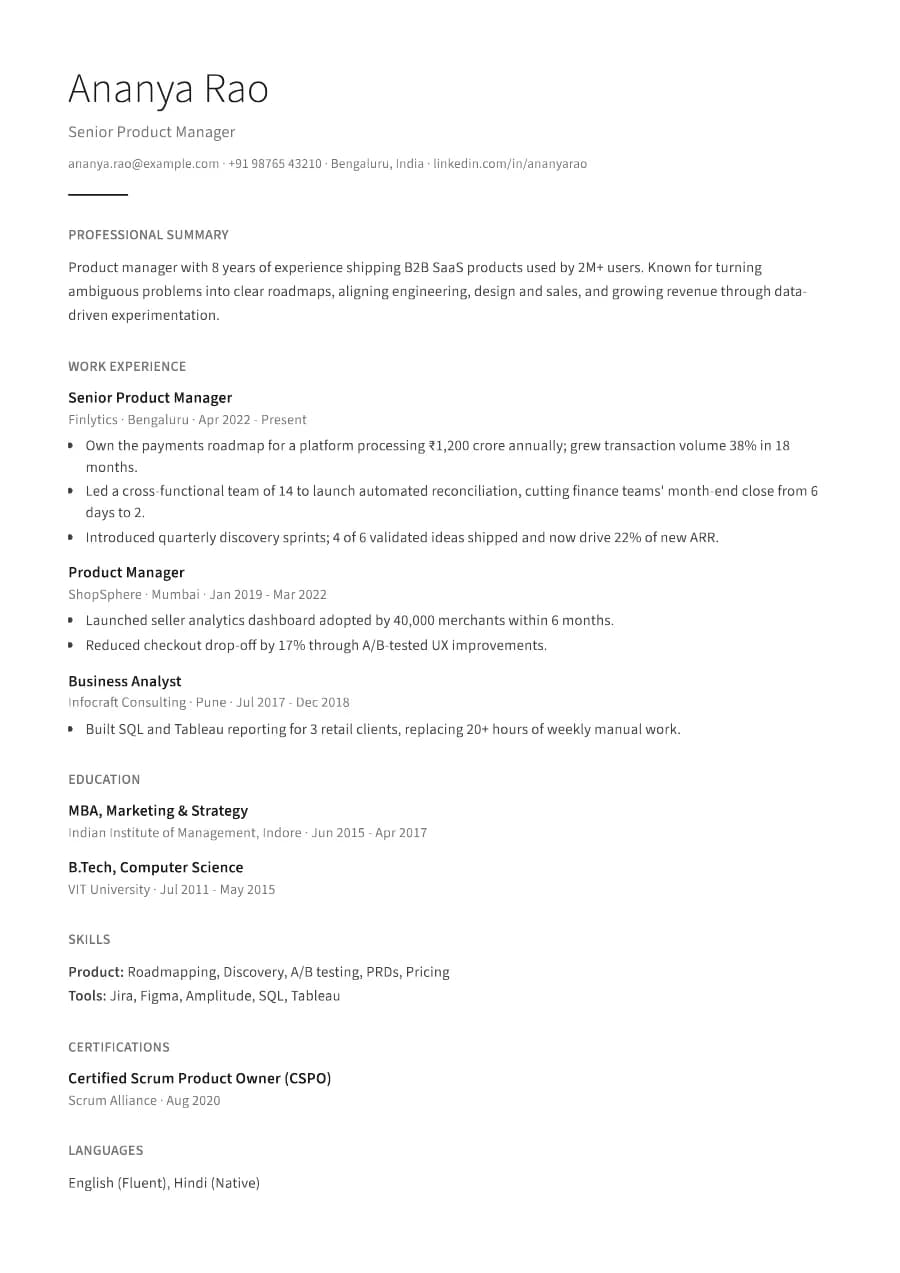
Why Minimal passes ATS
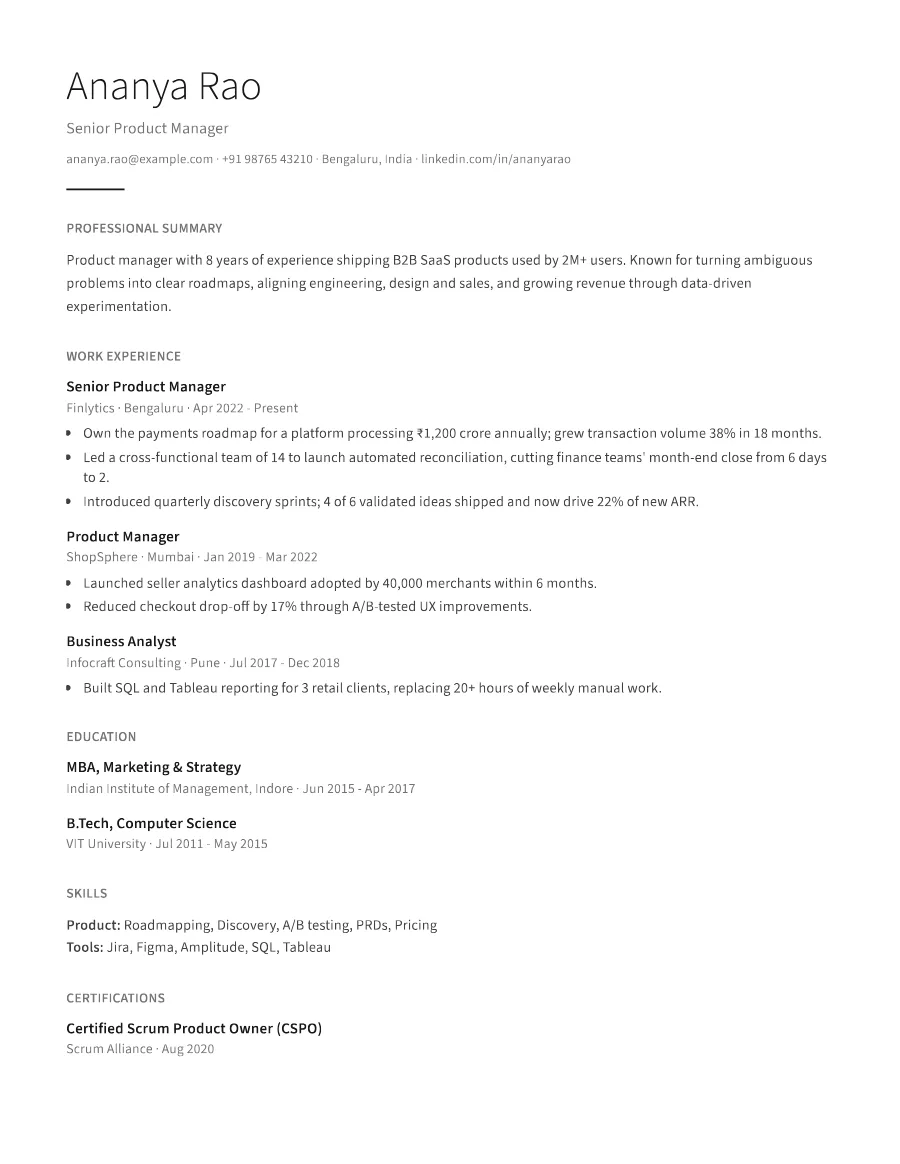
With no decoration, there is nothing for a parser to trip over. Entries use an inline format (role first, then company, location and dates on one quiet line), which keeps every detail in natural reading order.
- Single reading order: what you see is what the ATS reads
- No tables, text boxes or text inside images
- Standard section headings recognised by applicant tracking systems
- Fonts embedded in the PDF, so text is selectable everywhere
- Verified by exporting a real PDF and checking the extracted text
Who the Minimal template is for
- Designers and writers who want restraint
- Researchers and analysts
- Senior professionals with strong content
- Applicants to design-led companies
- Anyone who dislikes heavy styling
Tips for filling in Minimal
- 1Minimal relies on strong writing, so make every bullet specific and measurable.
- 2Use fewer, better bullets; whitespace is part of the design.
- 3Keep the accent colour dark or muted to preserve the understated look.
Is Minimal the right template for you?
Minimal is the quietest template we offer. Choose it when your content is strong and you want nothing to compete with it. Senior specialists, writers and designers often prefer it. If you find it too plain, Clarity adds a touch of colour while keeping the same clean structure. If you need to fit a lot onto one page, Minimal's generous spacing works against you; Standard or Horizon are more compact.
Minimal template FAQ
Is a minimalist resume too plain?
Not if the content is strong. Recruiters often prefer it because it is fast to scan.
Why are the headings grey?
To keep focus on your content. They are still standard text headings, so ATS software recognises them.