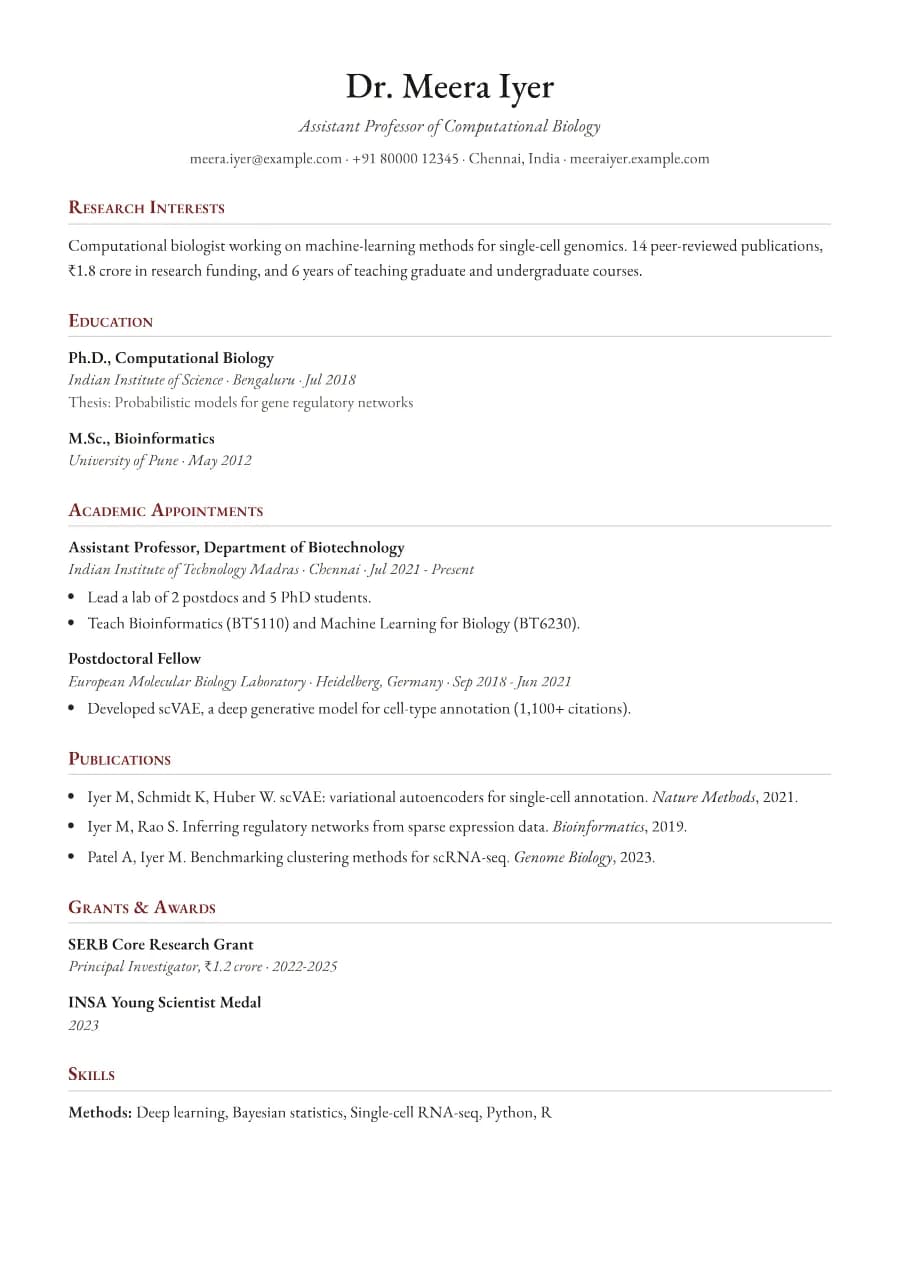
Why Scholar passes ATS
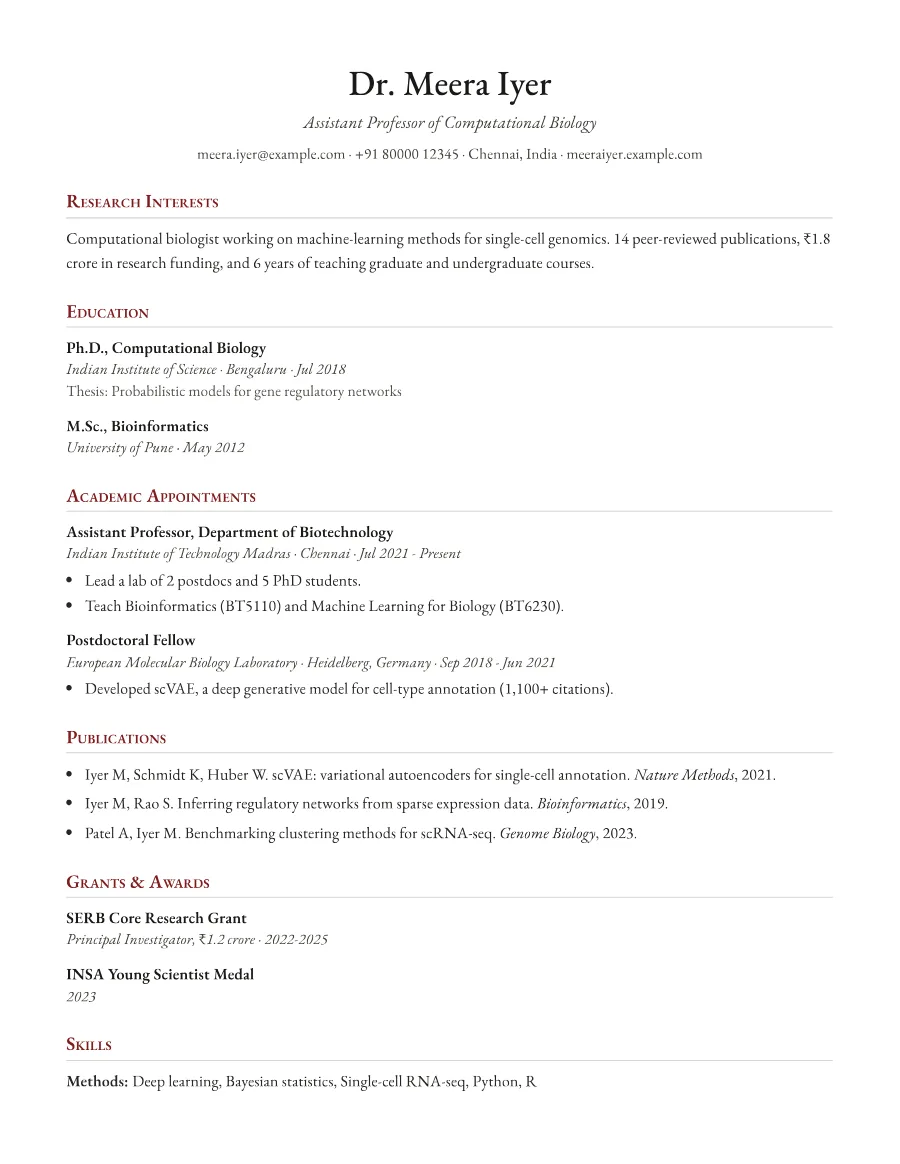
University application systems increasingly parse CVs. Scholar keeps every section as a standard heading with plain-text entries in one column, and publications are a simple list, so nothing is lost on upload.
- Single reading order: what you see is what the ATS reads
- No tables, text boxes or text inside images
- Standard section headings recognised by applicant tracking systems
- Fonts embedded in the PDF, so text is selectable everywhere
- Verified by exporting a real PDF and checking the extracted text
Who the Scholar template is for
- Faculty and lecturer applications
- PhD and postdoc applicants
- Research fellowships
- Grant applications requiring a CV
- Academic promotions
Tips for filling in Scholar
- 1Order publications newest first and bold nothing. Consistency matters more.
- 2Use custom sections for teaching, supervision, service and invited talks.
- 3Academic CVs can run several pages; completeness is expected.
Is Scholar the right template for you?
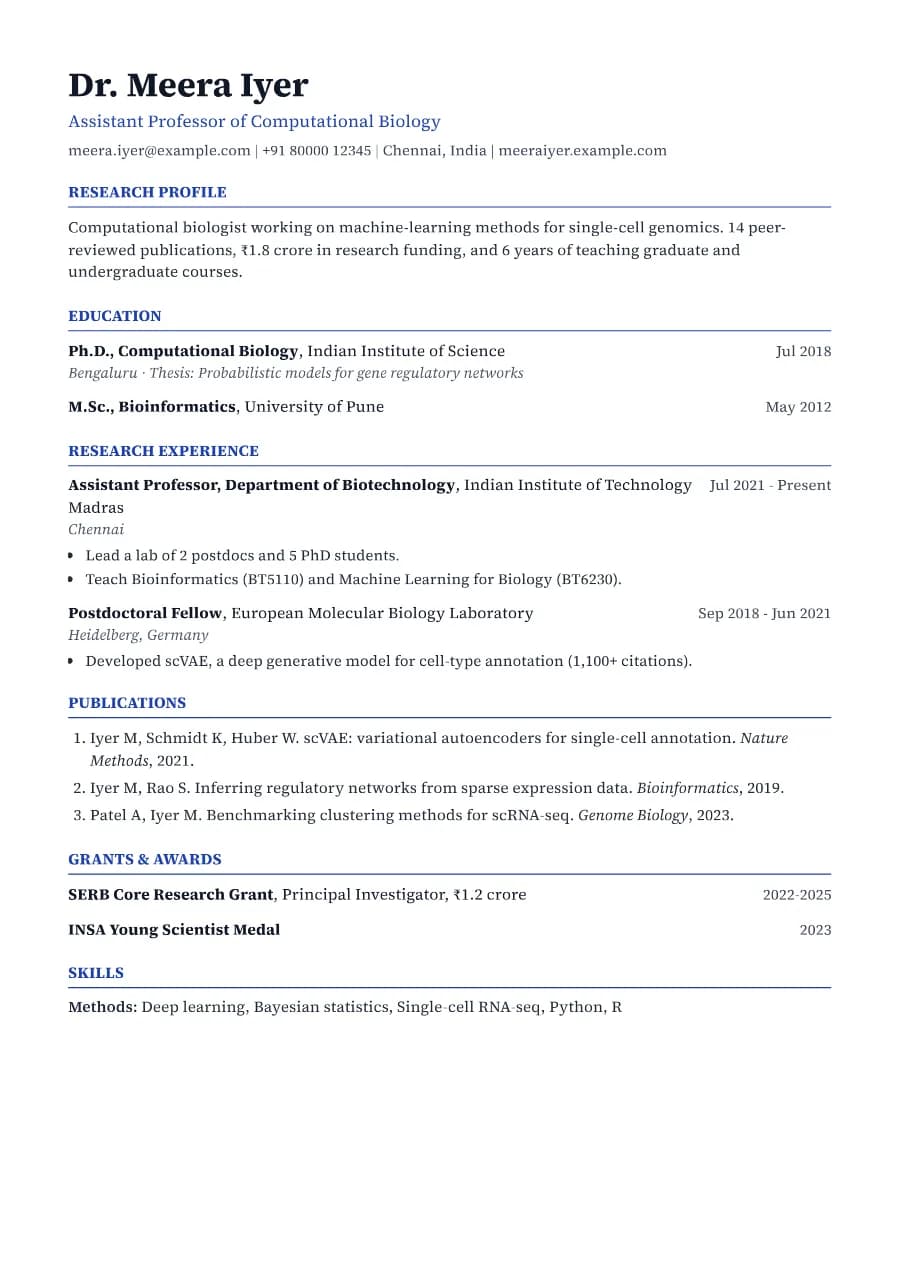
Scholar and Research are both academic templates. Scholar follows the traditional humanities and social-science style: serif type, small-caps headings, research interests first and bulleted publications. Research is more compact and numbers publications, which scientists often prefer for referencing. If you are leaving academia for industry, switch to Strategist or Clarity and shorten your publication list to the most relevant work.
Scholar template FAQ
What is the difference between a CV and a resume?
An academic CV is a complete record of your scholarly work and has no page limit; a resume is a short, targeted summary.
How do I add teaching experience?
Add a custom section titled 'Teaching' and list courses, levels and years.