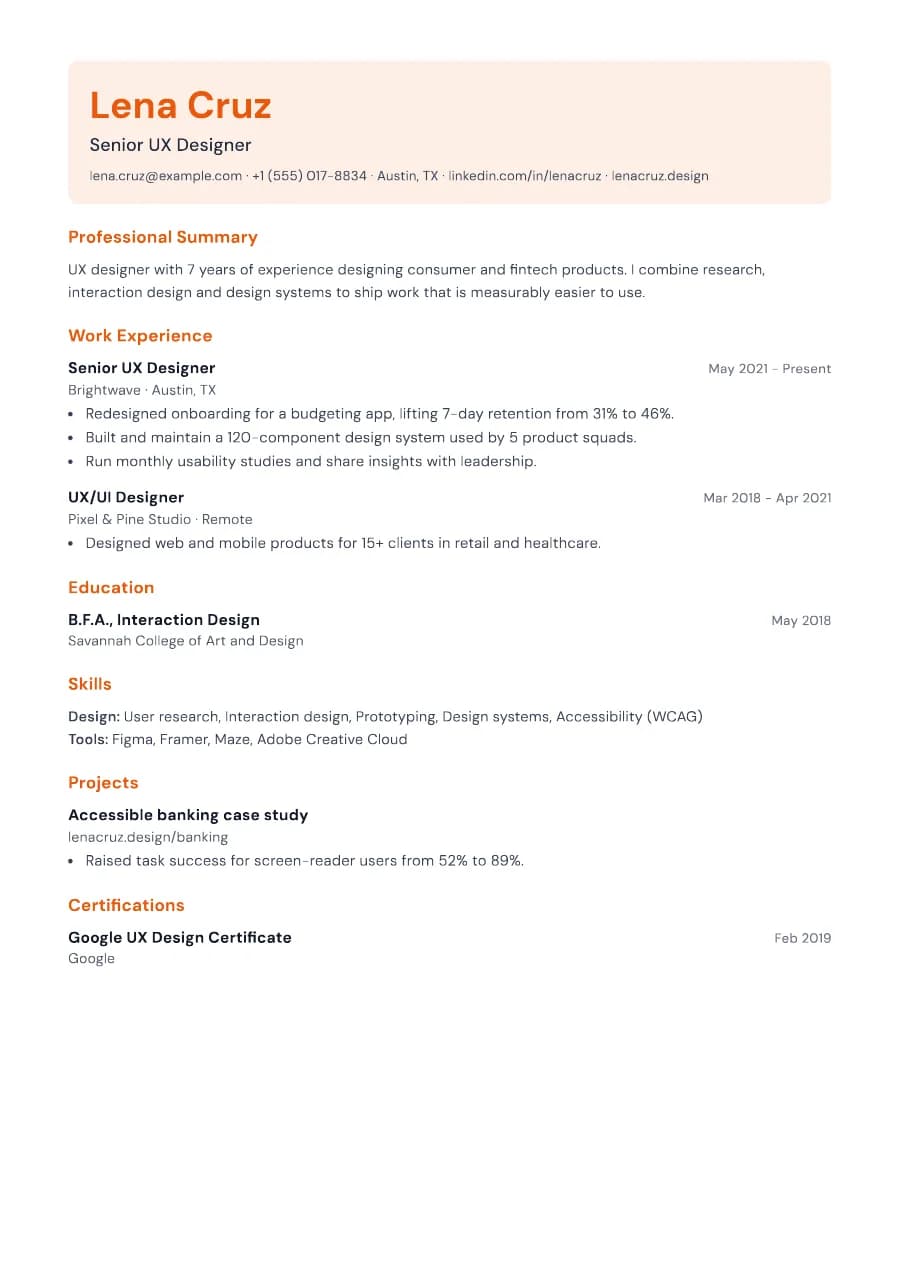
Why Canvas passes ATS
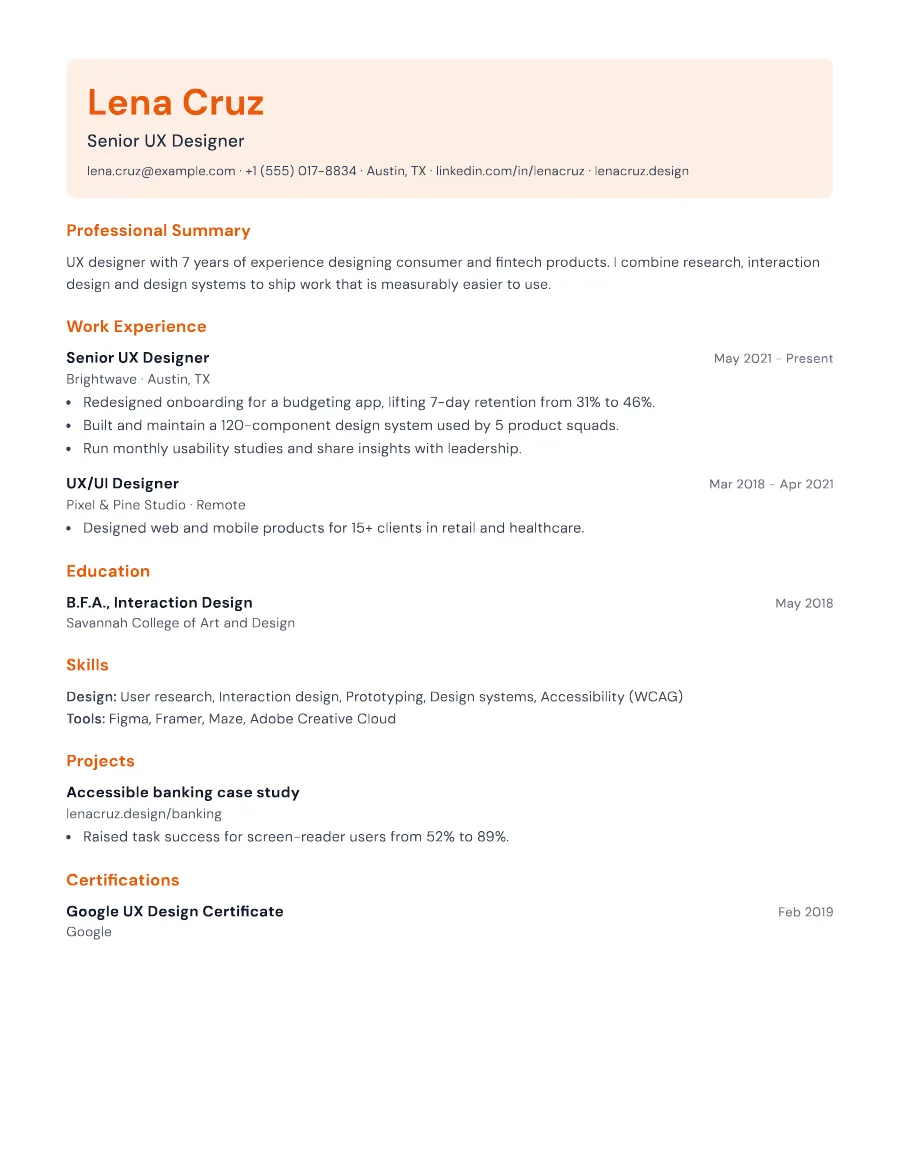
The tinted block is a background behind normal text, not an image. Contact details, including your portfolio URL, remain selectable and are read first, followed by single-column sections with standard headings.
- Single reading order: what you see is what the ATS reads
- No tables, text boxes or text inside images
- Standard section headings recognised by applicant tracking systems
- Fonts embedded in the PDF, so text is selectable everywhere
- Verified by exporting a real PDF and checking the extracted text
Who the Canvas template is for
- Graphic and UX designers
- Photographers and videographers
- Creative marketers
- Architects and interior designers
- Freelancers applying for in-house roles
Tips for filling in Canvas
- 1Use a short, memorable portfolio URL. It is the most important link on the page.
- 2If you enable a photo (where customary), Canvas shows it as a circle inside the header.
- 3Pick a warm accent for creative roles or a deep blue for corporate ones.
Is Canvas the right template for you?
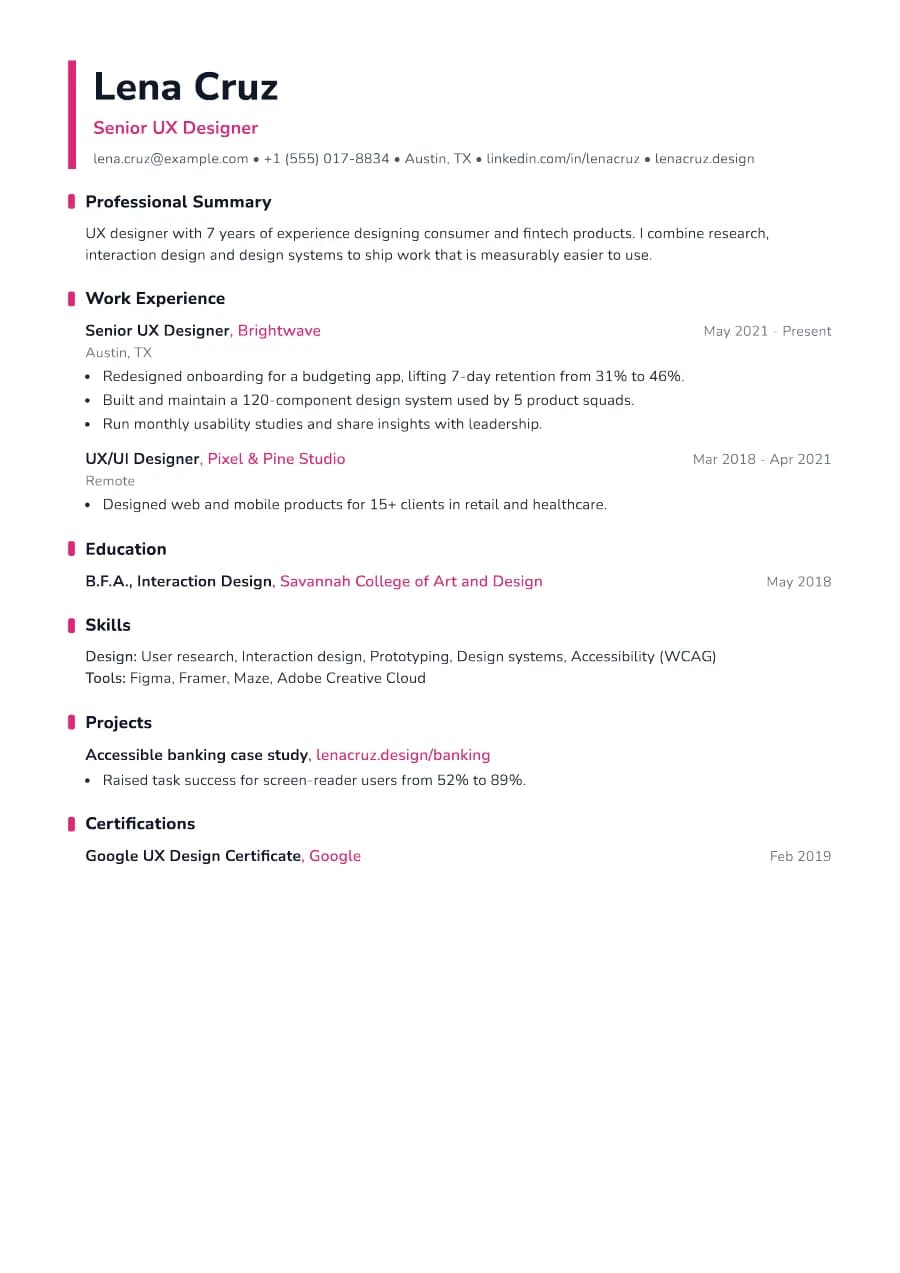
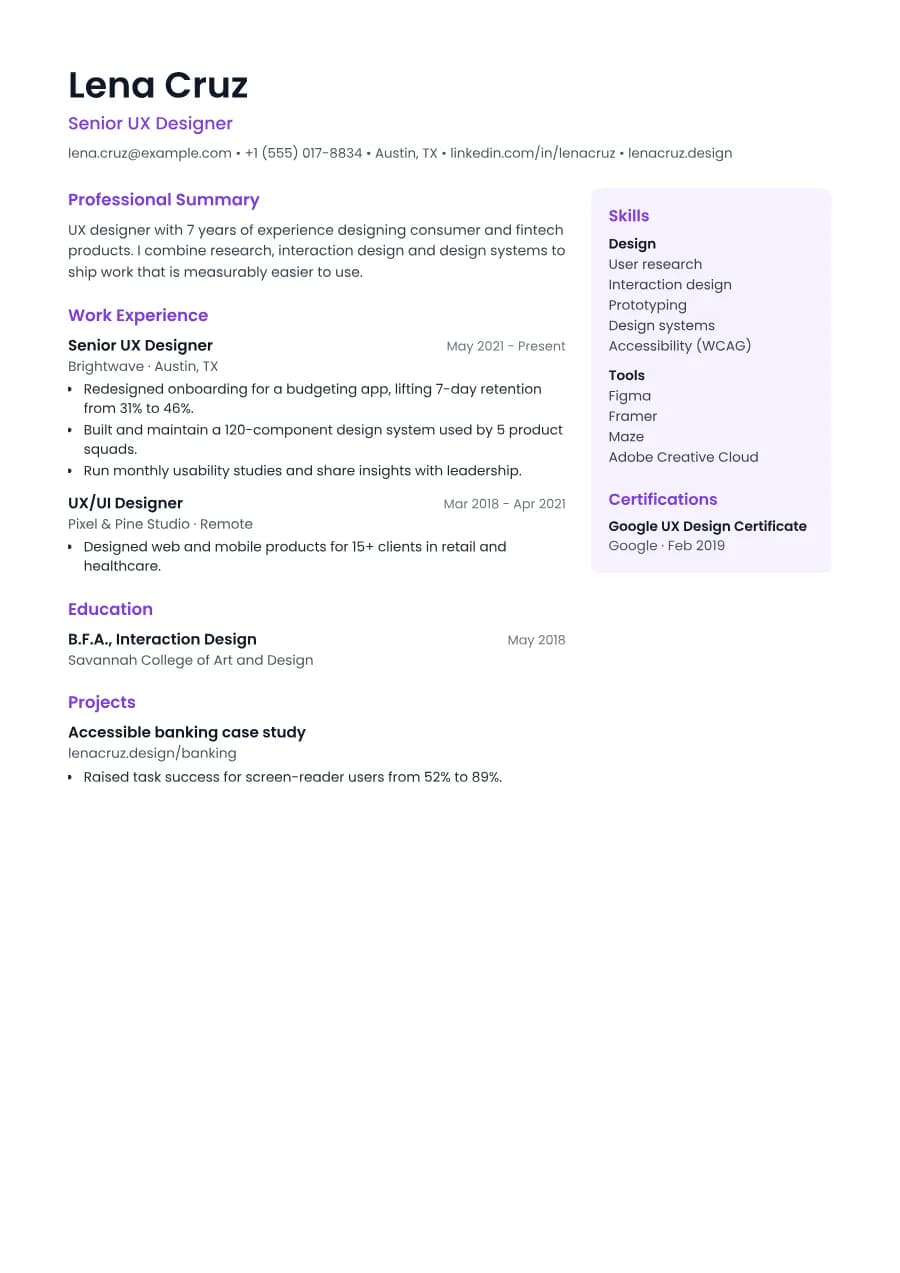
Canvas makes the strongest first impression of our creative templates thanks to its tinted header. Choose it when a portfolio link is central to your application. If you prefer colour in the margins rather than a block at the top, Accent is subtler. If you want to show many tools and skills alongside your experience, Studio's sidebar layout gives them more room.
Canvas template FAQ
Should a designer's resume be heavily designed?
Your portfolio shows your design skill; the resume should be easy to read and parse. Canvas balances both.
Can recruiters click my portfolio link?
Yes. Links stay clickable in the exported PDF.