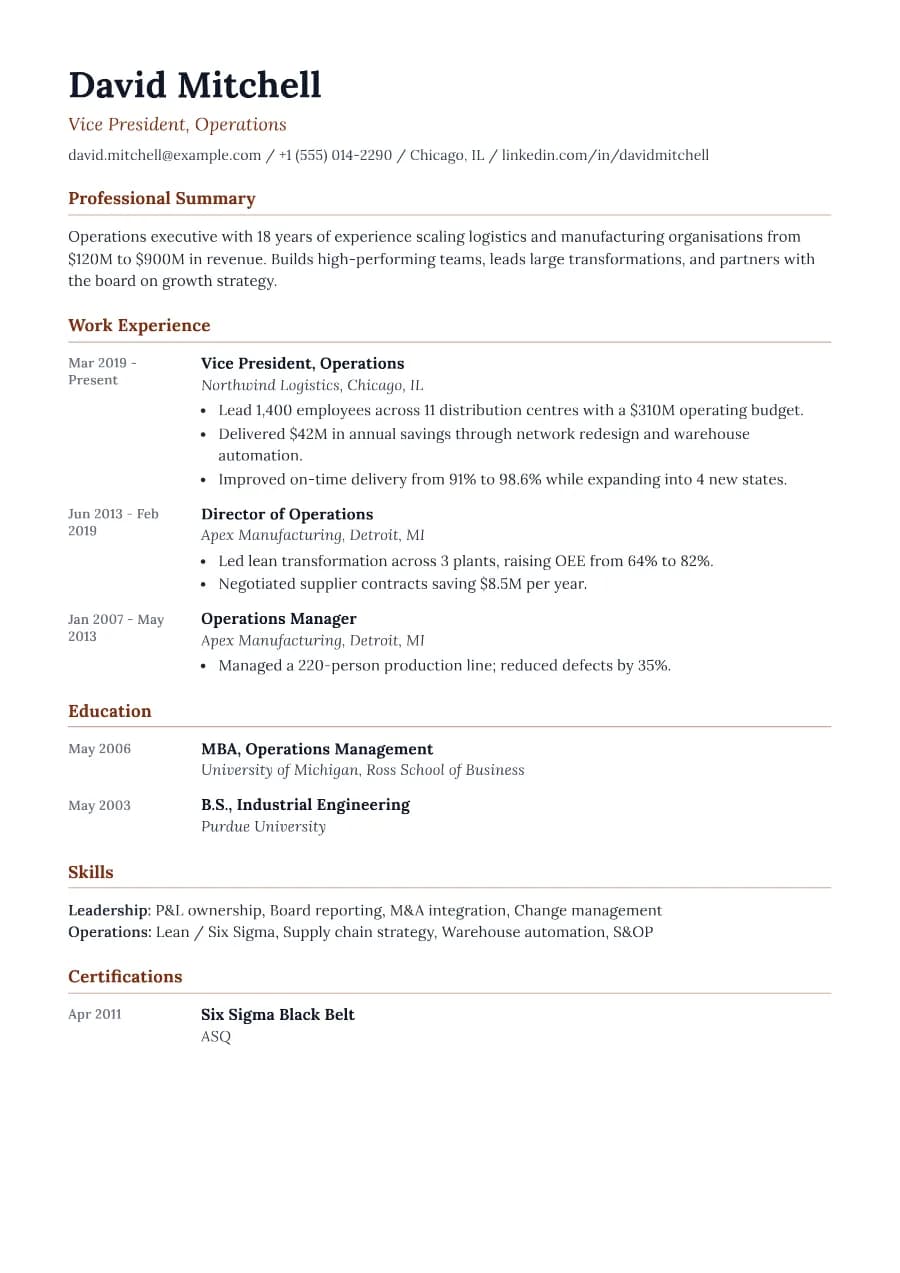
Why Chronicle passes ATS
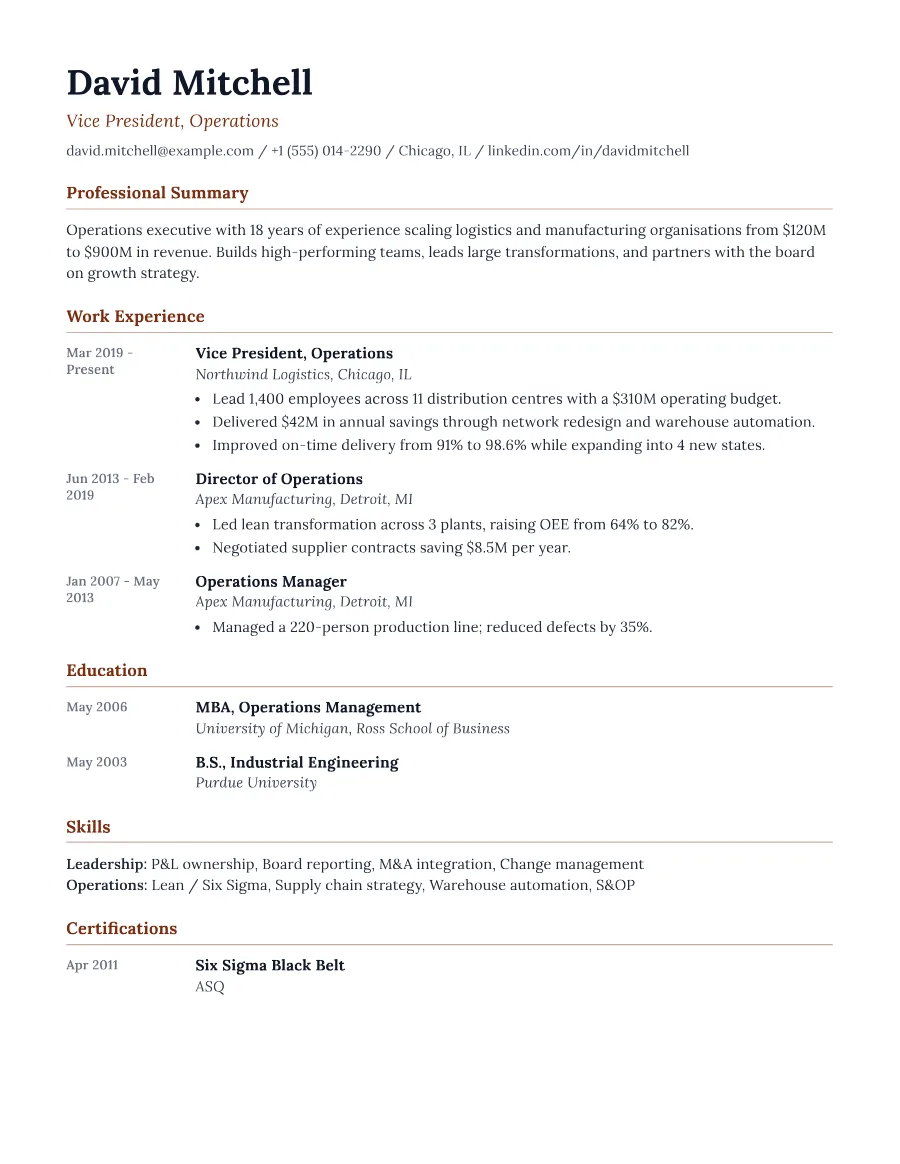
The gutter is built with simple grid layout, and each date sits immediately before the role it belongs to in the document, so ATS software reads them together. Section headings stay standard and everything remains single-flow text.
- Single reading order: what you see is what the ATS reads
- No tables, text boxes or text inside images
- Standard section headings recognised by applicant tracking systems
- Fonts embedded in the PDF, so text is selectable everywhere
- Verified by exporting a real PDF and checking the extracted text
Who the Chronicle template is for
- Professionals with 10+ years of experience
- People with internal promotions to show
- Operations and general management
- Long-tenure specialists
- Consultants with many engagements
Tips for filling in Chronicle
- 1Show promotions at the same employer as separate entries so the timeline tells the story.
- 2Keep older roles brief. One bullet each is enough after ten years.
- 3Avoid unexplained gaps; a one-line entry such as 'Career break (family care)' is fine.
Is Chronicle the right template for you?
Chronicle is the best choice when your timeline is the story: many roles, steady promotions, or a long career at a few employers. If your recent role matters far more than the path that led to it, Executive or Leader will put more weight on achievements and less on dates. If you have short contracts or freelance projects, a standard layout such as Standard or Clarity may look tidier than a gutter full of short date ranges.
Chronicle template FAQ
What is a reverse-chronological resume?
It lists your most recent role first and works backwards. It is the format recruiters and ATS systems expect by default.
Does the date gutter cause ATS problems?
No. Unlike table-based layouts, Chronicle keeps each date next to its role in the text order, which our extraction test confirms.