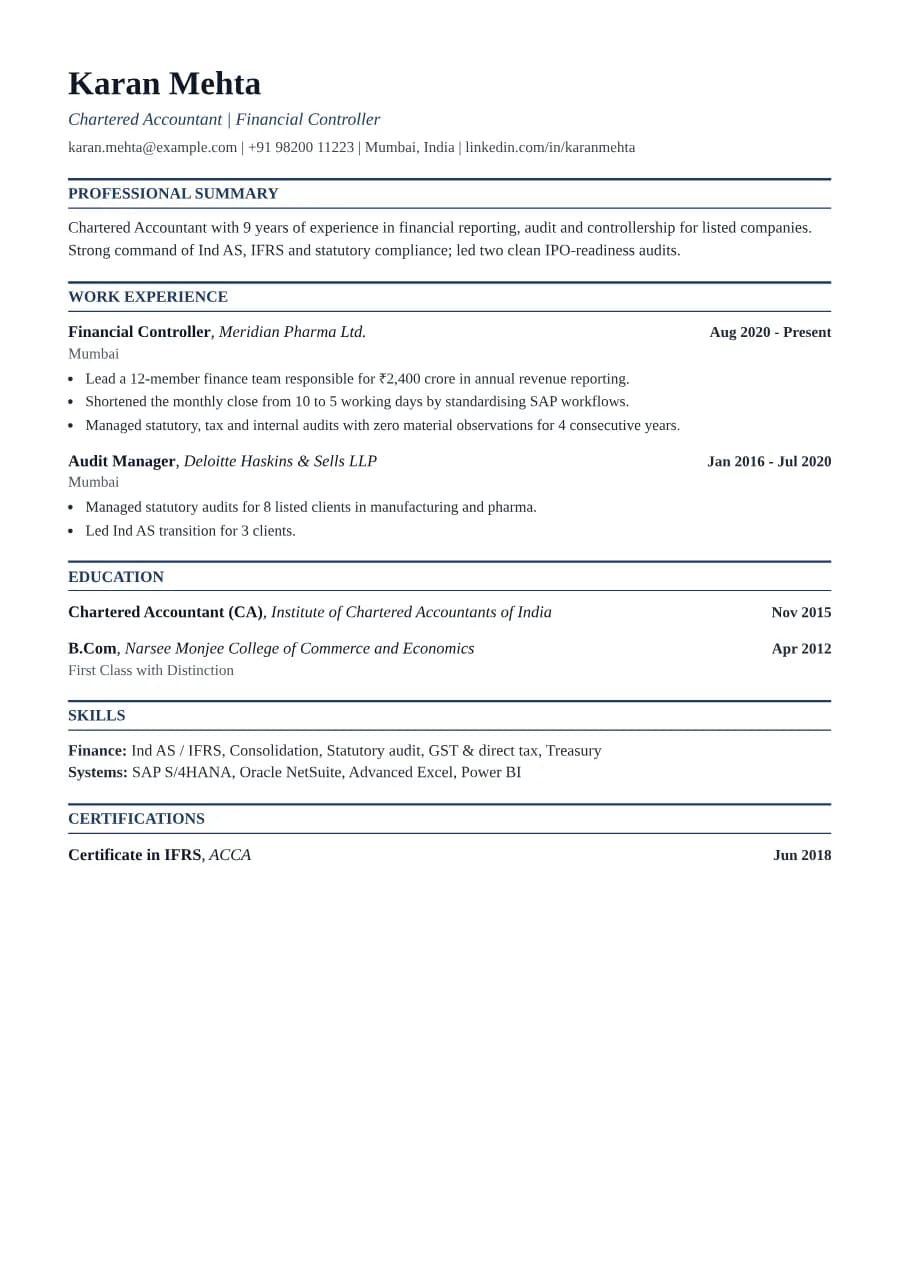
Why Ledger passes ATS
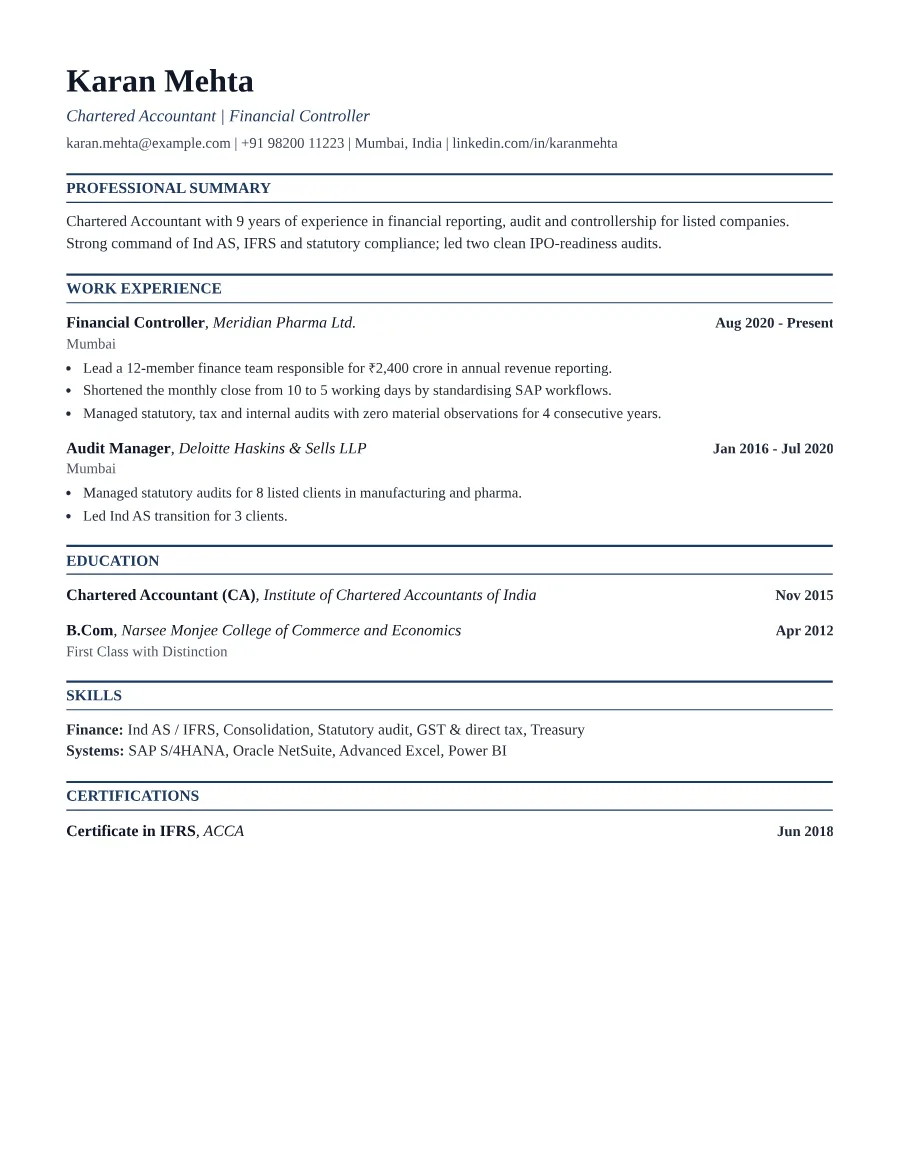
Right-aligned dates are created with ordinary text layout rather than tables, so ATS software reads 'Financial Controller, Meridian Pharma ... Aug 2020 - Present' in the right order. Headings are standard, and certifications get their own section where parsers look for them.
- Single reading order: what you see is what the ATS reads
- No tables, text boxes or text inside images
- Standard section headings recognised by applicant tracking systems
- Fonts embedded in the PDF, so text is selectable everywhere
- Verified by exporting a real PDF and checking the extracted text
Who the Ledger template is for
- Chartered and certified accountants
- Auditors (internal and statutory)
- Financial controllers
- Tax consultants
- Banking operations staff
Tips for filling in Ledger
- 1Quantify scope: revenue reported, entities consolidated, audit clients handled.
- 2List standards you work with (Ind AS, IFRS, US GAAP) in skills, spelled the way job ads spell them.
- 3Put professional qualifications (CA, CPA, ACCA) in the headline as well as education.
Is Ledger the right template for you?
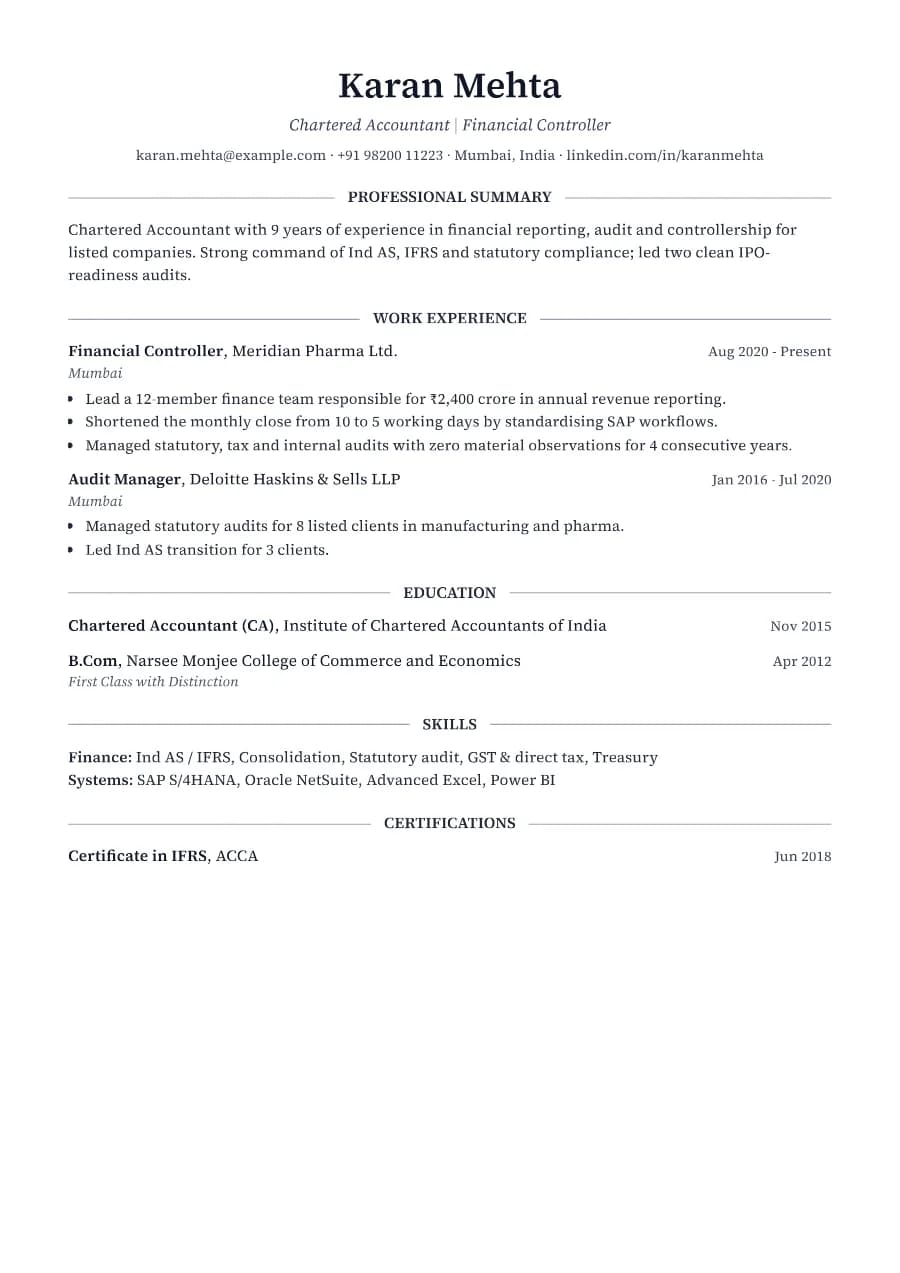
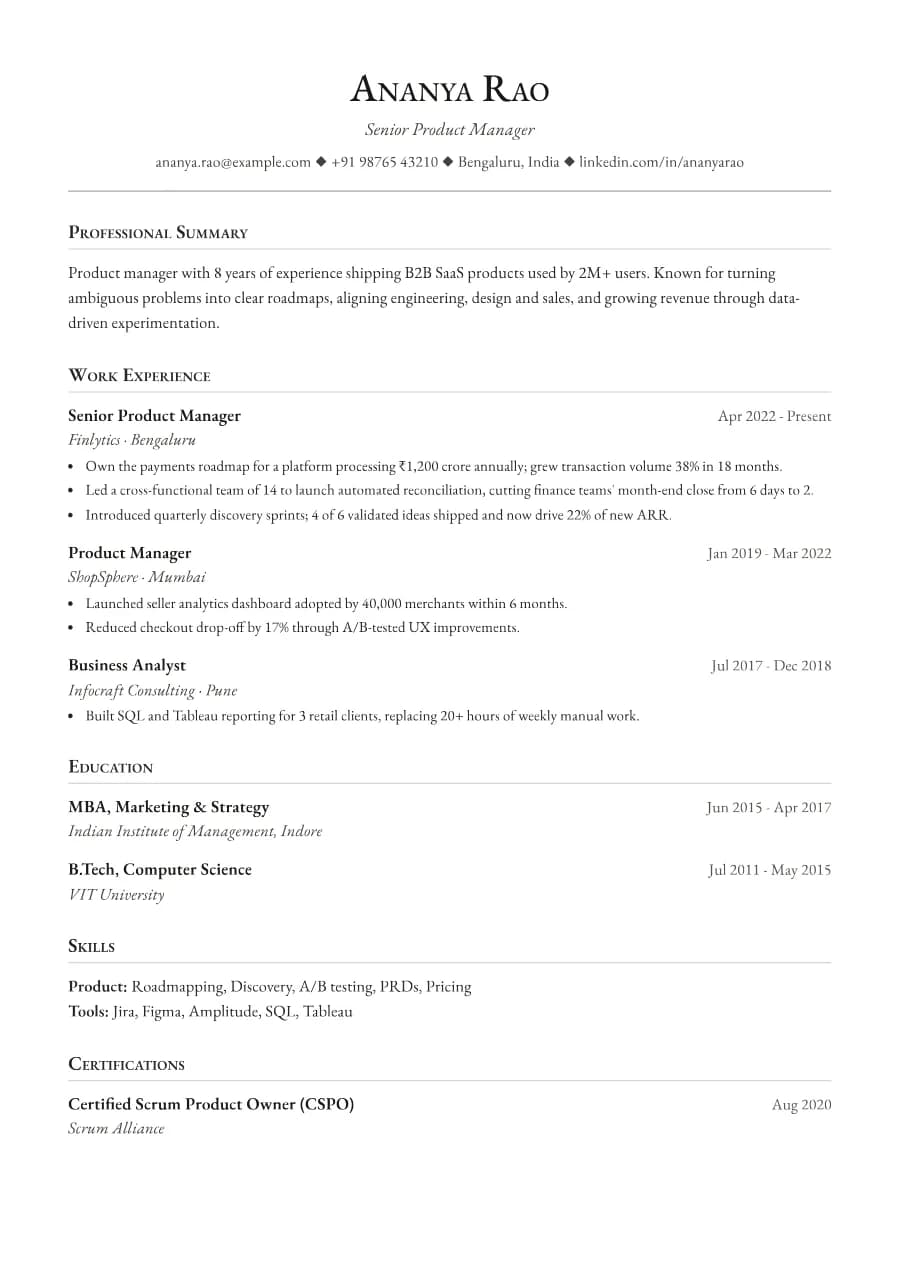
Ledger and Heritage are both serif templates for conservative industries. Ledger is denser and more tabular in feel, with bold right-aligned dates and double rules, which suits audit, accounting and banking operations where precision is the message. Heritage is airier and more literary. If you are moving from accounting into a broader business role such as finance business partnering or strategy, Boardroom or Strategist may present your experience with more emphasis on leadership.
Ledger template FAQ
Where should my CA or CPA qualification go?
In your headline (e.g. 'Chartered Accountant | Financial Controller') and again under Education with the year you qualified.
Can Ledger fit two pages?
Yes. Entries never split across pages, and headings stay with their first entry.