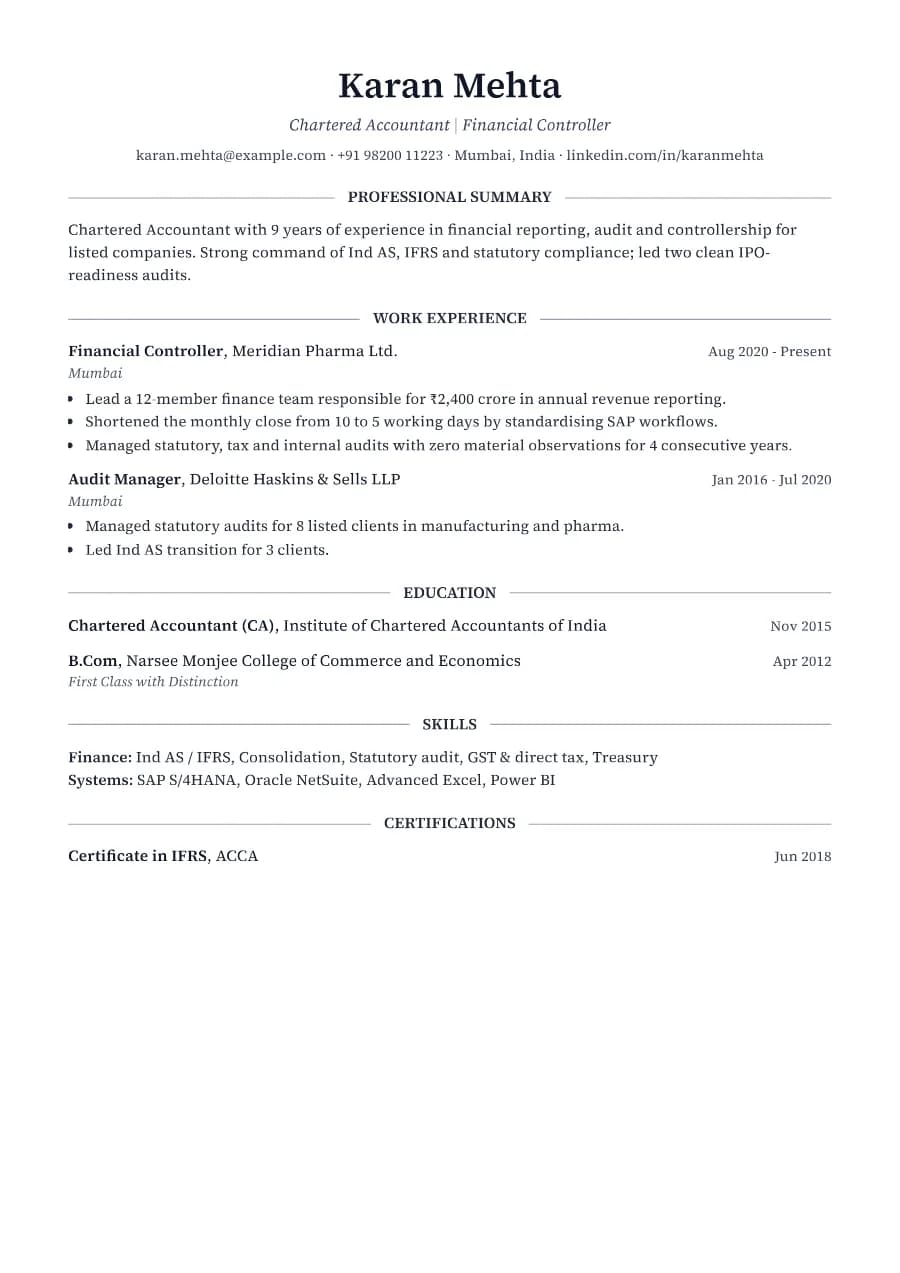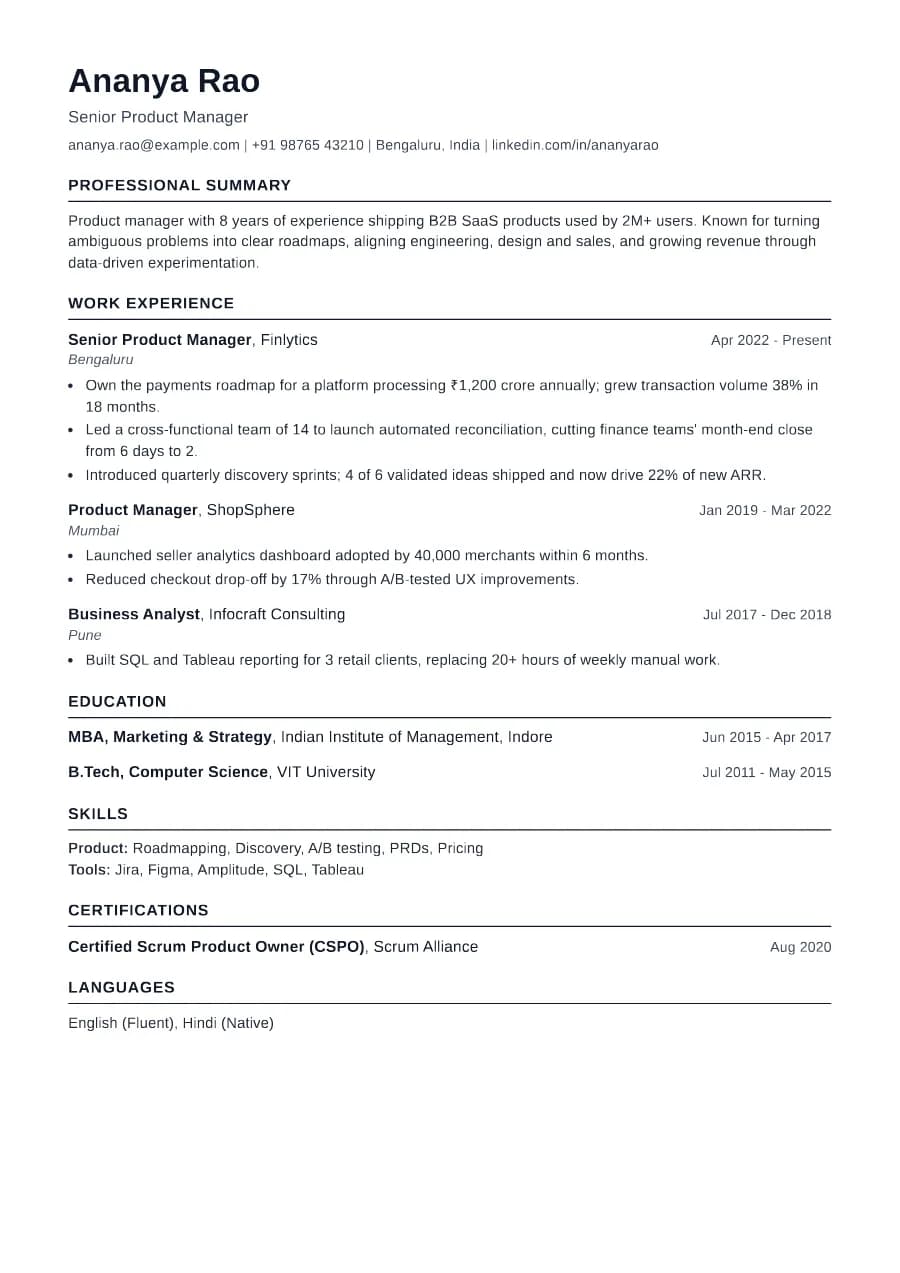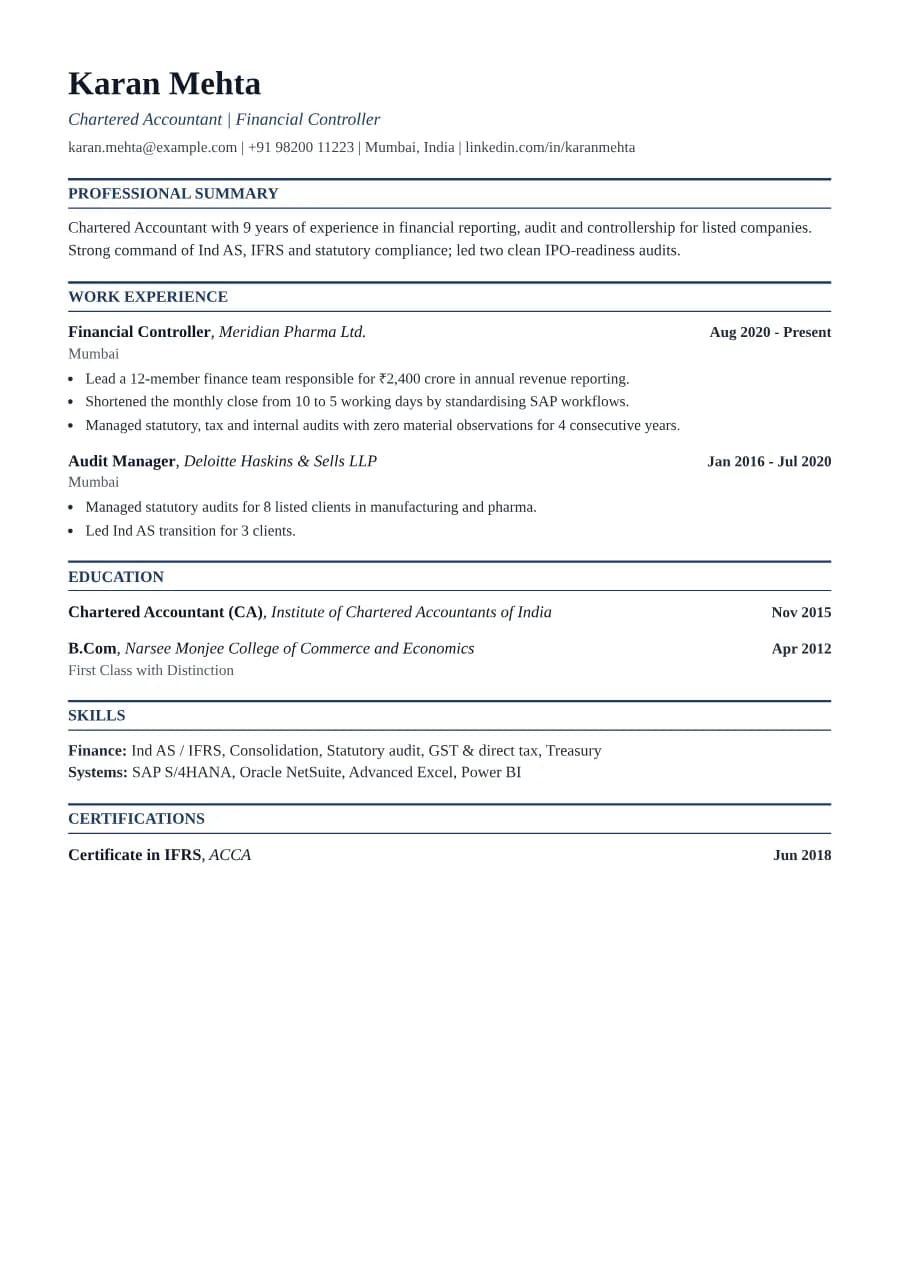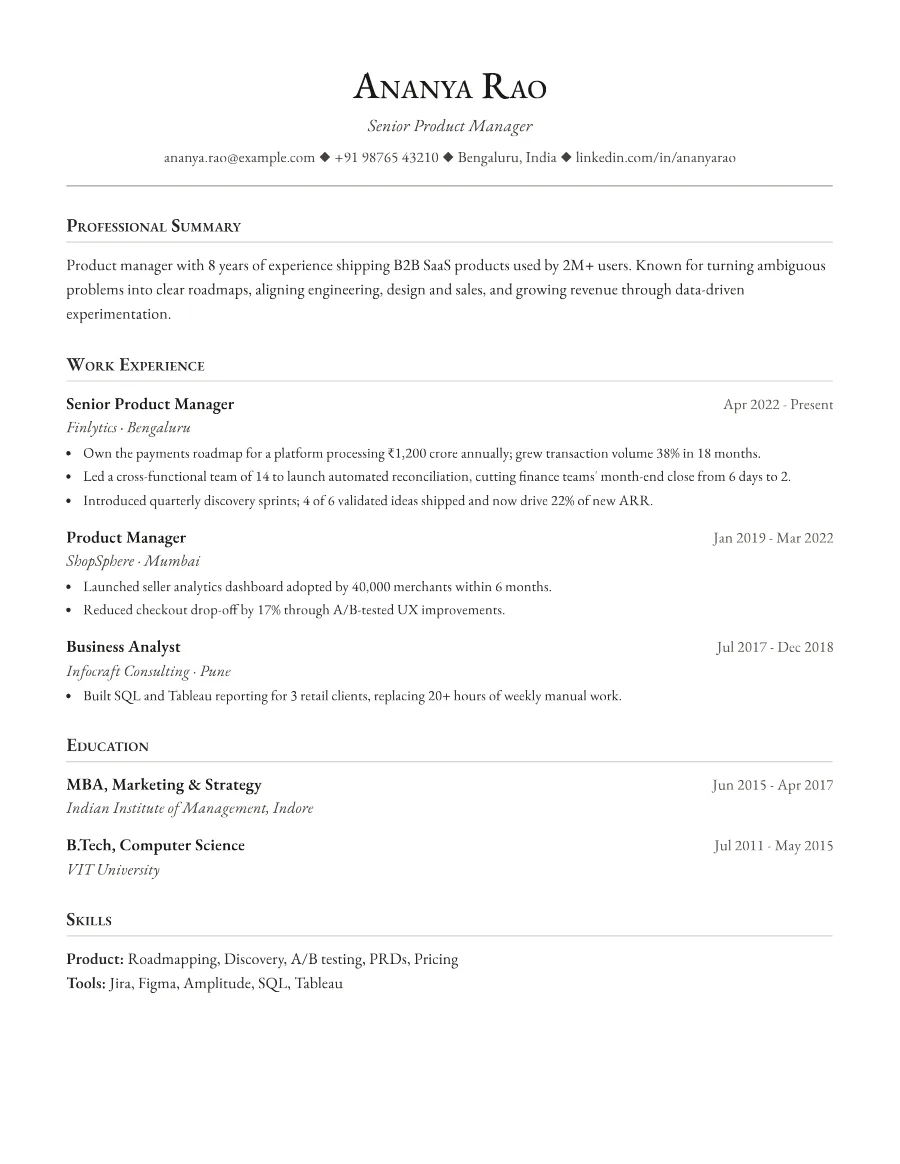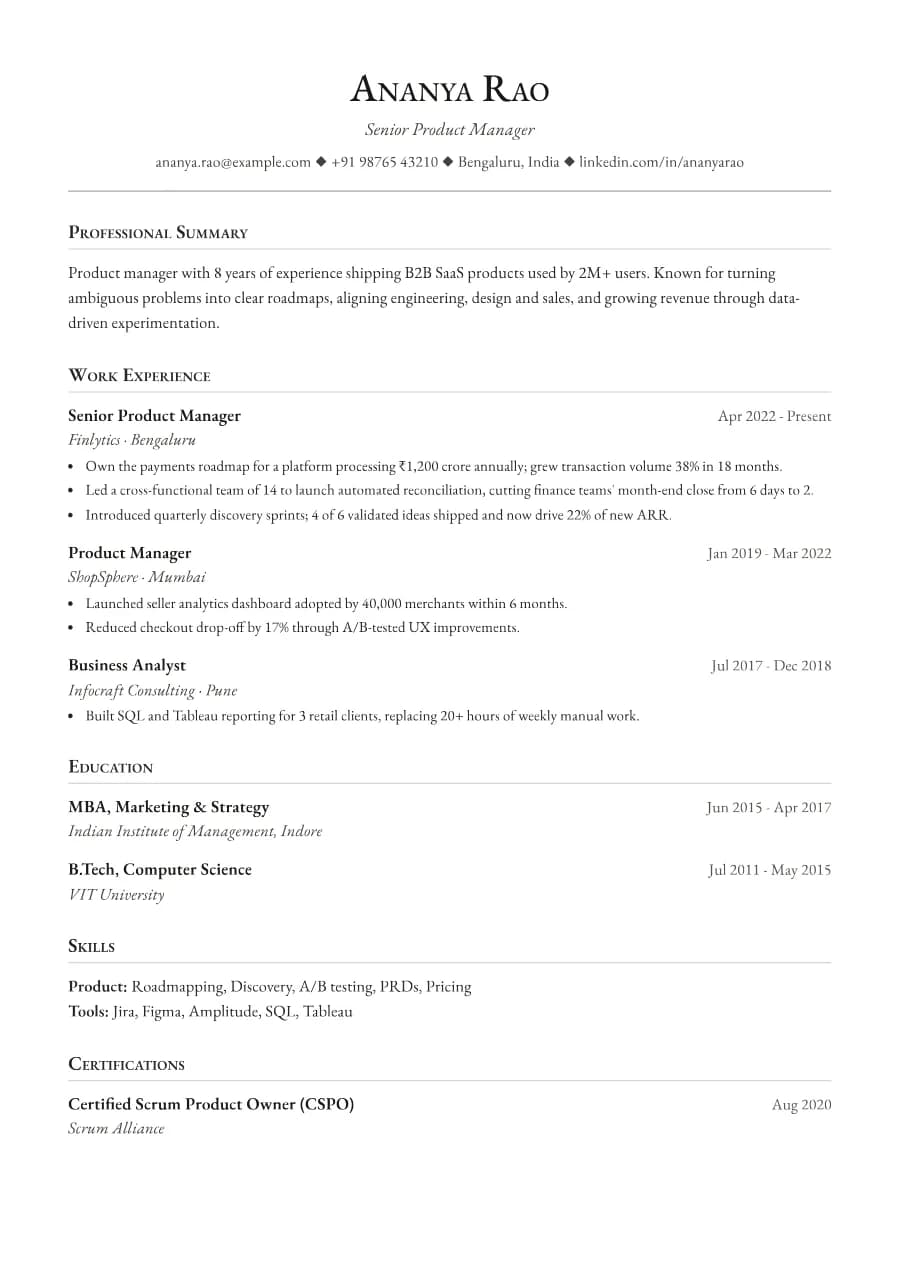
Why Formal passes ATS
Small caps are a typographic style, not images, so the headings remain real words that parsers recognise. The single-column structure and consistent entry layout keep the reading order identical for a person and for ATS software.
- Single reading order: what you see is what the ATS reads
- No tables, text boxes or text inside images
- Standard section headings recognised by applicant tracking systems
- Fonts embedded in the PDF, so text is selectable everywhere
- Verified by exporting a real PDF and checking the extracted text
Who the Formal template is for
- Public sector and PSU applicants
- University and institutional administration
- Diplomatic and policy roles
- Senior secretarial and executive assistant roles
- Applicants who prefer a traditional look
Tips for filling in Formal
- 1Formal reads best with complete sentences in the summary and concise bullets below.
- 2Spell out abbreviations once (e.g. 'Public Sector Undertaking (PSU)').
- 3Because spacing is generous, expect two pages if you have a long career. That is fine here.
Is Formal the right template for you?
Formal is the most traditional template in the collection. Prefer it to Heritage when the reader expects a conventional, carefully set document, such as public sector panels, institutional committees, or senior administrative appointments. Prefer Heritage or Standard if you need to stay on one page. Academic applicants should look at Scholar, which shares Formal's typeface but adds sections for research interests, publications and grants in the order academic committees expect.
Formal template FAQ
Is Formal suitable for government job applications in India?
Yes. Switch the region to India to add optional personal details such as date of birth if the notification asks for them.
Will small caps confuse ATS?
No. The text is stored as normal letters; only the display style changes. Our automated check verifies every heading extracts correctly.